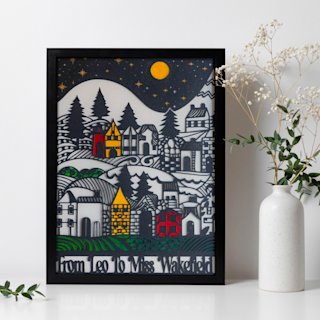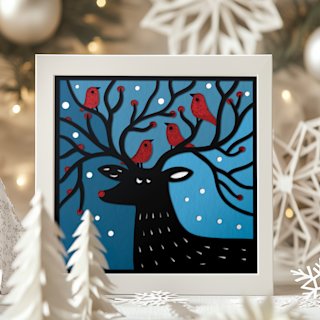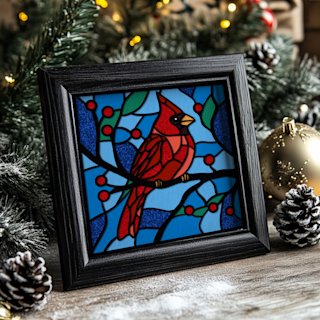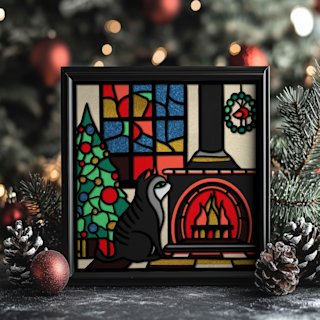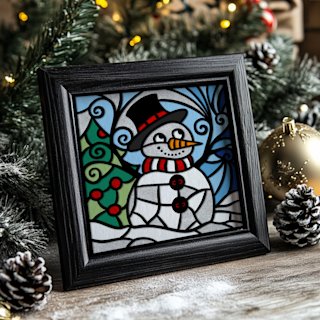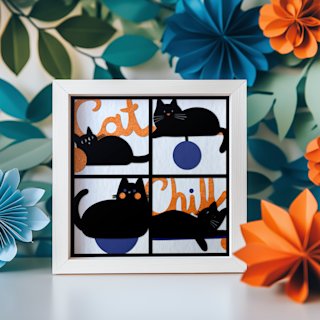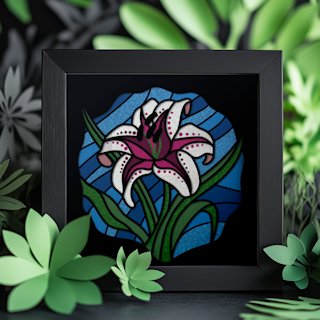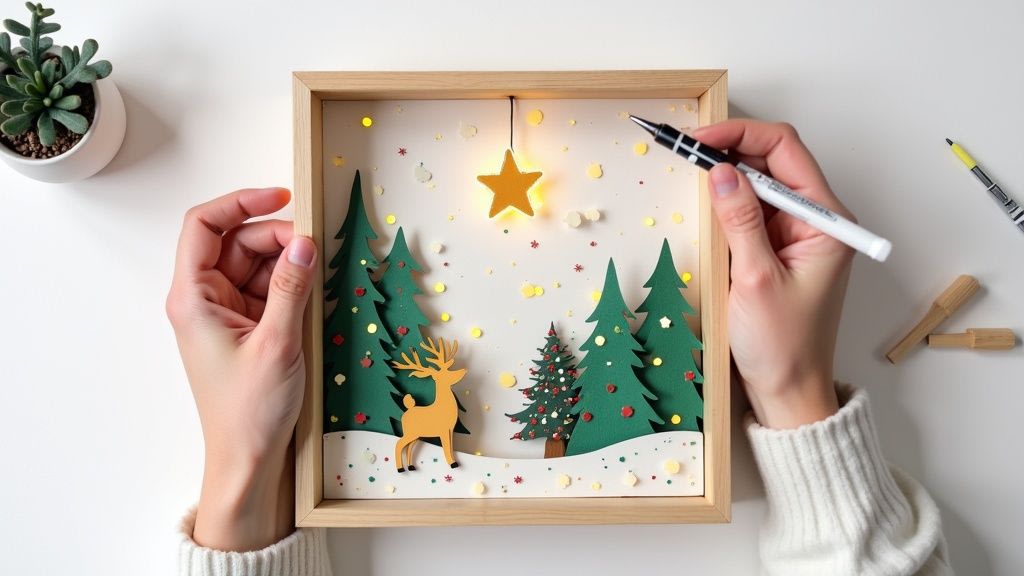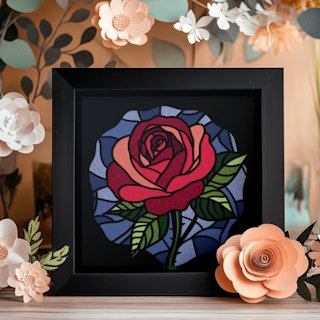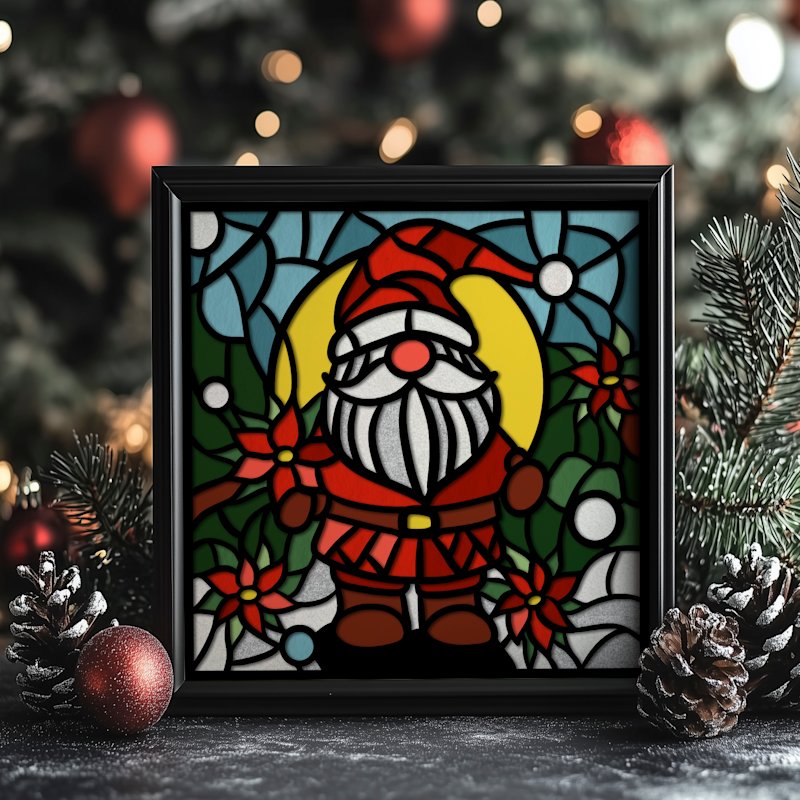
Ready in order to turn those amazing free Christmas SVG files for Cricut you've seen online into breathtaking shadow boxes? This is you're hands-on guide to making that happen. We're going to skip the fluff and get right into practical steps that will take you from a digital SVG file to stunning piece of holiday decor, all created with your Cricut machine.
Your Guide to Crafting Shadow Boxes With Free Christmas SVGs
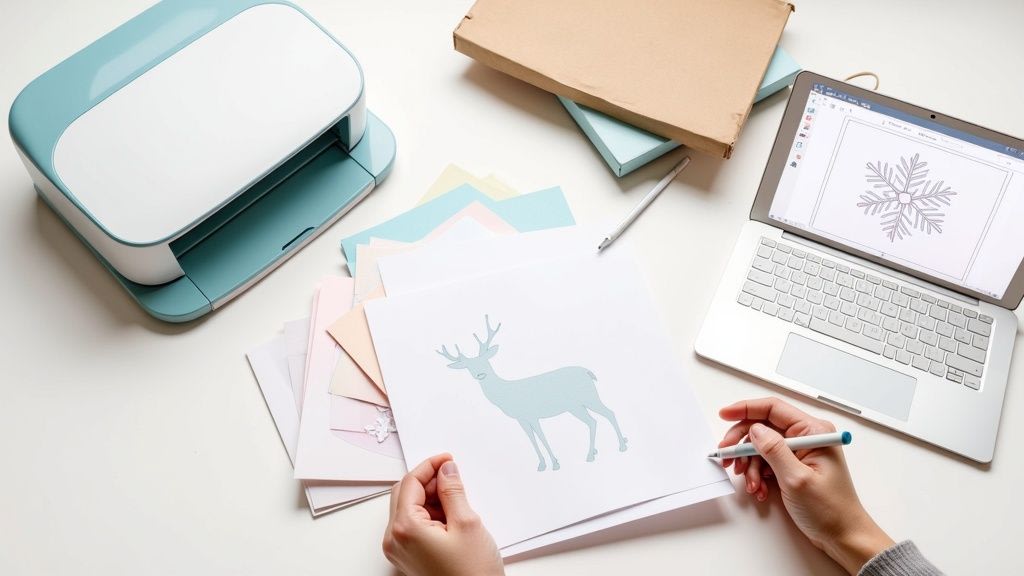
Think of this as your personal roadmap to a less stressful, more creative holiday season focused on paper crafting with your Cricut. We'll cover everything from finding trustworthy SVG files and prepping them in Cricut Design Space to assembling your final shadow box masterpiece. My goal is in order to make sure your Cricut crafting experience is a joyful one, from the first click to final dab of glue.
Why SVG Files Are Essential for Cricut Shadow Boxes
When you're creating layered paper art like shadow box, SVG (Scalable Vector Graphic) files are your best friend. They are, without a doubt, the gold standard for Cricut crafters working with paper. Unlike JPG or PNG that gets pixelated and blurry when you resize it, an SVG keeps its lines perfectly crisp and clean. This is absolutely critical for tiny, intricate details in Christmas shadow box designs—think delicate snowflakes or the fine lines in a complex nativity scene that your Cricut will cut from cardstock for you.
Market for free Christmas SVG files has exploded as Cricut machines have become more popular. Millions of Cricut users now make their own custom decorations, and demand for these files always peaks between October and December.
SVGs offer a huge advantage for layered shadow box projects. Let's break down exactly why they are so perfect for this type of papercraft for the crafters.
| SVG Feature | Benefit for Cricut Crafters |
|---|---|
| Scalability | Enlarge a tiny snowflake or shrink a huge deer for your shadow box frame without any loss of quality. Your Cricut cuts will always be sharp. |
| Layered Structure | SVG files are built in layers, making it easy to separate colors and elements in Cricut Design Space for precise cutting on different sheets of cardstock. |
| Editability | You can easily ungroup, resize, or delete individual parts of the design to customize your shadow box project. |
| Clean Cut Lines | High-quality SVGs have smooth vector paths, which means fewer snags and tears for your Cricut blade, especially with detailed paper cuts. |
In short, using an SVG gives you control and precision needed for a professional-looking finished shadow box.
The key to a stunning shadow box lies in its layers. SVG files are designed to be easily separated into individual layers within Cricut Design Space, giving you complete control over each piece of cardstock your Cricut cuts.