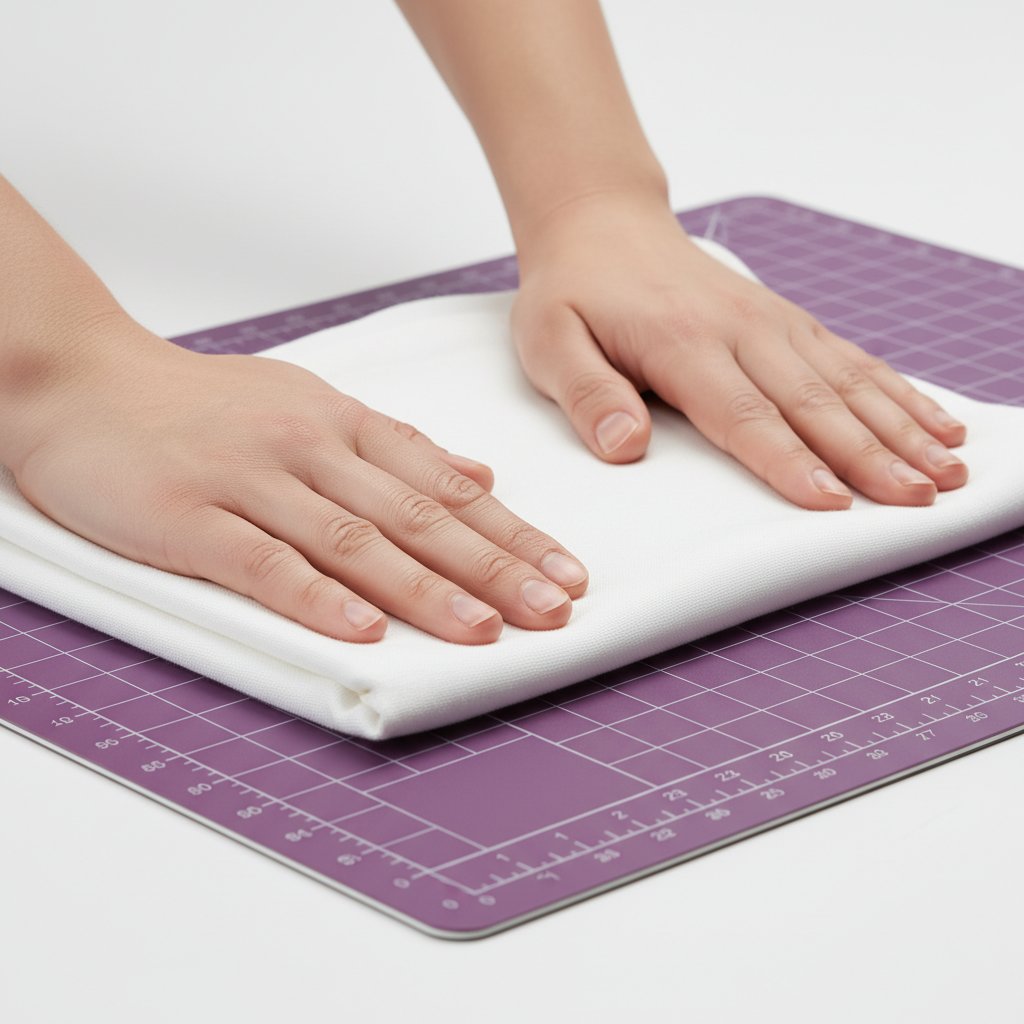
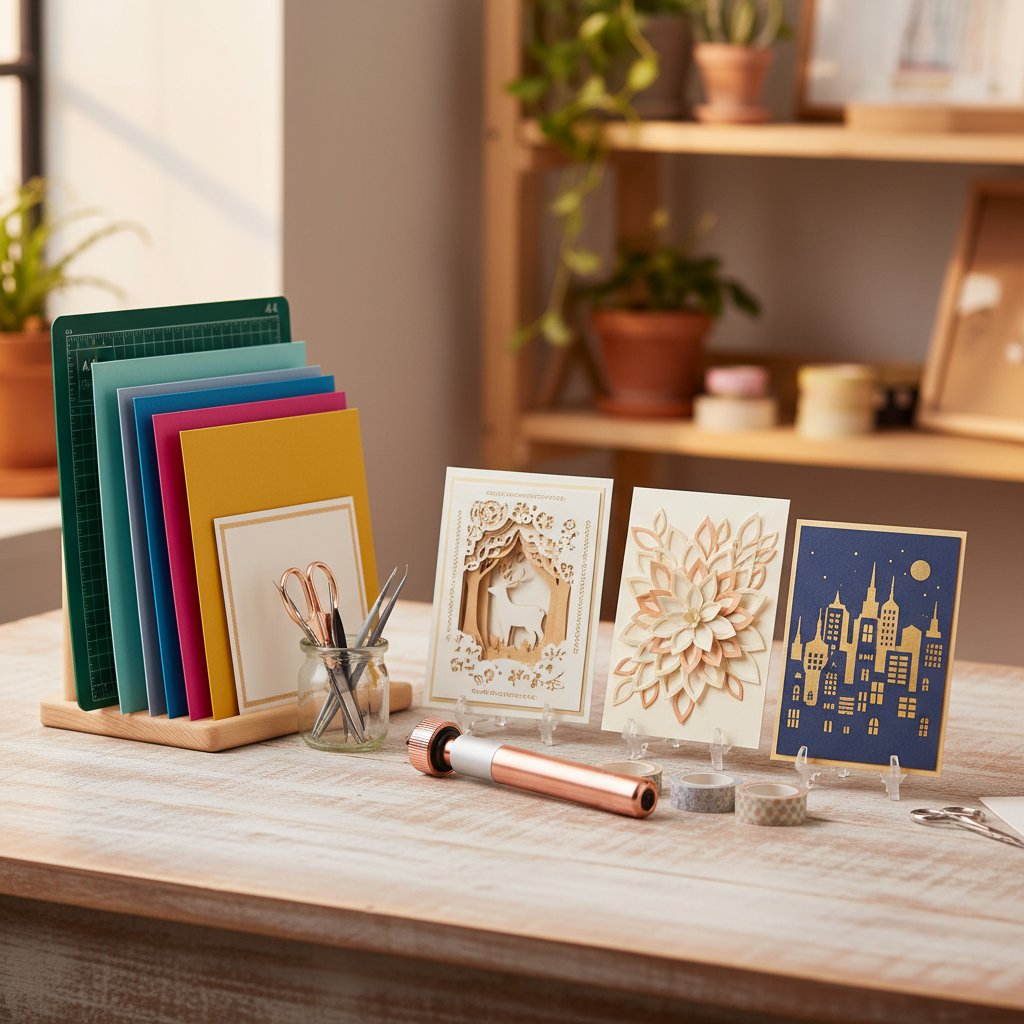
Advanced Techniques for Shadow Box Projects
Shadow box projects present unique challenges because they require precise alignment across multiple cardstock layers. Here's how to master mat usage for these intricate projects.
Multi-Layer Alignment Strategy
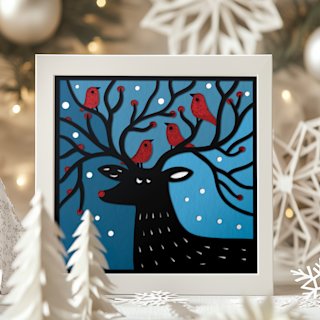
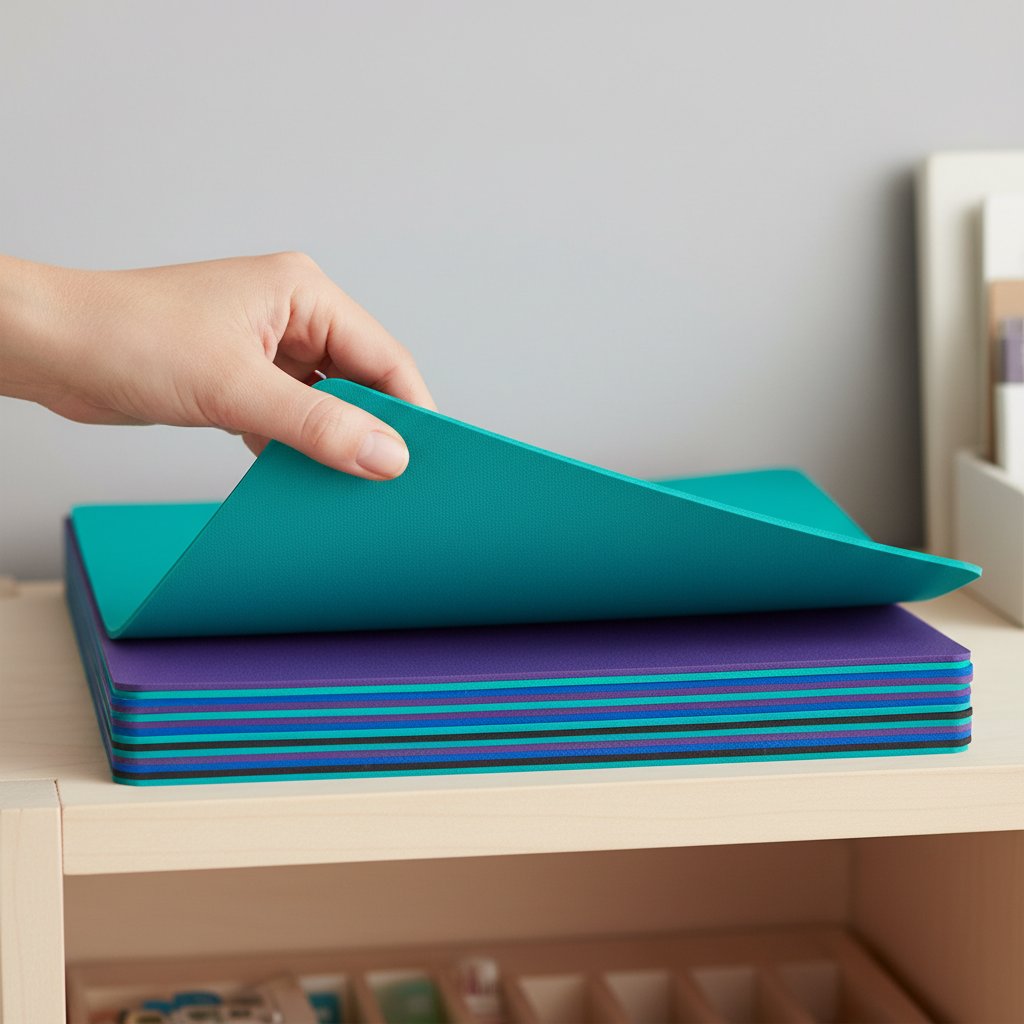
Challenge: Shadow boxes typically include 5-15 individual cardstock layers that must align perfectly when assembled. Even minor cutting shifts ruin the dimensional effect.
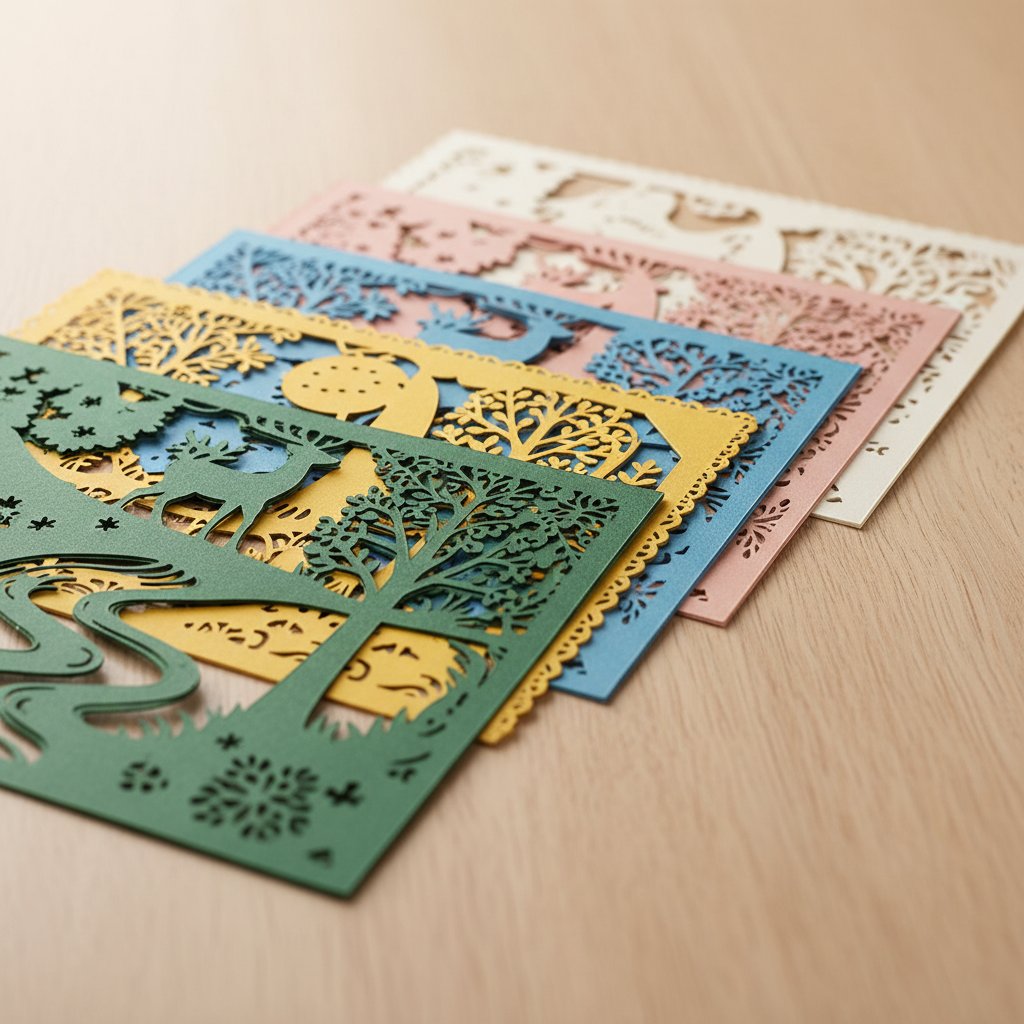
Solution: Registration Mark Method
Add registration marks in Design Space: Include small alignment marks (tiny circles or crosses) in at least two corners of your design
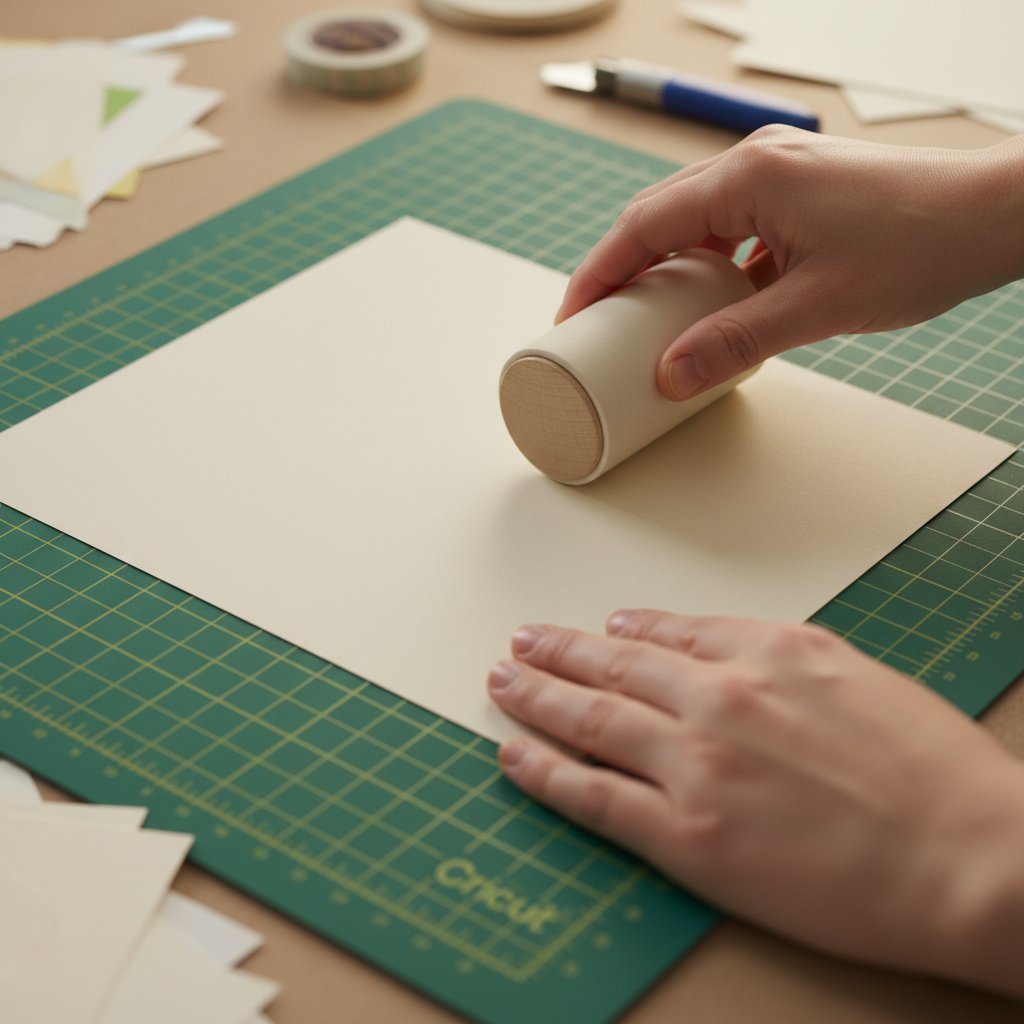
Use the same mat position: Mark your mat with a small piece of washi tape showing where you placed the first layer's cardstock
Maintain consistent placement: Place each subsequent layer in exactly the same position on the mat using your washi tape guide
Cut all layers on the same mat: Don't switch between mats mid-project—adhesive variations between mats can cause micro-shifts
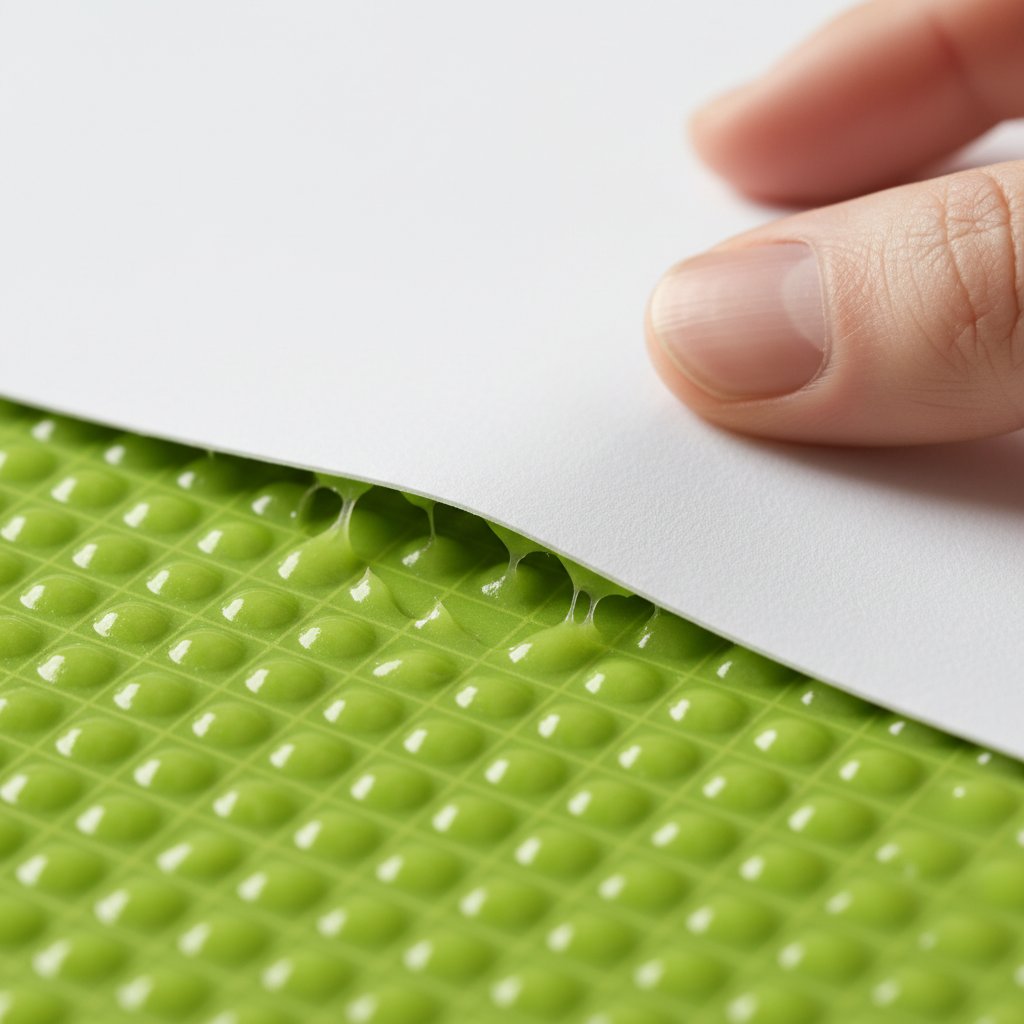
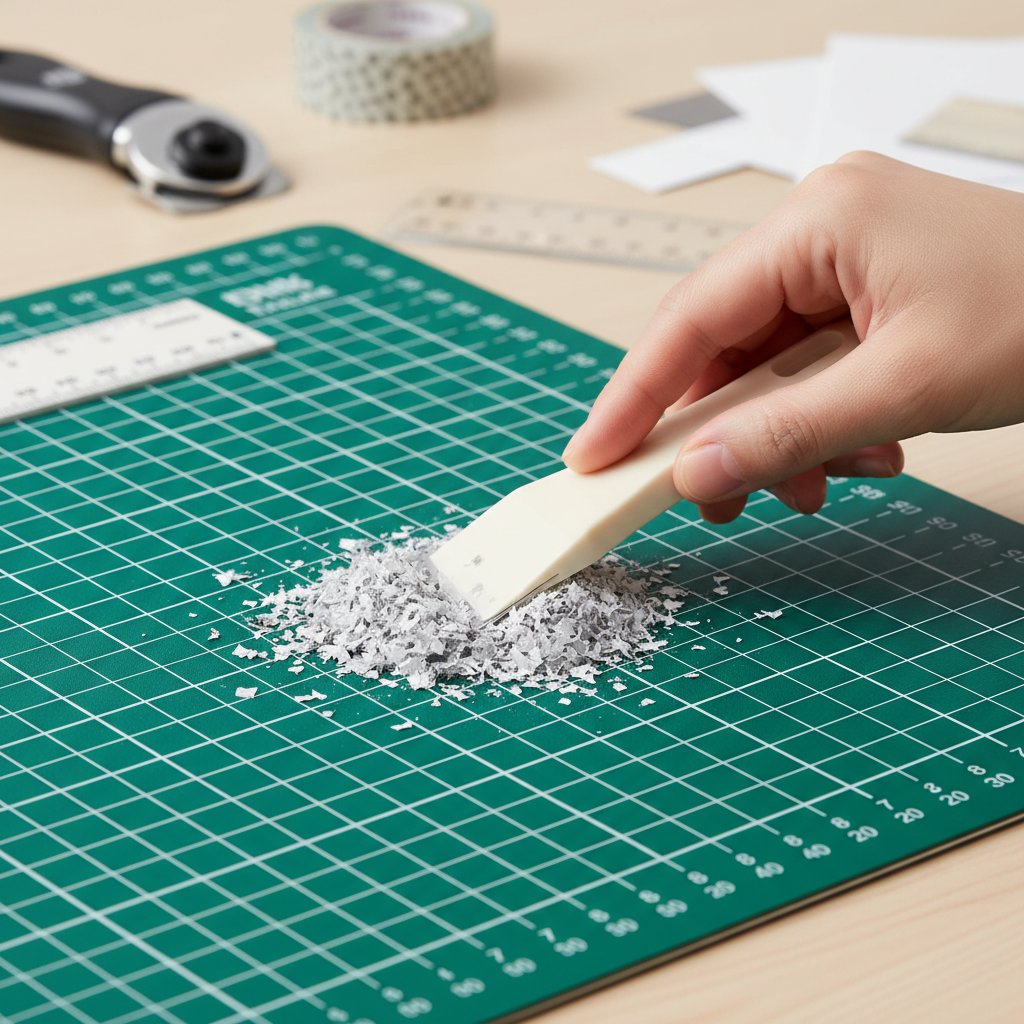
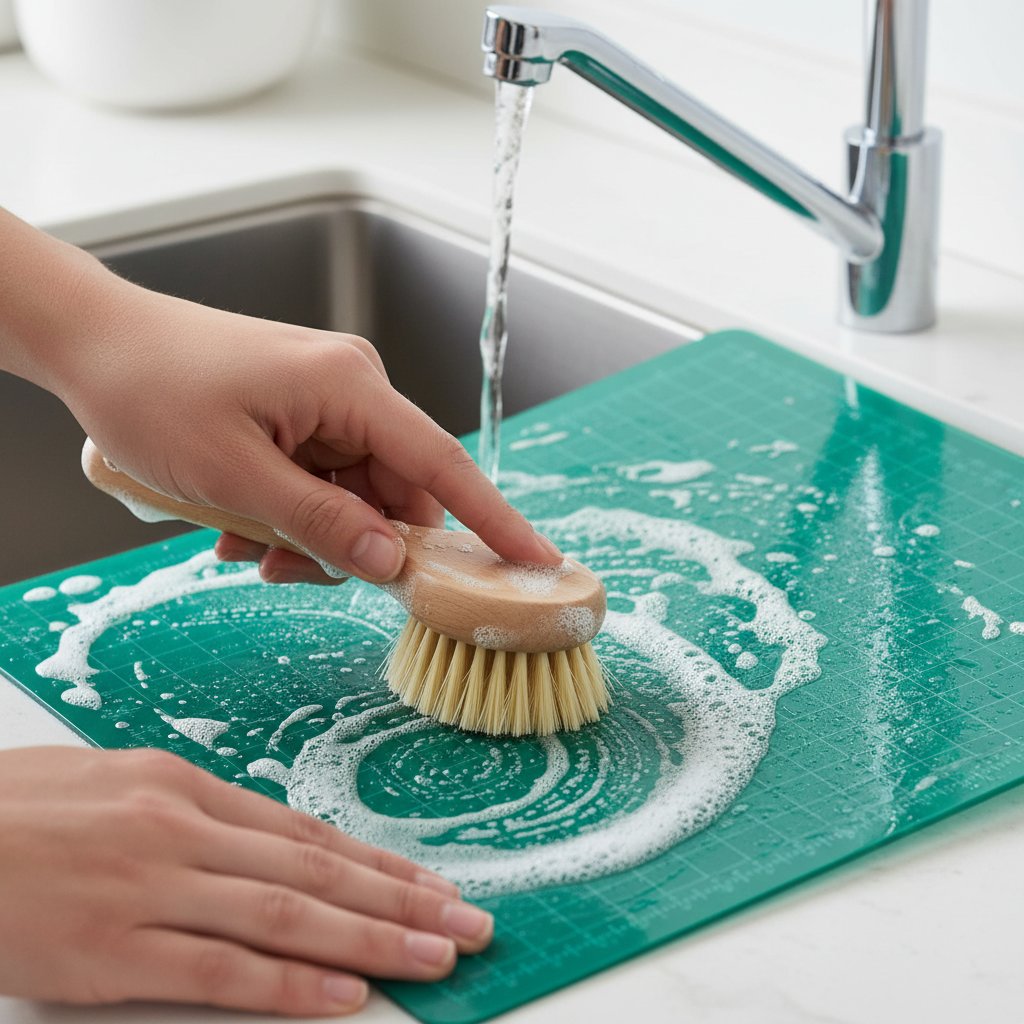
Clean between layers: Remove debris between cutting each layer to prevent buildup that causes uneven surface
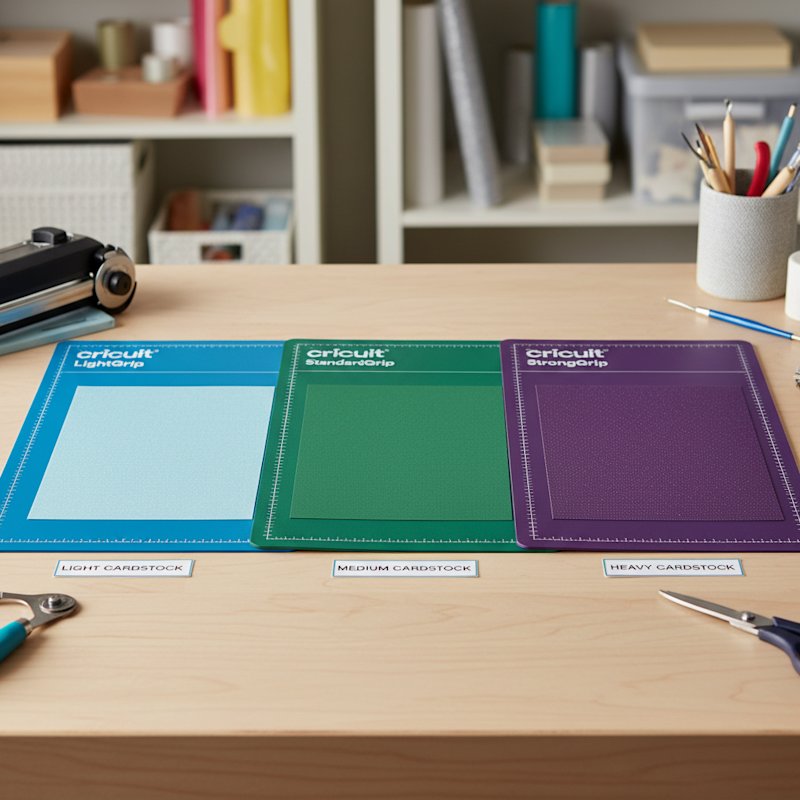
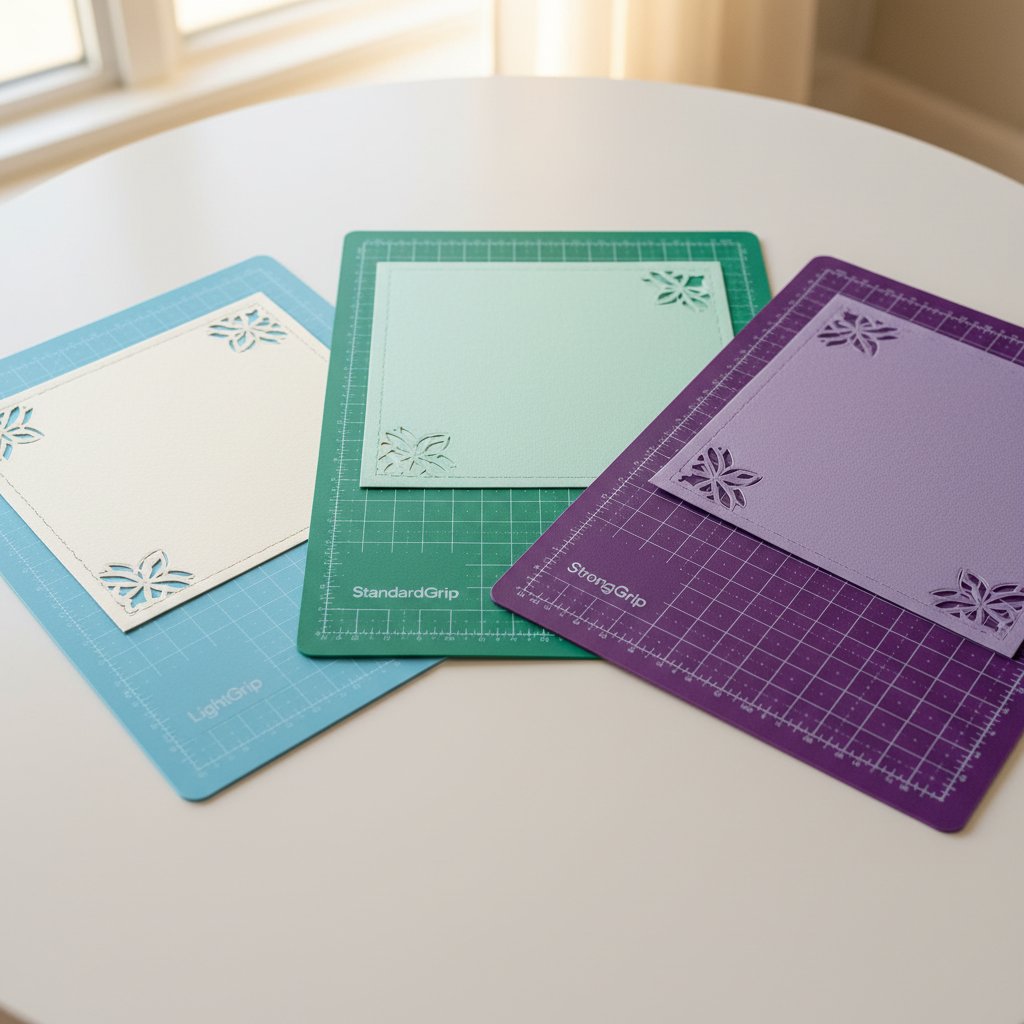
Pro Tip: For critical shadow box projects, dedicate one StandardGrip mat exclusively to that project. Don't use it for other cuts until the project is complete.
Intricate Detail Preservation
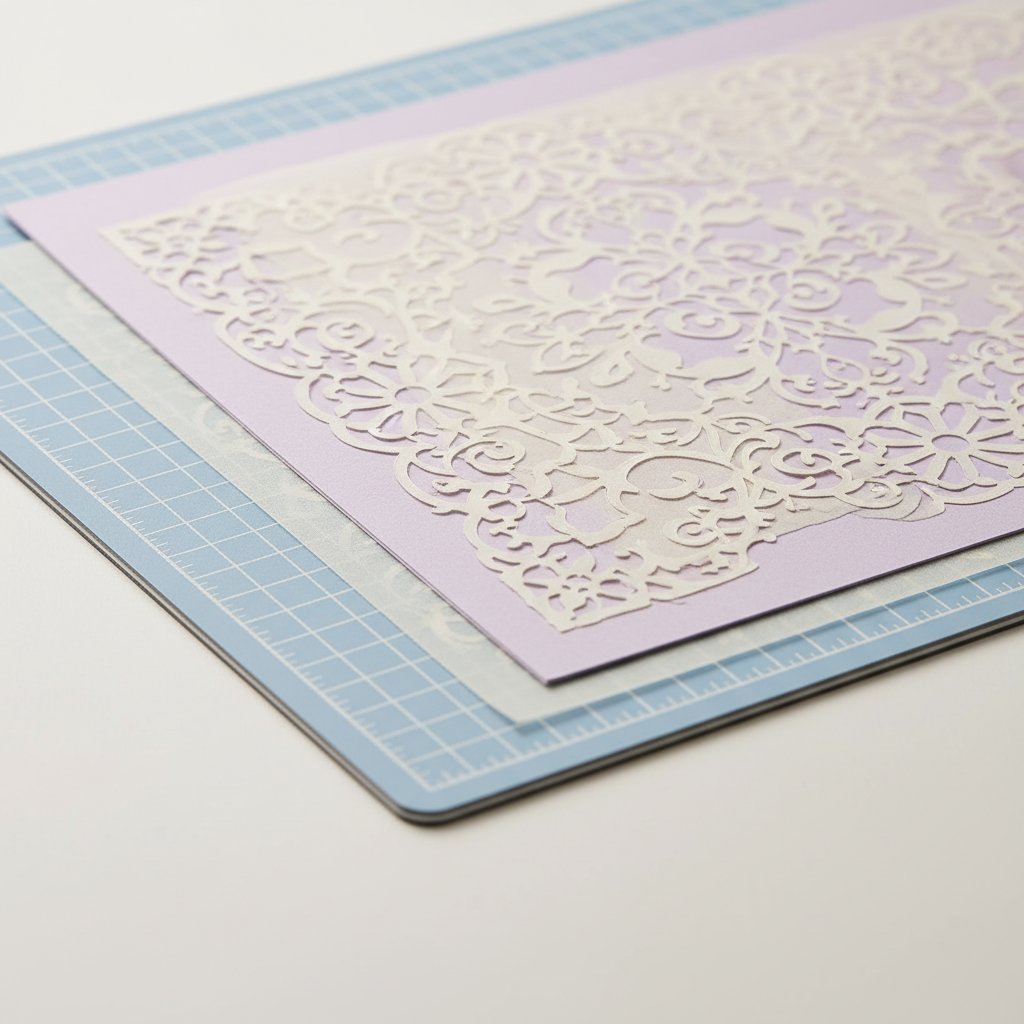
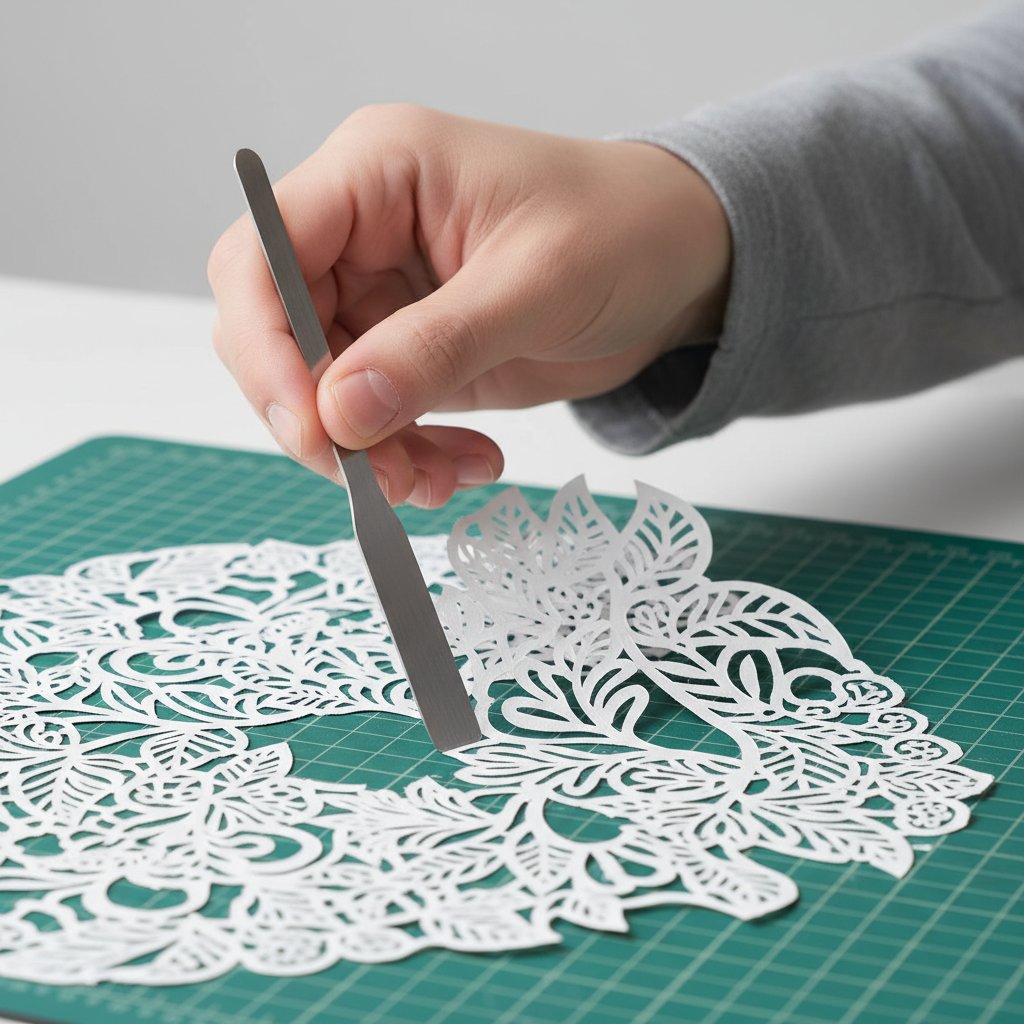
Challenge: Shadow box layers often include delicate filigree, lace patterns, or fine connecting points that are difficult to remove from mats without tearing.
Solutions:
Use the gentlest mat that still prevents shifting: For 80 lb cardstock shadow box layers, try LightGrip first. Only move to StandardGrip if you experience shifting.
Spatula removal technique:
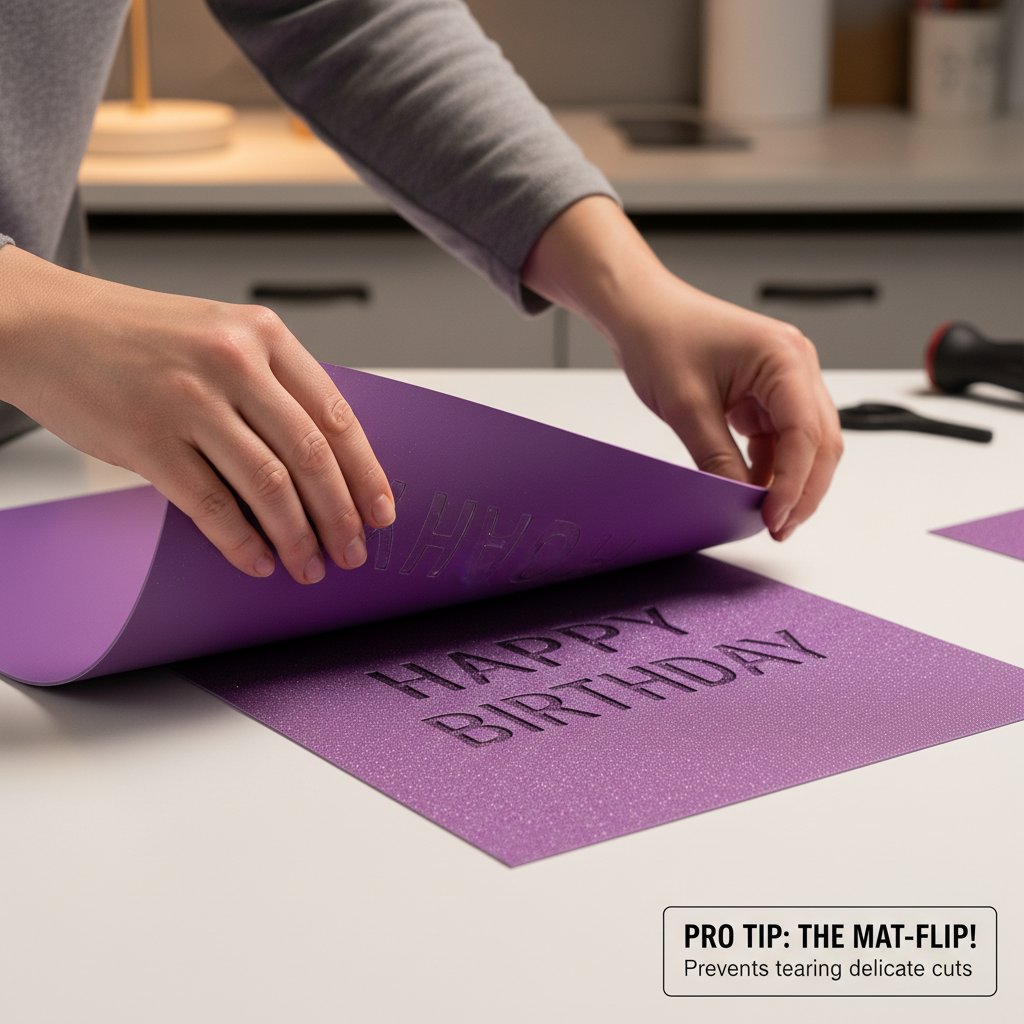
- After cutting completes, use a Cricut spatula or weeding tool to gently lift one corner
- Slowly work the spatula under delicate sections, supporting them as you lift
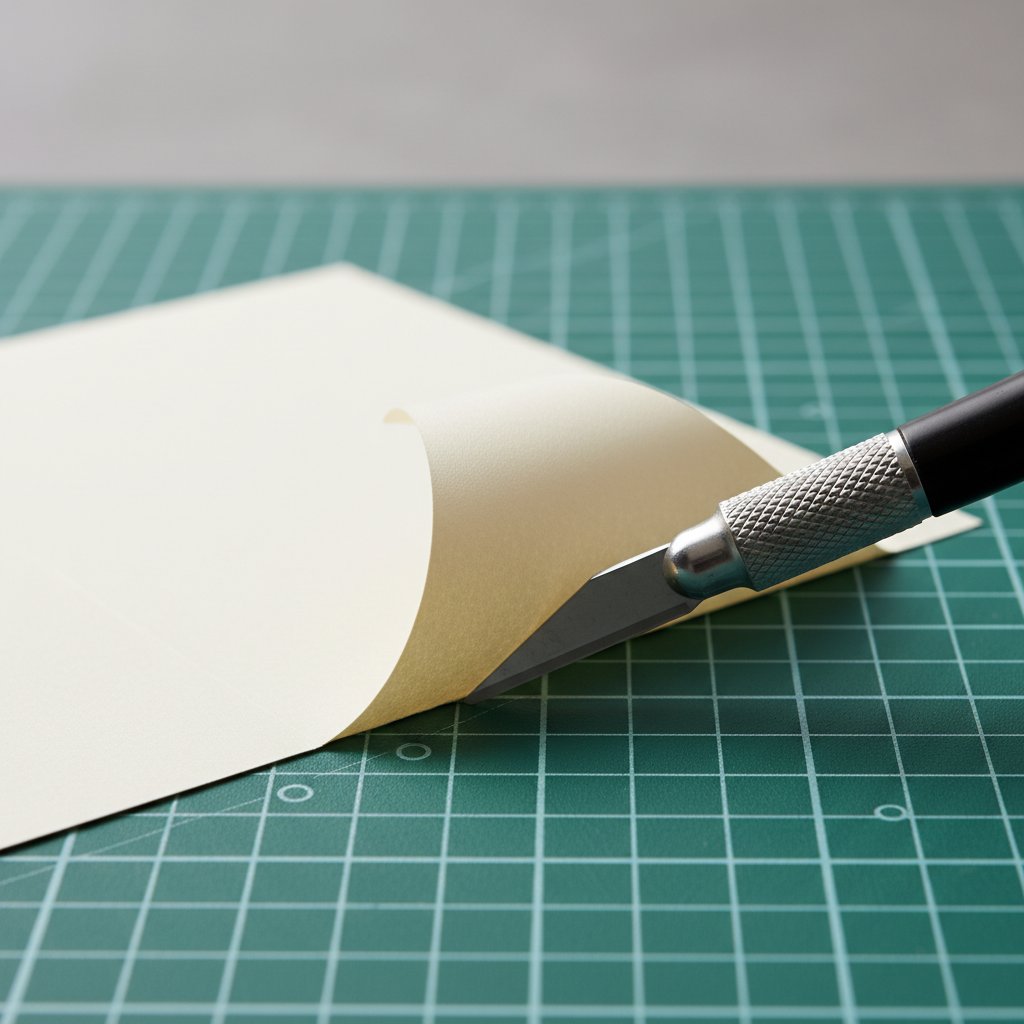
- Peel mat away from cardstock (flip method) once sections are loosened
Reduce cut pressure by 1-2 levels: Slightly shallower cuts (that still go through cardstock) release more easily from mats. Test this on scrap first.
Freeze method for stubborn cuts: If a particularly delicate layer won't release safely, place the entire mat in the freezer for 10 minutes. Cold temporarily reduces adhesive tackiness, making removal gentler.
Batch Cutting Multiple Layers
Challenge: Shadow box projects require cutting multiple identical or similar layers. How do you maximize efficiency while maintaining quality?
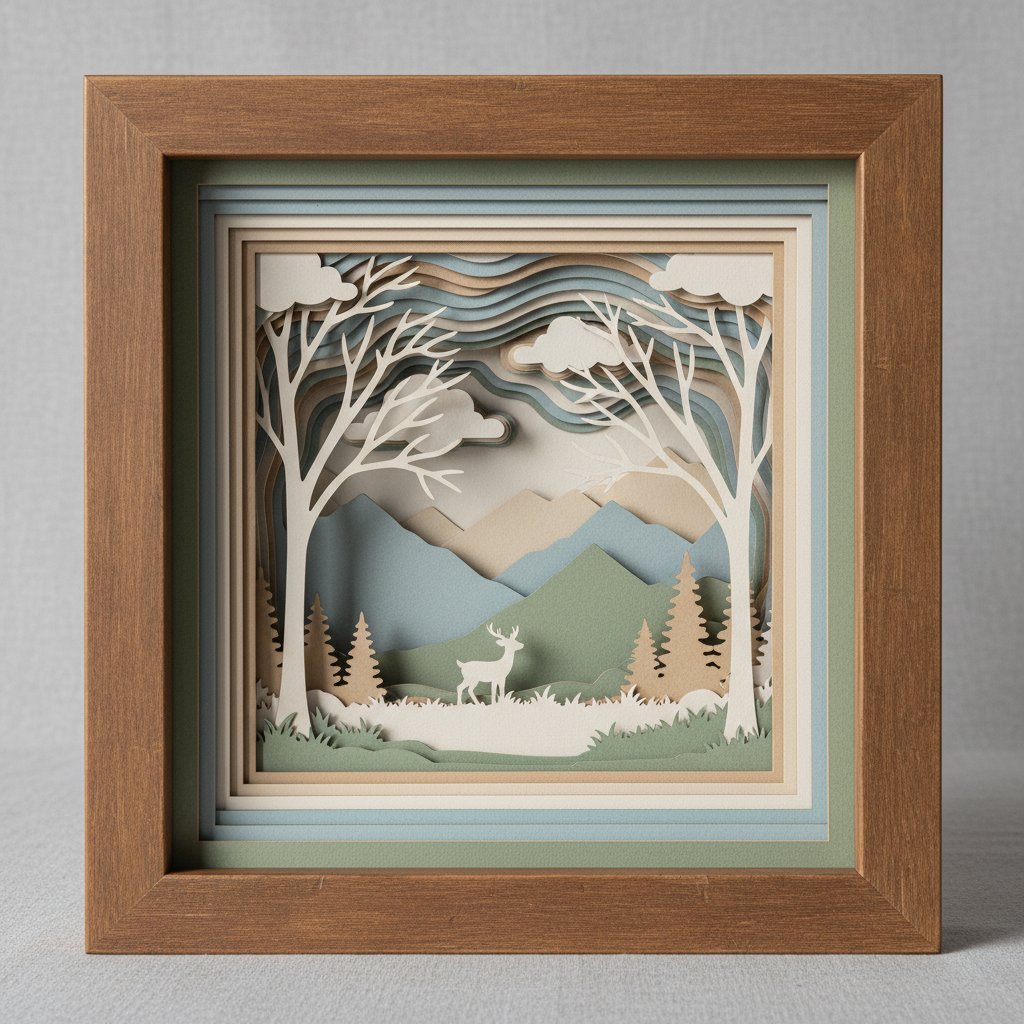
Strategy:
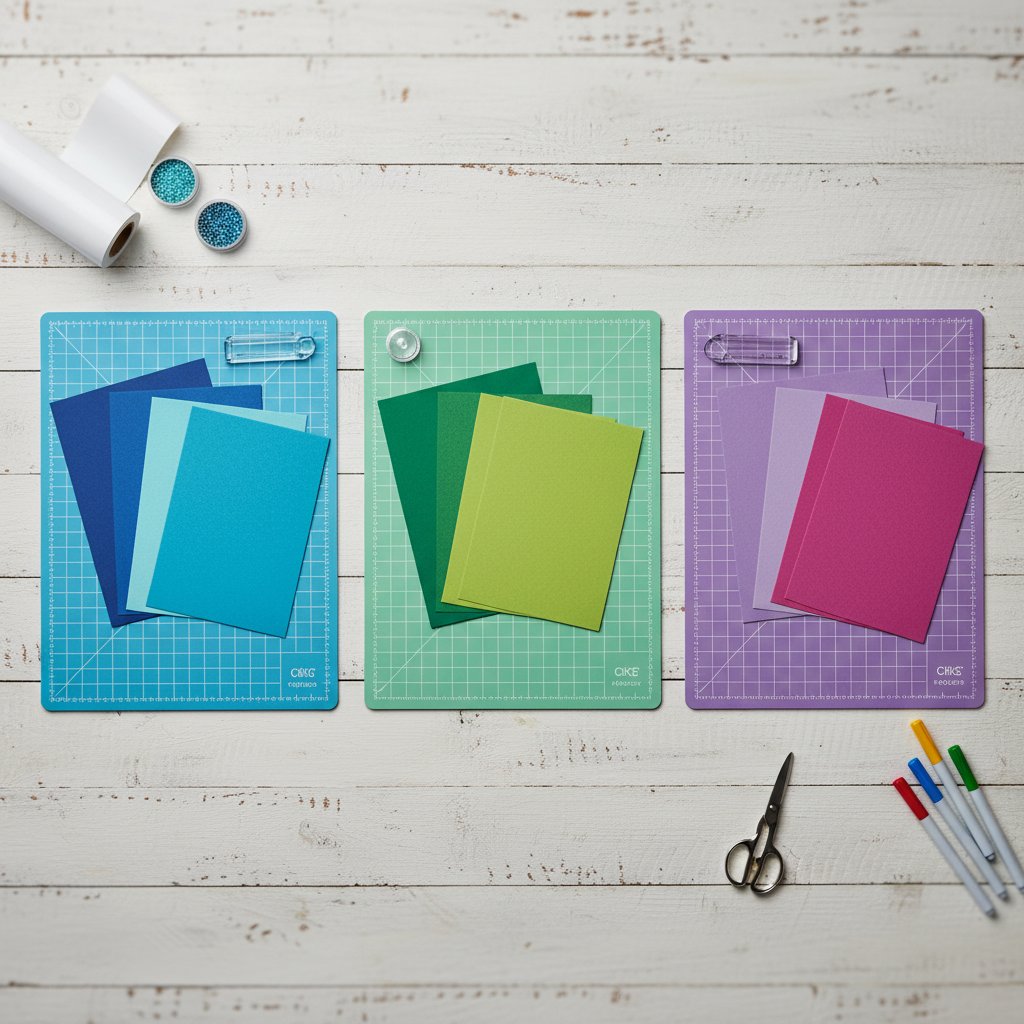
Use 12x24 mats for batch cutting: Cut 2-3 layers simultaneously on a single 12x24 mat rather than making separate cuts
Organize by weight: Group all layers of the same cardstock weight and cut them together on the same mat type. Don't mix weights that require different grip levels.
Sequential cutting order: Cut in this order:
- Heaviest cardstock first (when mat is stickiest)
- Medium cardstock next
- Lightweight cardstock last
- Clean mat between batches
Mark completed layers: As you remove each layer, immediately label the back with its position number (Layer 1, Layer 2, etc.) to prevent assembly confusion.
Registration Mark Backup System
Challenge: What if registration marks get cut off or you forget to add them?
Solution: Physical Mat Marking System
- Create a template: Use a piece of scrap cardstock the same size as your project cardstock
- Mark corners on mat: Place template on mat and mark the four corners with permanent marker directly on the mat (in the margin area, not the adhesive)
- Use marks for all cuts: Position each cardstock sheet to align with your marked corners
- Label the mat: Write "Shadow Box Template - 12x12" on the mat edge so you remember its purpose
This physical template system ensures perfect alignment even if digital registration marks fail.