Perfect Machine Settings: Cricut and Silhouette Recommendations
Getting the exact right settings for metallic and pearl cardstock eliminates 90% of cutting problems. Here's what works for both major cutting machine brands.
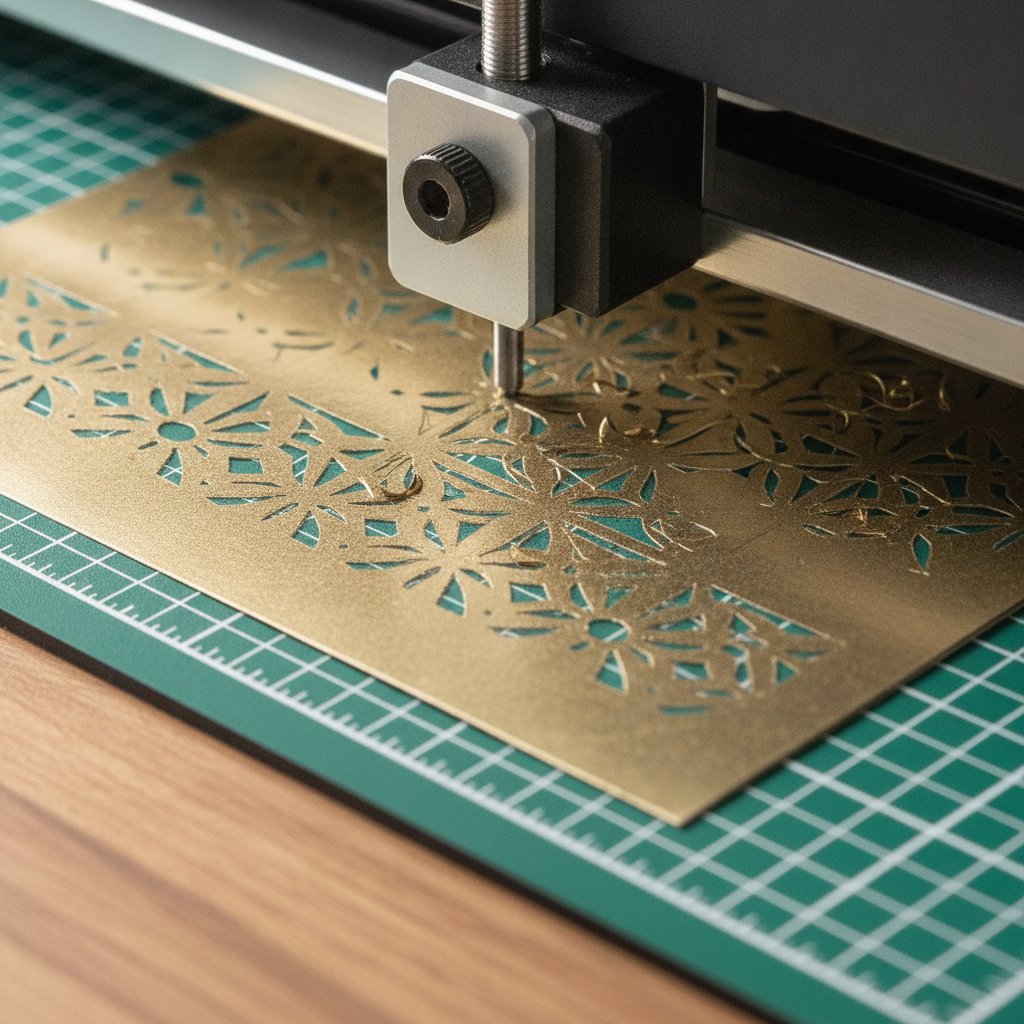
Cricut's material library includes several settings optimized for specialty cardstock. Start with these baseline recommendations:
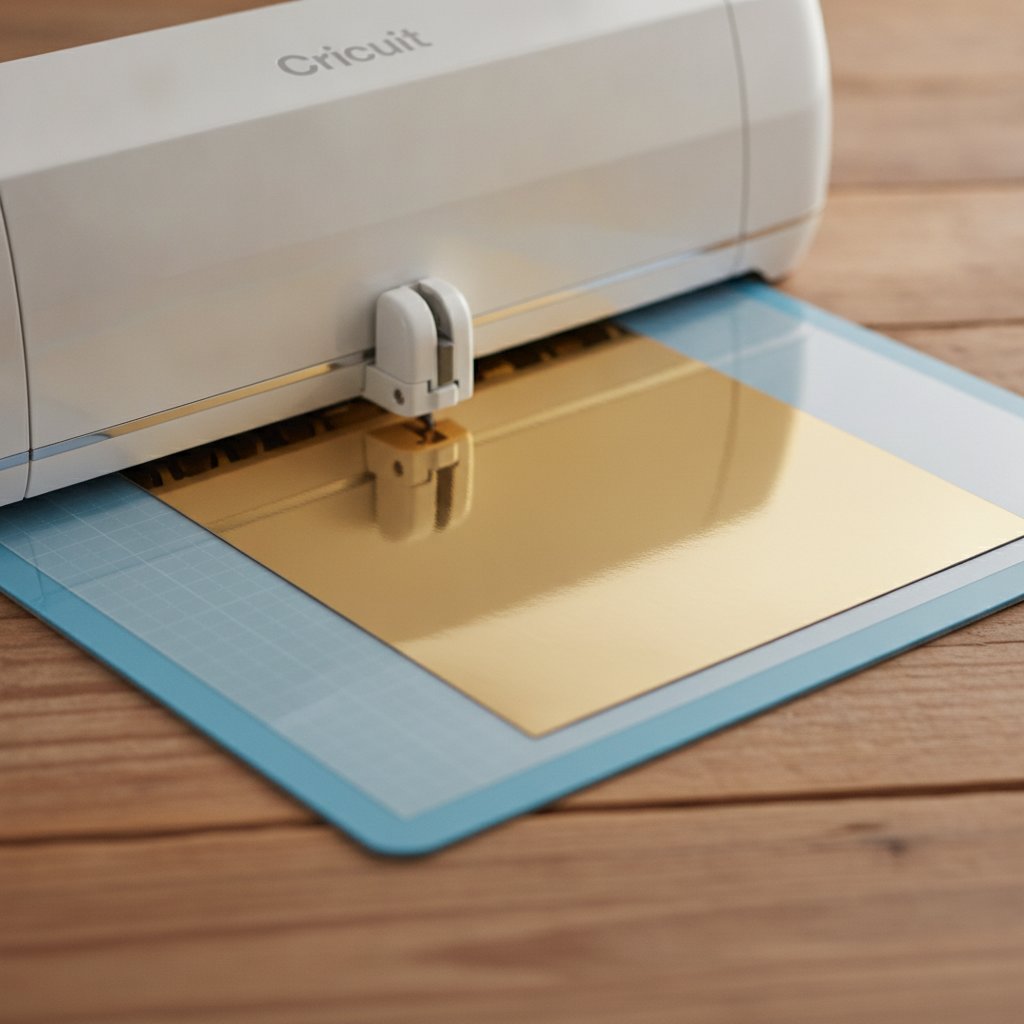
For heavy metallic foil cardstock: Select the Foil Poster Board setting. This applies appropriate pressure and blade depth for thick metallic materials while protecting the coating from tearing.
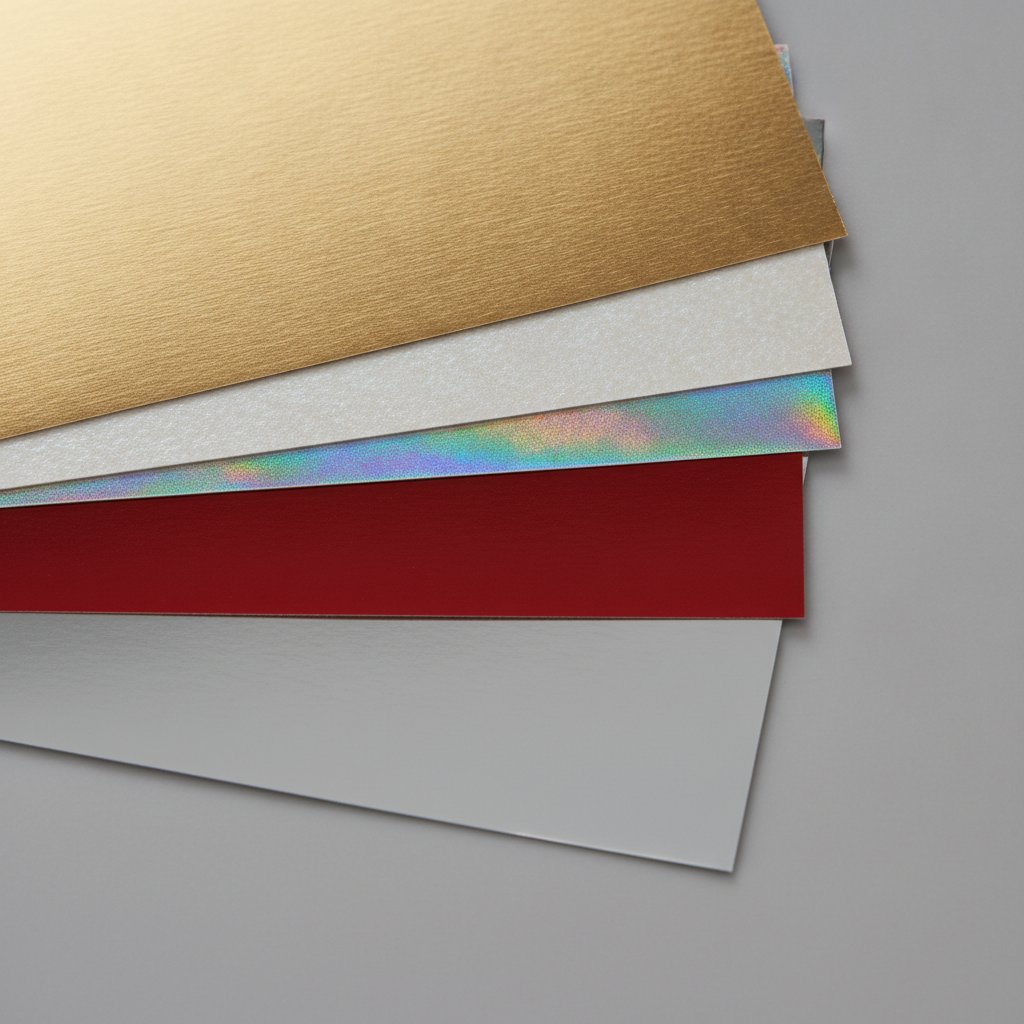
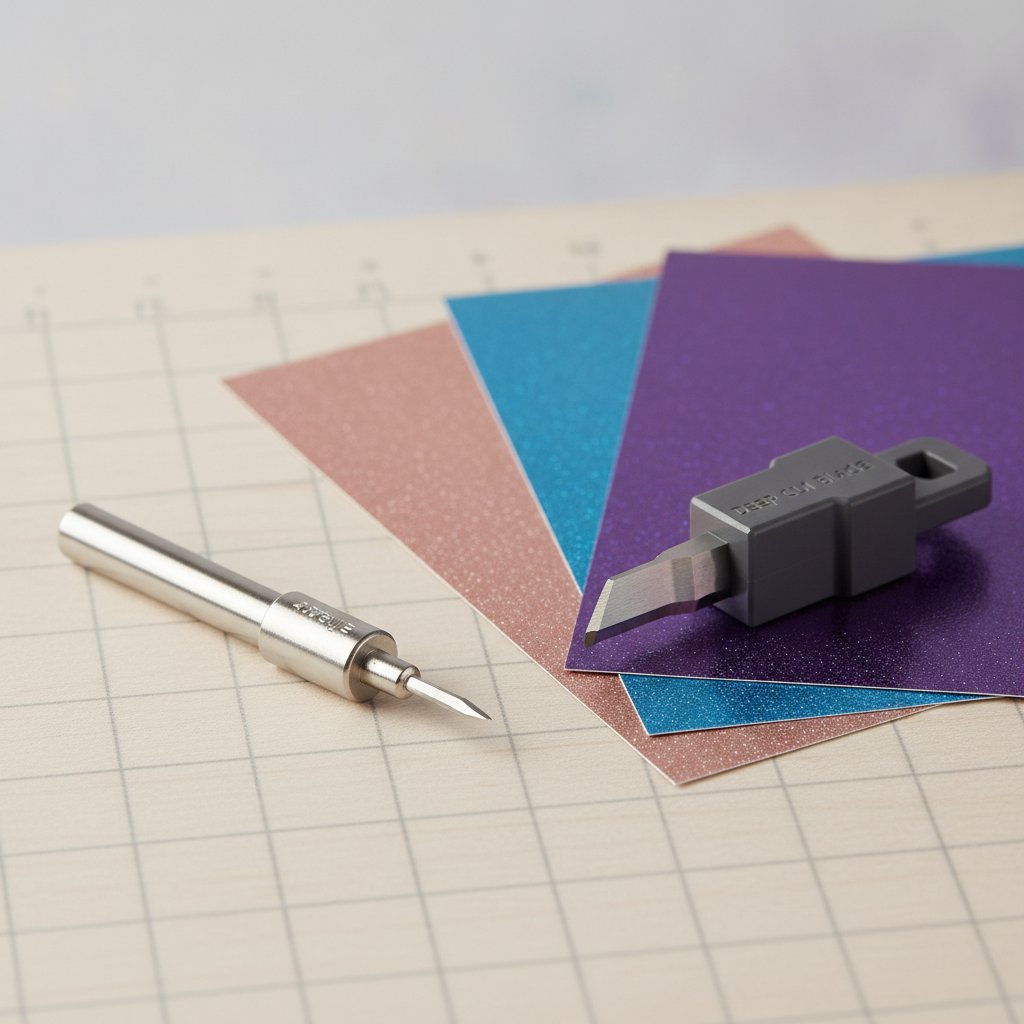
For lightweight shimmer and pearl papers: Choose the Pearl Paper setting. This works perfectly with light-weight shimmery frosted metallic papers and subtle iridescent finishes.
For medium weight metallic cardstock (65-80 lb): Start with Medium Cardstock setting and use the pressure dropdown to fine-tune. Many crafters find that medium cardstock at "More" pressure gives cleaner cuts on metallic finishes.
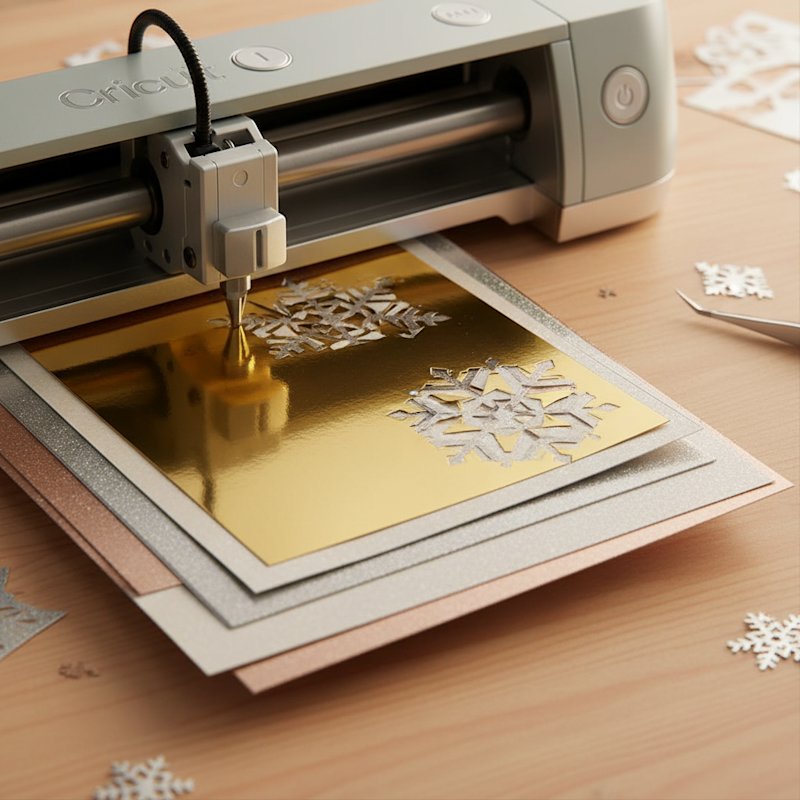
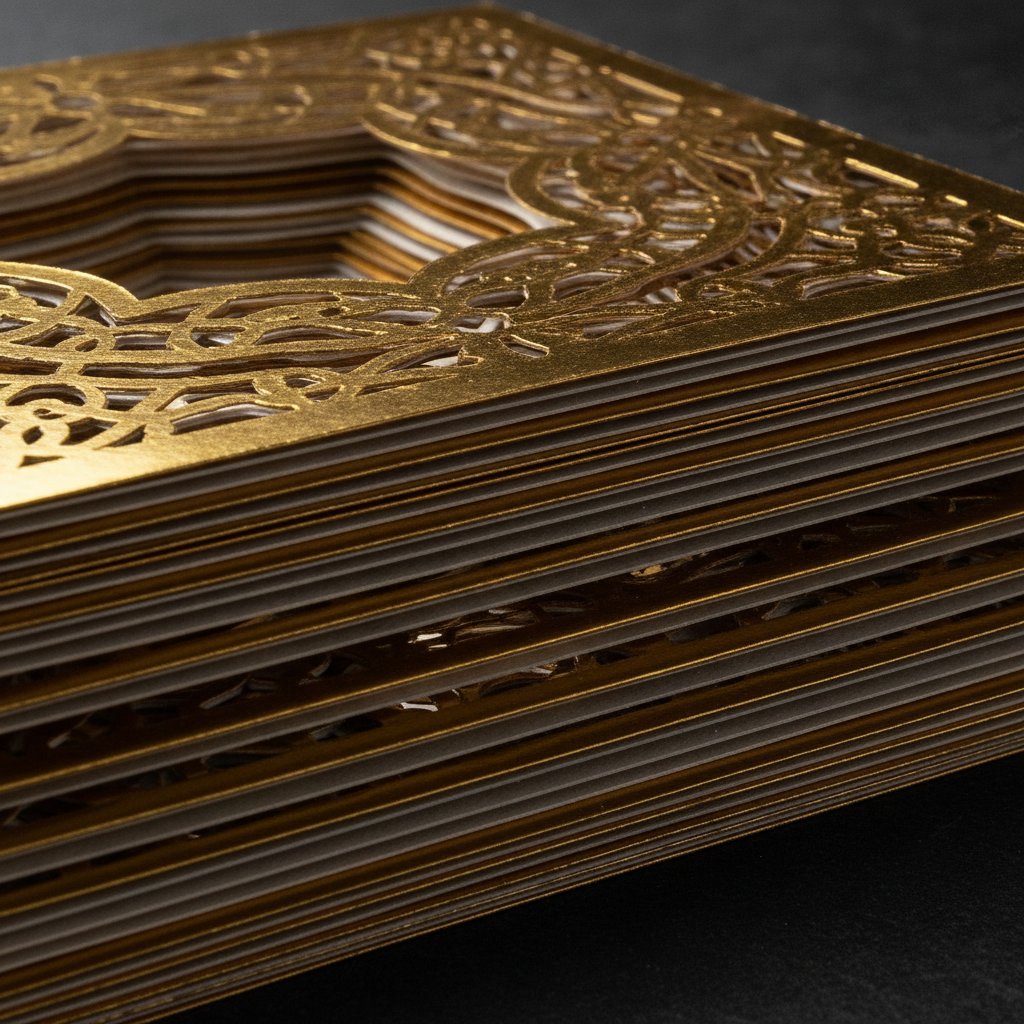
For intricate shadow box layers: Select Cardstock for Intricate Cuts. This setting automatically performs two passes at moderate depth, perfect for detailed designs that need clean cuts without blade gouging.
For cardstock heavier than 80 lb: Enable the double-cut or multi-cut 2x option. This tells your machine to cut the same path twice, ensuring complete cuts through thick metallic materials without increasing pressure to damaging levels.
Pressure Adjustment Strategy
Cricut's pressure dropdown on the final cut screen is your secret weapon for metallic cardstock perfection. The dropdown allows you to specify Less, Default, or More pressure:
- Start with Default and test
- If cuts aren't complete, increase to More
- If coating is tearing or edges are rough, decrease to Less
- Make small adjustments and test between changes
Silhouette machines use blade depth, force, and speed settings instead of material presets. Here's the winning combination for specialty cardstock:
For 65-80 lb metallic cardstock:
- Blade depth: 6
- Speed: 4
- Force: 8-10
- Passes: 2 (double cut enabled)
For pearl and shimmer papers:
- Blade depth: 5
- Speed: 5
- Force: 7-9
- Passes: 1-2 depending on weight
For glitter cardstock (similar properties to pearl):
- Blade depth: 6
- Speed: 4
- Force: 10
- Passes: 2 (auto double cut recommended)
Advanced Silhouette Adjustments
If standard settings aren't working, try these refinements:
Add Line Segment Overcut: This feature extends each cut slightly beyond the endpoint, ensuring corners and intersections cut completely through. Find it in the cutting settings advanced menu.
Increase Passes: Rather than increasing force, add an additional pass. Three passes at moderate force often produce cleaner results than one pass at maximum force on delicate metallic coatings.
Adjust speed: Slower speeds (3-4) give the blade more time to penetrate metallic coatings without tearing. Faster speeds can cause skipping on slippery surfaces.