Step 9: Advanced Techniques for Difficult
Materials
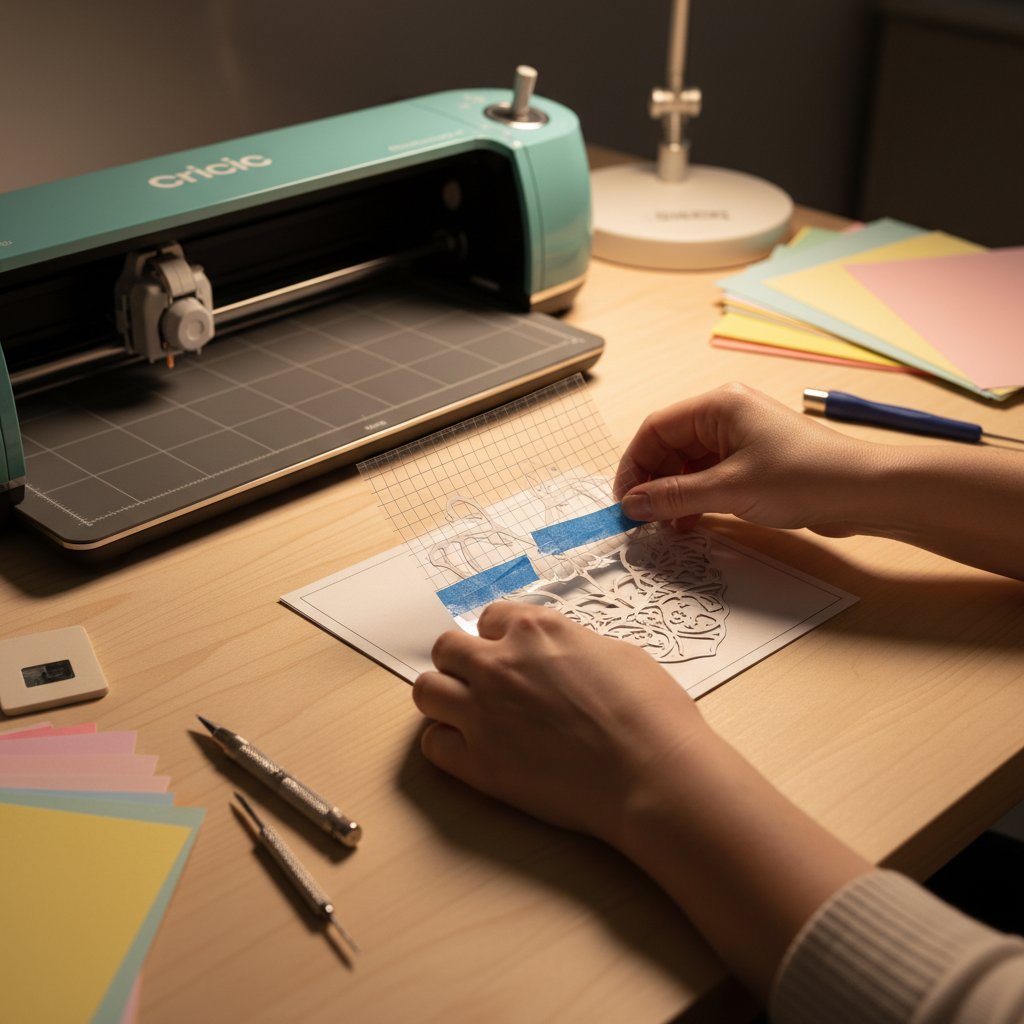
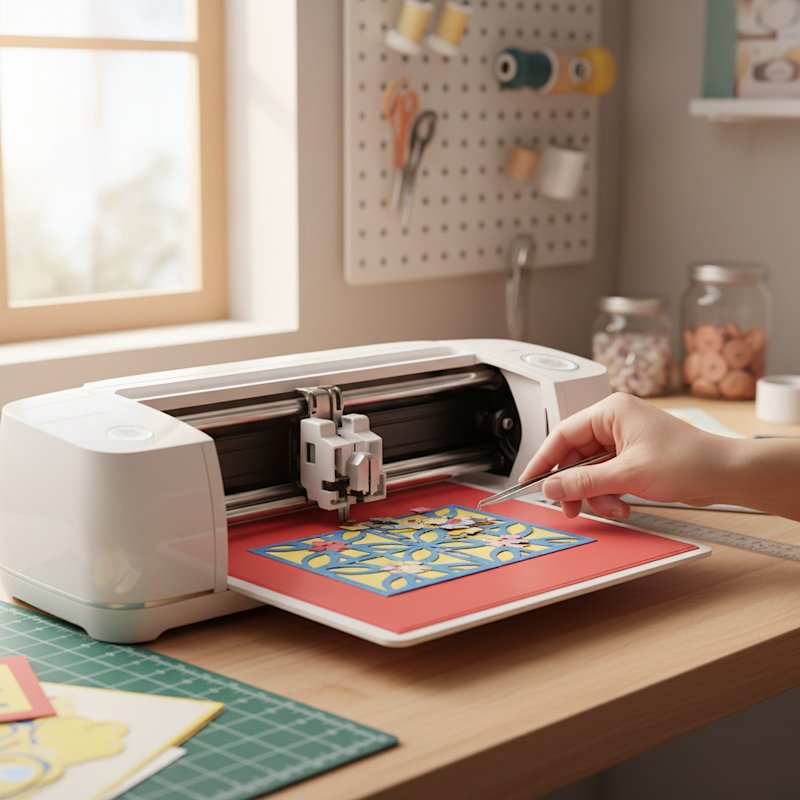
Some cardstock types and designs challenge even perfectly configured machines. Glitter cardstock,
metallic
finishes, ultra-heavy weights, and extremely intricate designs require specialized techniques beyond
standard
settings. This step provides advanced solutions for the toughest cutting scenarios.
Glitter Cardstock Techniques:
Glitter cardstock tears easily because the glitter
coating
disrupts blade movement and creates uneven cutting resistance. Solutions include using "Glitter
Cardstock" material setting (or custom setting with reduced pressure), enabling multi-pass
cutting (2-3
passes) instead of high single-pass pressure, placing a piece of washi tape on the back of intricate
areas to
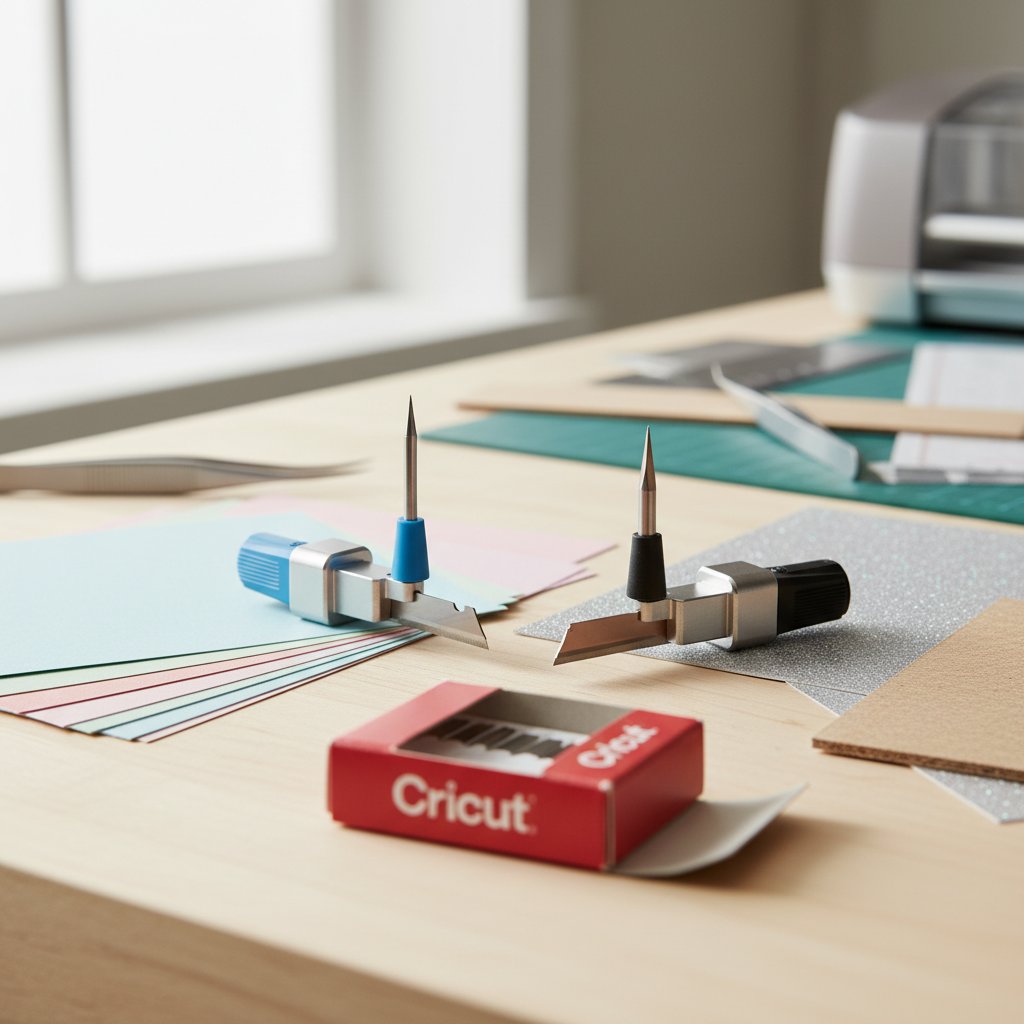
reinforce the cardstock, and using a Deep Point Blade instead of Fine Point for thicker glitter
cardstock. Always
clean your blade after cutting glitter cardstock, as glitter particles accumulate rapidly and cause
subsequent
cutting problems. For complete glitter cardstock techniques, see our glitter cardstock
cutting
guide.
Metallic and Pearl Cardstock Solutions:
Metallic finishes create a hard, slick
surface that
blades can skate across rather than cutting cleanly. Use the dedicated "Metallic" or
"Pearl
Paper" material settings, ensure your mat is very sticky (metallic cardstock shifts more easily),
cut with
the metallic side facing up for best results, and consider light misting of the back side to slightly
soften the
paper (test first on scraps). Replace blades more frequently when cutting metallic cardstock, as the
hard coating
dulls blades faster than standard paper. For detailed metallic cutting techniques, see our metallic and pearl cardstock cutting
guide.
Ultra-Heavy Cardstock (100lb+):
Cardstock over 100lb weight challenges many
Cricut models.
Techniques include using the Deep Point Blade or Knife Blade (Maker only) instead of Fine Point,
enabling maximum
pressure settings plus multi-pass (3 passes recommended), using the double-cut technique (cut twice
without
unloading mat), and simplifying designs to reduce extremely fine details that won't cut cleanly in
heavy
stock. For weights above 110lb, consider whether your project would work better with chipboard
settings and tools.
Intricate Design Optimization:
Extremely detailed designs with fine lines, small
interior
cuts, or delicate connections often tear regardless of settings. Solutions include scaling up
designs—details
under 0.25 inches often tear, adding small weeding boxes around tiny interior cuts to provide removal
access,
using "Cardstock for Intricate Cuts" material setting, enabling multi-pass at reduced
pressure rather
than single high-pressure pass, and manually editing designs in Design Space to simplify problem areas
or
reinforce delicate connections. Sometimes redesigning one or two problematic elements saves an entire
project.
The Freezer Paper Backing Technique:
For cardstock that tears persistently on
intricate
designs, try this advanced technique: iron a piece of freezer paper to the back of your cardstock
(shiny side
against cardstock), cut the project with both layers together, and remove freezer paper after cutting.
The freezer
paper provides temporary reinforcement that prevents tearing while cutting. This works exceptionally
well for
delicate lace-like designs in thin cardstock.
Washi Tape Reinforcement:
For specific problem areas that consistently tear,
apply washi tape
to the back of the cardstock in those areas before cutting. The tape provides reinforcement without
significantly
affecting cutting difficulty. Remove tape after cutting. This targeted approach saves difficult
projects without
requiring full backing techniques.
Textured Cardstock Considerations:
Heavily textured or embossed cardstock
presents uneven
cutting resistance. Always place textured side facing up (cutting from the smooth back produces
cleaner results),
increase pressure by 2-4 units compared to smooth cardstock of the same weight, and expect more blade
wear—replace
blades more frequently when cutting textured materials regularly. Some extremely deep textures simply
can't be
cut cleanly with rotary cutters and may require alternative tools.
With these advanced techniques mastered, you can tackle virtually any cardstock cutting challenge.
Now let's
cover when to seek additional help.