Articles14 min read

Free Cricut Paper Flower Templates

A field-tested guide to finding quality free paper flower SVGs, telling a good cut path from a bad one, importing them into Design Space, and resizing them for wall art, cards, and gift toppers — built from a library of 200+ templates I've actually cut.

Ready for a guaranteed-clean flower cut, test-cut and assembly-ready?

Browse Flower SVG Templates
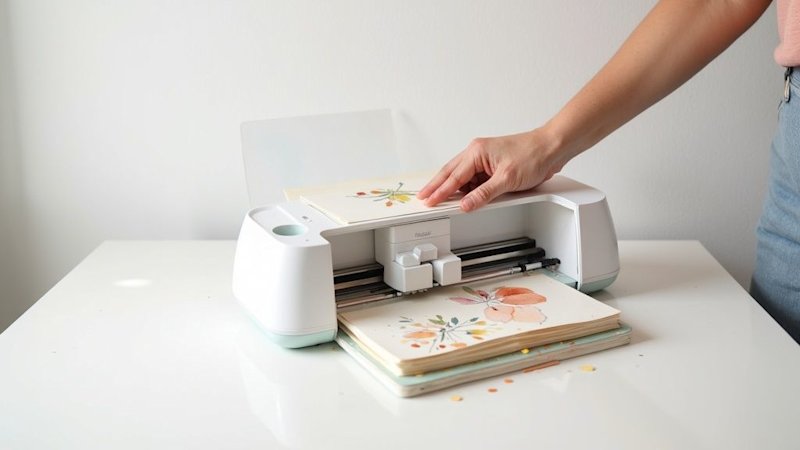
Person using Cricut cutting machine to create floral paper crafts on white desk

The first "free Cricut paper flower template" I ever downloaded was a rose that looked gorgeous on the thumbnail. Two hours and three ruined sheets of cardstock later, I had a pile of shredded petals and a blade full of fuzz. The template wasn't broken — I just had no way to tell, before I hit Make It, that its cut paths overlapped, its layers were flattened into one messy group, and it was sized for an 8-inch bloom when I needed a 3-inch gift topper. That afternoon cost me maybe $4 in cardstock. It also built the quality checklist I still use on every free template I download.

Free Cricut paper flower templates are genuinely one of the best deals in papercrafting. A well-made SVG gives you a complete multi-layer bloom — petals, centers, leaves, and a cut path your machine can actually follow — for zero dollars, ready to resize and cut in whatever cardstock you already own. The catch is that "free" and "good" are not the same word. Some free templates are professional-grade files a designer released as a lead magnet. Others are auto-traced PNGs that will tear your paper and waste your blade.

This guide is the workflow I built after cutting my way through hundreds of them. We'll cover how to judge a template's quality before you waste cardstock, where the reliable free sources actually are, how to import and resize a flower SVG in Design Space, the projects that make flowers worth cutting, and how to organize the library so you never download the same bloom twice. If you're brand new to cutting paper on a machine at all, start with our Cricut paper cutting for beginners walkthrough first — it covers blades, mats, and cut settings, which this guide assumes you already have dialed in.
How to Tell a Good Free Flower Template From a Bad One

A free template is only worth what it saves you in frustration. I can open almost any flower SVG in Design Space and predict within ten seconds whether it will cut cleanly or eat my cardstock. The difference comes down to four things — and once you know them, you can screen a download folder in minutes instead of discovering the problems mid-cut.

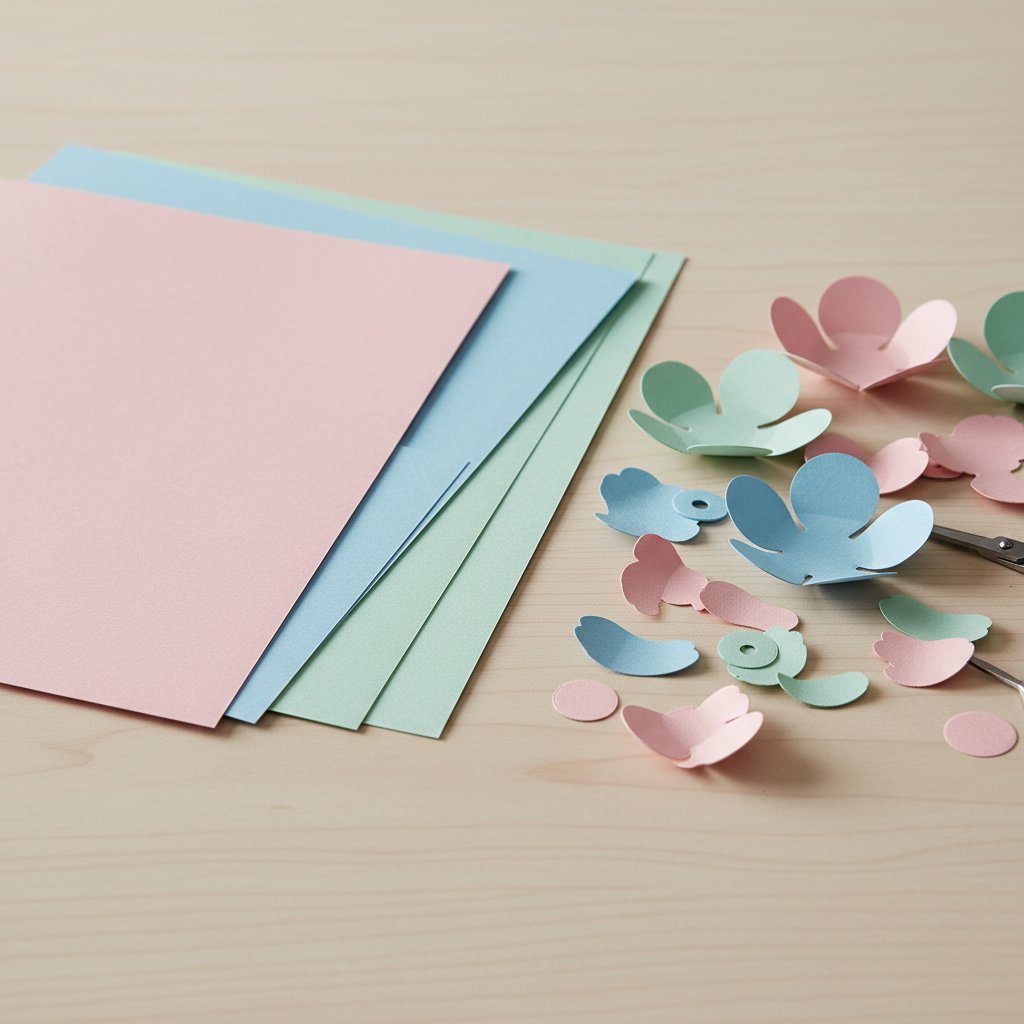
Fanned stack of colored cardstock sheets beside cut paper flower petals ready for assembly

1. Cut path optimization (the one that matters most)

A flower petal should be one continuous closed path. Bad templates are auto-traced from a photo or JPEG, which produces dozens of tiny overlapping lines where the blade crosses over itself — that's what shreds cardstock. Open the SVG, click a petal, and look at the selection outline. One clean curve is good. A fuzzy, doubled, or dotted line means the file was traced, not drawn, and your blade will cut every overlapping path twice. Good templates are drawn as vectors from the start, so every petal is a single, deliberate shape.

2. Layer stacking order

A multi-layer flower (say, a rose with 5 petal layers plus center and leaves) needs each layer on its own color-coded layer so Design Space can assign one mat per color. A flattened file dumps every petal onto one layer — fine for a single-color silhouette, useless for a dimensional bloom. Before downloading, check whether the preview shows distinct separated layers or one flat image.

3. Group organization

Clean templates group logically: all petals of one size together, center pieces separate, leaves on their own. When everything is grouped sensibly, you can resize one petal tier or recolor the center without ungrouping forty individual paths. Poorly grouped files force you to ungroup everything, which is how pieces end up nudged a millimeter out of alignment and your bloom comes out lopsided.

4. Sizing and scaling

A template designed at 8 inches won't always scale cleanly down to 2 inches — tiny inner cuts close up and the blade can't negotiate them. Good designers note a recommended cut size range. If a free file gives no dimensions at all, assume it's a web-resolution trace and test-cut it on scrap before committing your good cardstock. For a deep dive on paper weights that handle fine flower cuts, our Cricut cardstock types guide breaks down which stocks hold a small petal edge.

Quick screen, 30 seconds: open the SVG, click one petal (single clean curve?), check > the layers panel (distinct color layers?), look for a stated size. Two of three=cut it. > Zero of three=skip it.

Where to Find Quality Free Cricut Paper Flower Templates

Everyone's first Google for "cricut paper flower templates free" returns the same five results. The problem isn't finding free files — there are thousands — it's finding the ones drawn well enough to cut. Below is the sourcing approach I use, ranked by how consistently the templates pass the four-point quality screen above.

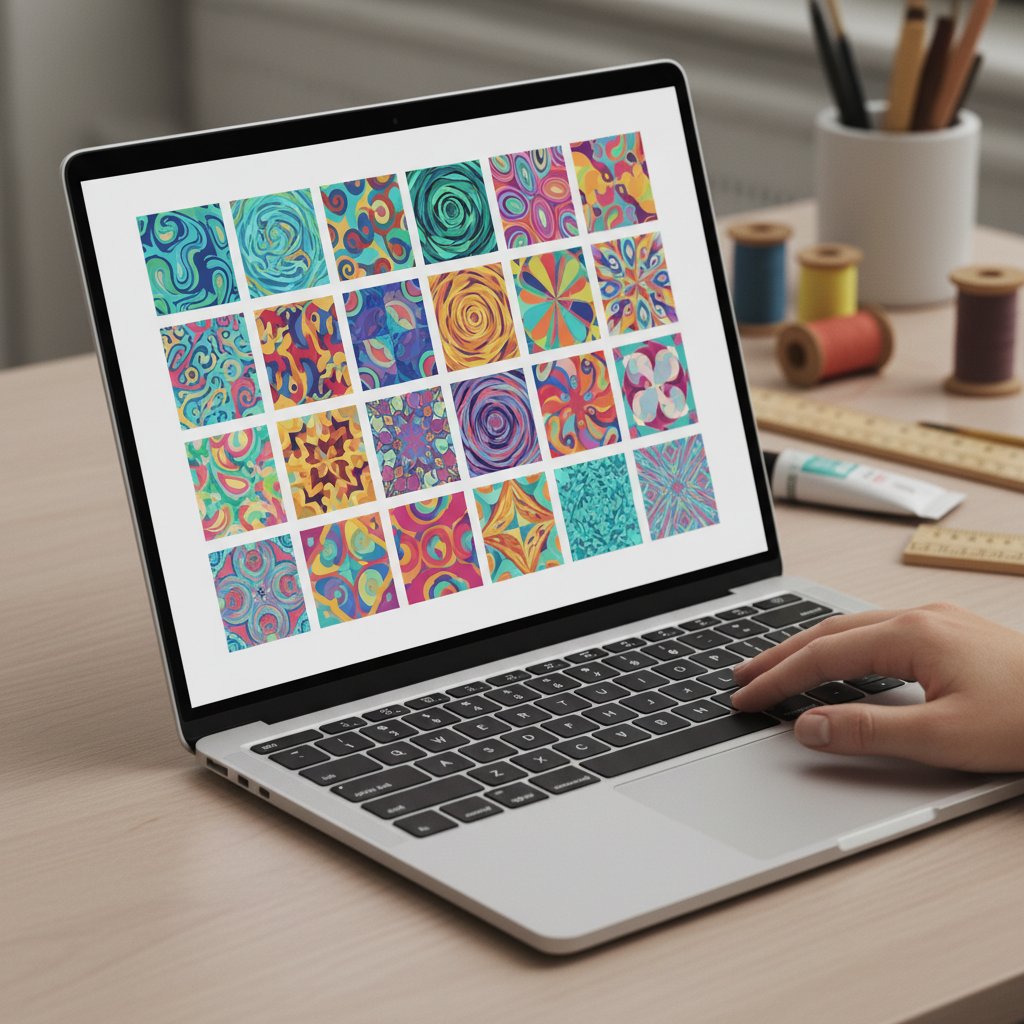
Laptop screen showing a neat grid of colorful design thumbnails like a digital template gallery

Designer lead magnets (highest hit rate)

Independent SVG designers — the same people who sell premium flower templates — regularly release a free sample to bring people into their shops. These are usually genuinely professional files: single-path petals, clean layer separation, real size labels, and a license that spells out personal (and sometimes limited commercial) use. This is the single most reliable source of free templates that actually cut well, because the designer is using the freebie to prove their paid work is worth buying. Join two or three designer email lists and you'll accumulate a rotating library of tested, quality-checked flowers.

Community craft blogs and Facebook groups

Dedicated papercraft blogs and active Cricut Facebook groups share free flower SVGs constantly. Quality varies wildly — group shares tend toward the auto-traced files I warned about — but the community also self-polices: a template that shreds everyone's cardstock gets called out fast in the comments. Read the comments before you download. If five people say "cut beautifully," cut it. If the thread is full of "my blade tore this," move on.

Cricut Design Space's free library

Design Space itself ships a rotating set of free images, including flower shapes, that are guaranteed to be machine-cut-ready because Cricut made them. The selection is limited and skews simple, but for a quick leaf, a basic daisy, or a flower center, it's the one source where quality is never in question. It's also the fastest path — no download, no upload, just drop it on the canvas.

Free SVG aggregator sites (use with caution)

The big "free SVG" download sites have enormous flower sections, but they're where auto-traced, poorly-grouped, and occasionally mis-licensed files congregate. Treat these as a source of ideas, not finished cut files. Download, run the four-point screen, and expect to clean up maybe half of what you grab in Design Space before it's cuttable.

| Source | Typical quality | Best for | Watch out for | |---|---|---|---| | Designer lead magnets | High — pro files | Multi-layer blooms, learning new techniques | Joining an email list | | Community blogs / groups | Mixed — community-vetted | Seasonal and trending flowers | Read comments first | | Design Space free library | Guaranteed clean | Simple shapes, quick accents | Small, simple selection | | Free SVG aggregators | Low — often traced | Inspiration, rough drafts | Cleanup time, license clarity |

Whatever you download, always check the license — more on that in the FAQ, because "free" and "free to sell what you make" are two different things.

Done sourcing free templates and want a flower that's guaranteed to cut clean?
Free files are perfect for building skills and filling out a library. When you want a dimensional paper flower with a cut path that's already been test-cut, layers already color-separated, and assembly spacing already worked out, these are our most-cut flower shadow box templates — each one is the kind of file the four-point screen above is built to find.

Downloading and Importing: SVG, DXF, and Design Space

Once you've found a template worth cutting, the mechanics are the same whether it was free or paid. Flower templates almost always come as an SVG (the format Design Space reads natively and the one that preserves layer colors) or a DXF (older format, used by Silhouette Studio Designer Edition, which Design Space also accepts). A few freebies come only as a PNG — those are for printing and hand-cutting, not machine cutting, so skip them unless you want to auto-trace (and you generally don't, per the quality screen above).

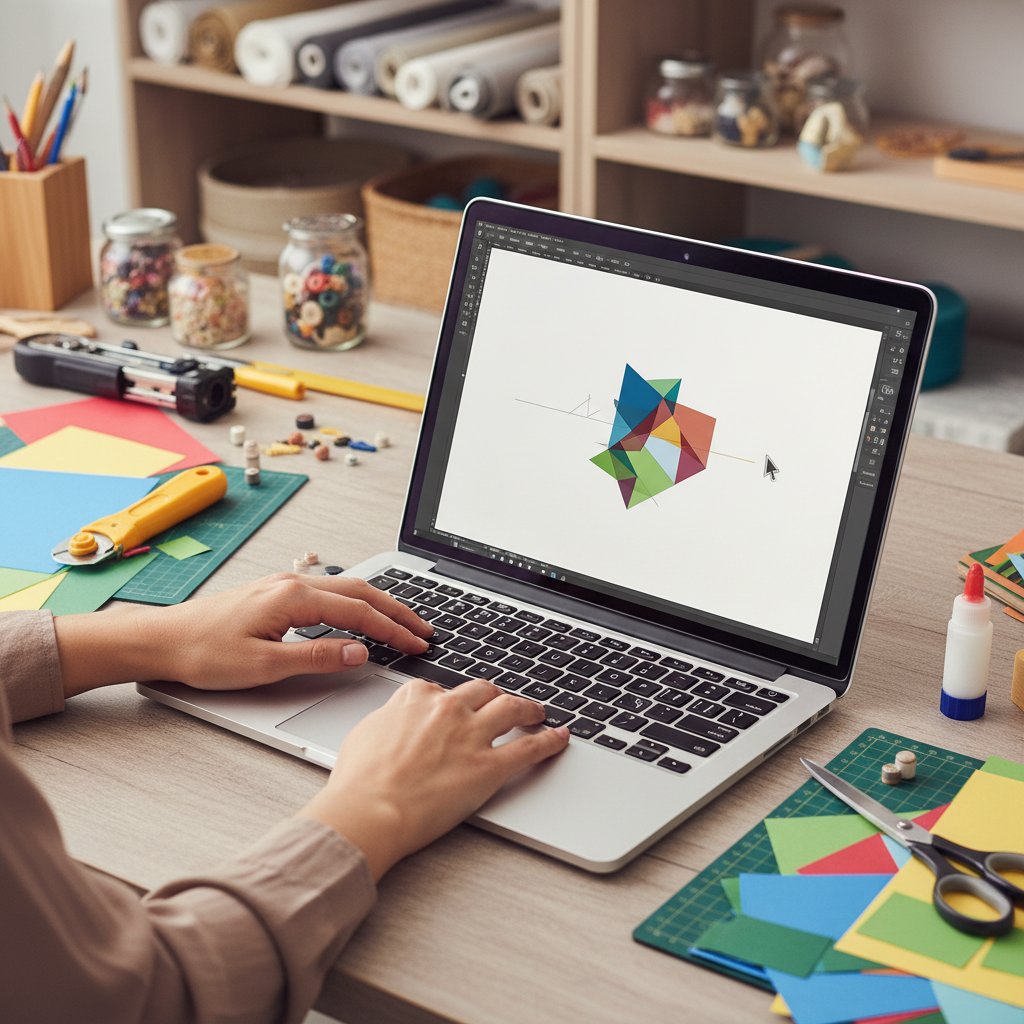
Hands on a laptop at a craft desk uploading a colorful paper-craft design file

The import workflow

  1. Download and unzip. Most free templates arrive as a .zip. Extract it before
    uploading — Design Space can't read inside a zip. Inside you'll usually find an SVG, a
    DXF, sometimes a PDF preview, and a license file. Keep the license.
  1. Upload in Design Space. Open a new canvas, click Upload in the left panel,
    then Upload Image, and select the SVG. On the next screen, name it something
    searchable (more on naming below — it matters) and tag it. Click Save.
  1. Select it from your uploaded images and drop it on the canvas. If the template is
    good, it lands as multiple color-separated layers, one per mat. If it lands as one flat
    black blob, it was a flattened file — ungroup and recolor, or find a better source.
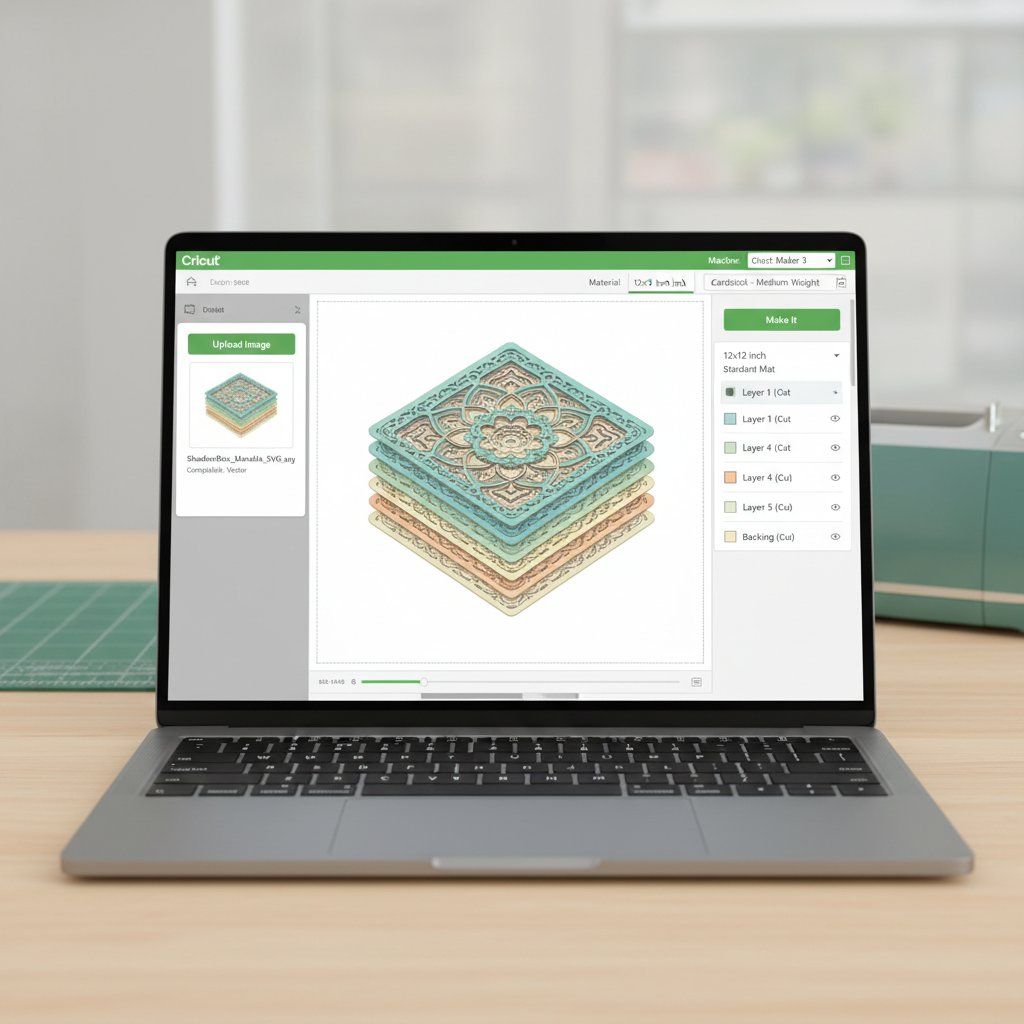
Cricut Design Space interface showing a shadow box template being imported and prepared for cutting

Naming at upload time

Design Space search only works on the name you give a file at upload. A free rose template named "image3.svg" will be unfindable in six months. Name it the moment you upload: Rose-5layer-Free-JenniferMaker-Personal.svg. Source, subject, layer count, license, and origin in one string. Future you will thank present you. This single habit is what turns a downloads folder into an actual library, which we'll systematize in the organization section. For the full Design Space walkthrough (panels, attach vs group, slice, flatten), our Cricut Design Space tutorial for beginners covers every tool you'll use to prep a flower for cutting.

Customizing Free Flower Templates

The real power of a good free template is that you don't have to use it as-is. Once a clean SVG is on your canvas, you can resize it for a giant wall bloom or a tiny card accent, swap the layer colors for any cardstock you own, and adapt it to a completely different project type. This is where free templates stop being "someone else's design" and start being raw material for your own.

Resizing without wrecking the cut

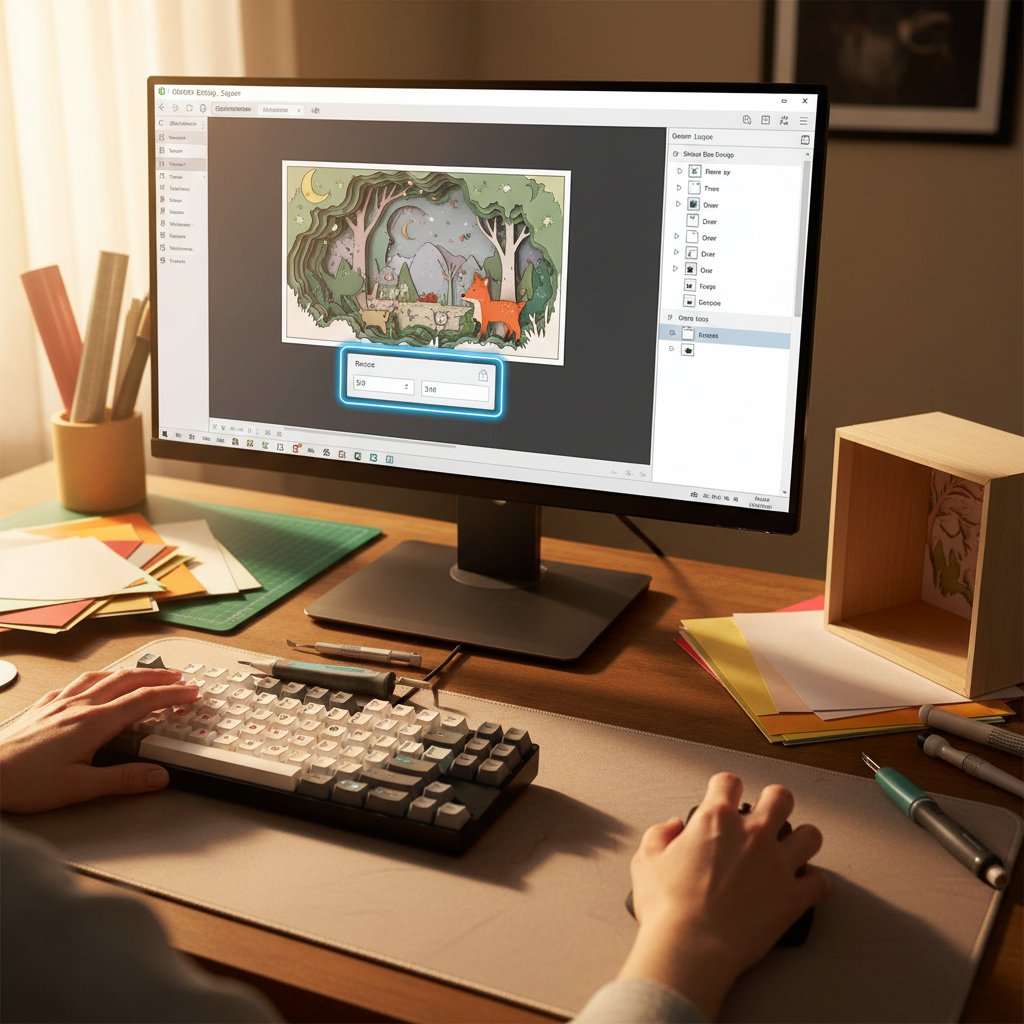
Select the whole flower and drag a corner handle to scale — but watch the inner cuts. Scale a rose down below about 2 inches and the inner petal notches close up; the blade can't turn tightly enough and you get a torn blob. Scale up and you're fine until you exceed your mat (12×12 on most machines) or your cardstock sheet. For anything beyond a 2x change in size, use the exact-size box (type the width in inches) rather than eyeballing the handle, and always run a test cut on scrap at the new size.

Cricut Design Space software interface showing a layered shadow box SVG with resize controls active

Adjusting layers and recoloring

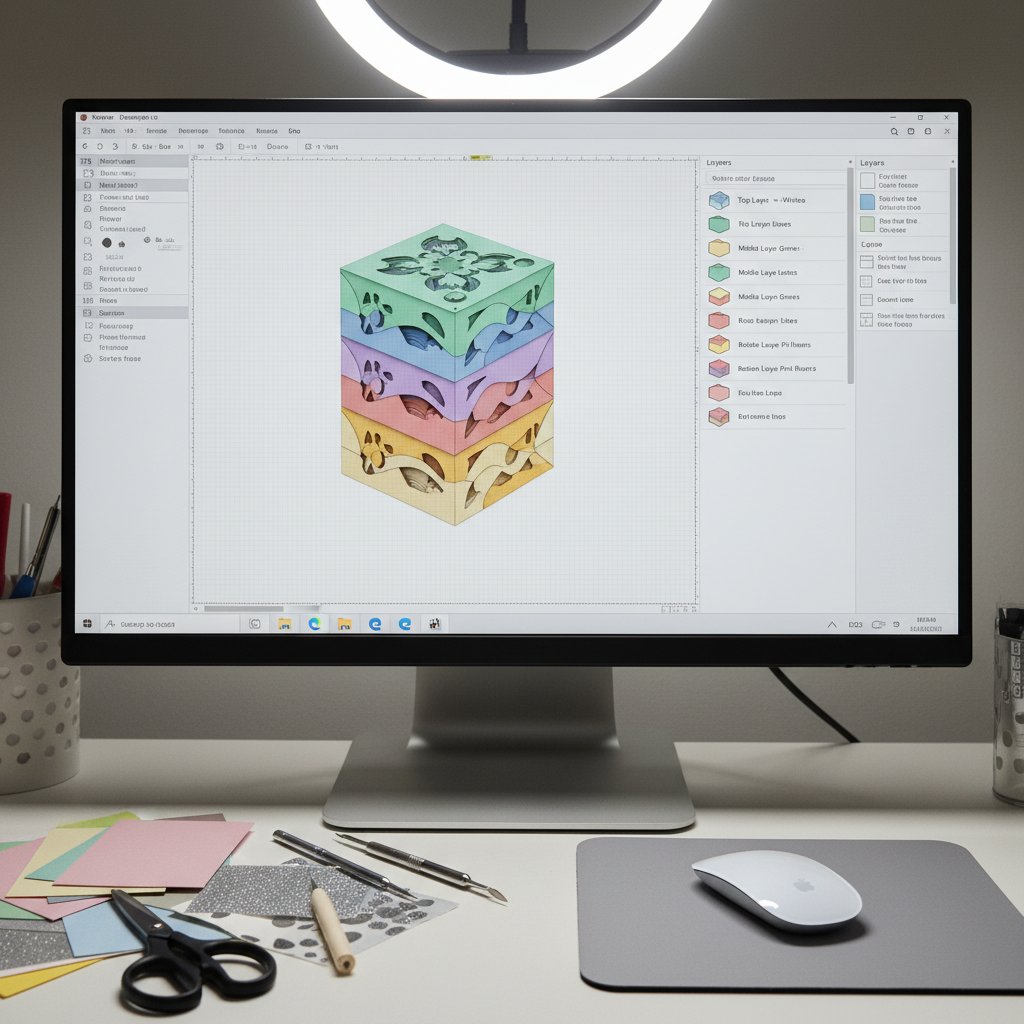
Click any single layer in the Layers panel (top right) to select just that petal tier. From there you can change its cut color — which assigns it to a different mat and a different cardstock sheet — or hide it entirely if you want a simpler bloom. A 5-layer rose becomes a clean 3-layer silhouette by hiding the two finest inner tiers. This is also how you adapt a free template to the cardstock you actually have on hand: five shades of pink become five shades of whatever's in your scrap bin.

Cricut Design Space interface showing the Layers panel with multiple color-coded shadow box layers selected

Matching the template to your paper

Fine, intricate free templates (lacy petals, thin stems) need heavier, smoother cardstock — 80–100 lb — so the tiny bridges don't tear. Bold, chunky flowers cut fine on 65 lb and are more forgiving for beginners. Glitter and foil cardstock look stunning on flower centers but demand a fresh blade and the StrongGrip mat, so save those for the layer that'll show most. The cardinal mistake is cutting a delicate free template on lightweight fuzzy paper and blaming the file; match paper weight to cut detail. Our best cardstock for paper-cut shadow boxes guide ranks specific weights and brands by how cleanly they hold a flower petal edge.

Need a flower template that resizes without falling apart?
The resizing trap above — inner cuts closing up when you scale down — is exactly what a professionally drawn template is built to avoid. These layered flower SVGs are drawn so the petal geometry holds from a small card accent up to a full framed piece, with layer counts and cut sizes noted in the file so you scale with confidence instead of guessing.

Project Ideas That Make Free Flower Templates Worth Cutting

A folder full of free flower SVGs only earns its keep when you actually use them. These are the project types I return to constantly, each with the kind of template that suits it.

Framed layered wall art

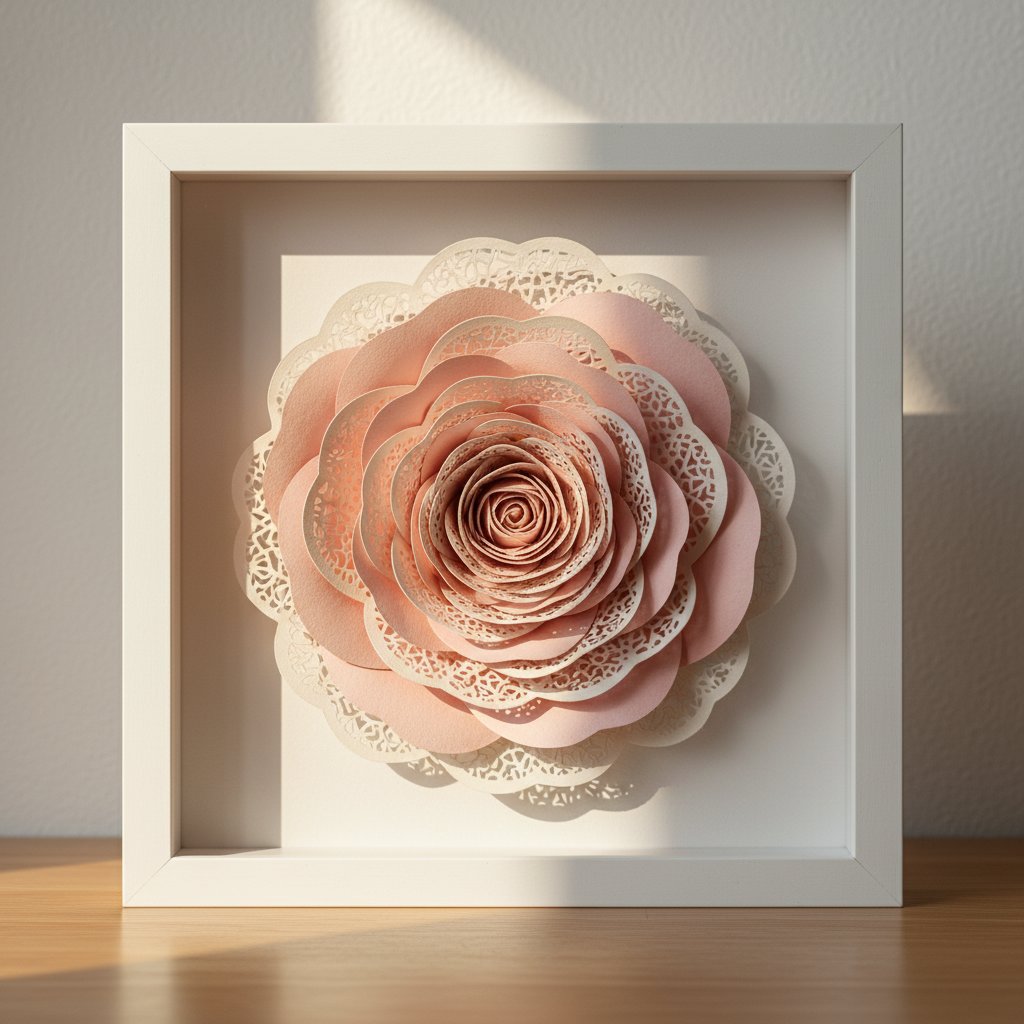
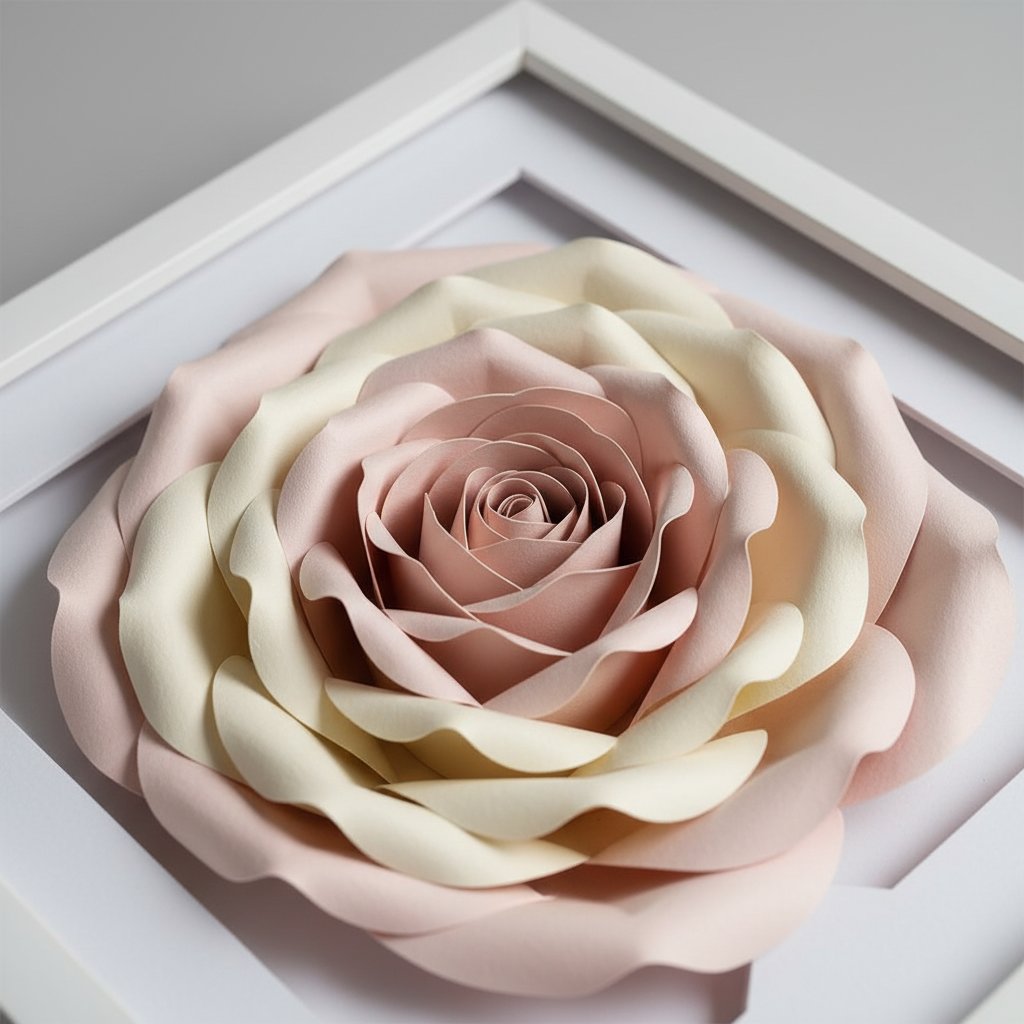
A multi-layer flower cut in graduated shades, stacked with foam spacers inside a deep frame, is the project that makes people say "you made that?" It's also the project that punishes a bad template most — depth amplifies any misalignment. Use your highest-quality free files here, or bridge to a tested premium flower when the stakes are a gift or a piece for the wall.

Layered paper-cut rose flower shadow box in a white frame displayed on a shelf

Greeting cards and gift toppers

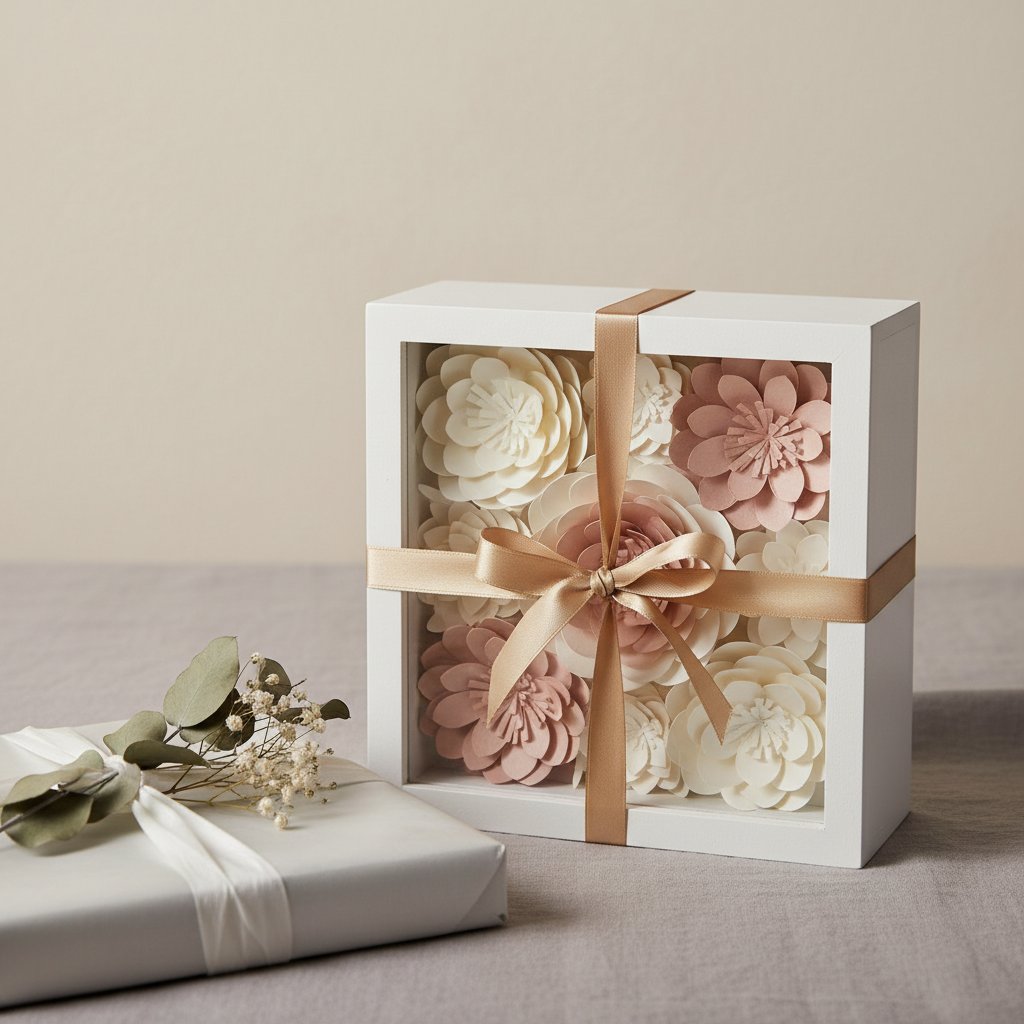
Single-layer flower silhouettes shine on cards. Resize a free daisy or rose down to 2–3 inches, cut it in a contrasting color, and mount it on a folded card blank with foam dots. For gift toppers, cut three sizes of the same bloom and stack them off-center for a quick, dimensional bow replacement.

Paper-cut flower presented as a gift with ribbon and gift wrap, a dimensional flower topper

Wreaths and seasonal decor

Cut a dozen small flowers in seasonal colors — spring pastels, autumn rusts, winter whites — and hot-glue them to a foam or grapevine wreath base. This is where a clean, simple free template pays off: you're cutting it 12 times, so it has to release cleanly from the mat every single cut. A traced file that tears once will tear twelve times.

Single-bloom statement pieces

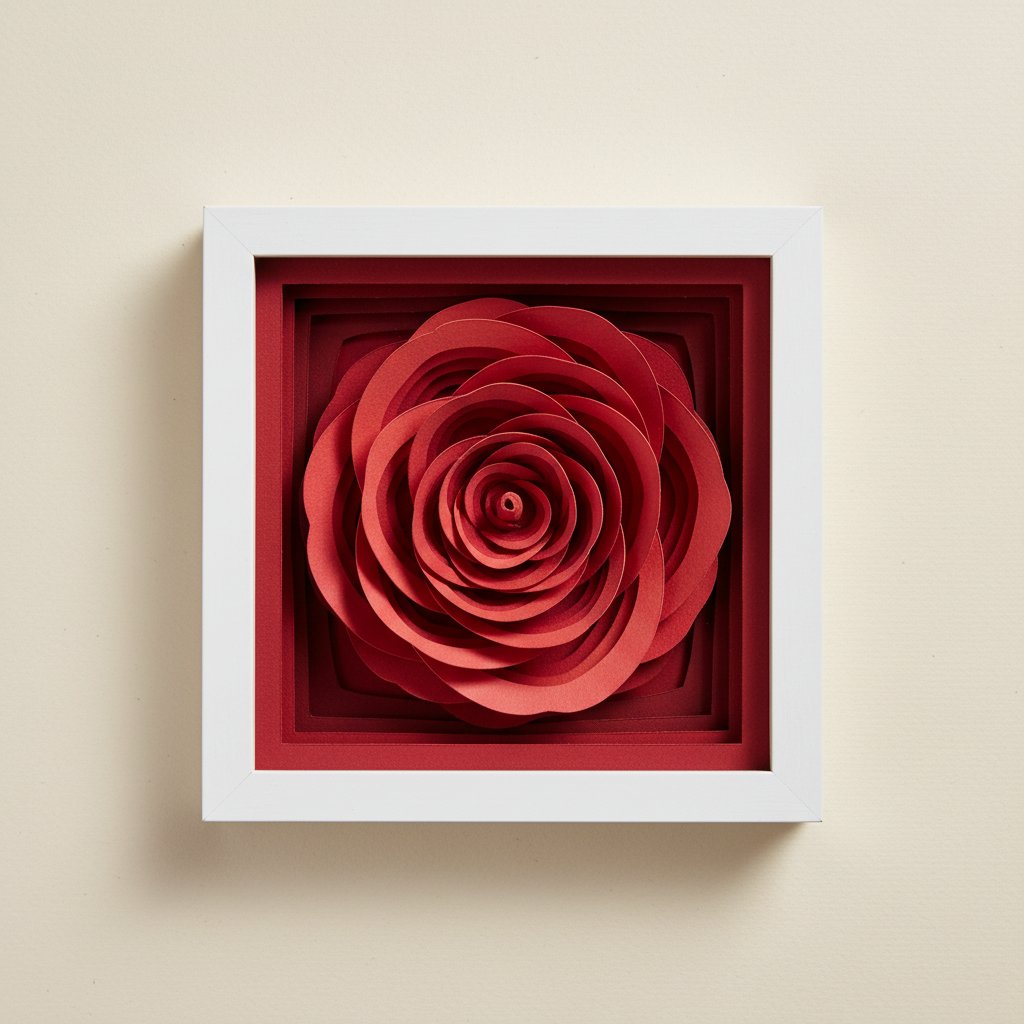
Sometimes one perfect flower is the whole project. A large rose or peony, cut big (8–10 inches) in a single bold color and mounted on a plain background, is a minimalist statement piece that works in any room.

Single layered paper-cut red rose silhouette in a square frame, a bold single-bloom statement piece

For dozens more ways to use layered paper flowers — bedroom walls, gallery arrangements, lighting — our paper flower wall art guide is the hub, and the flower shadow box ideas roundup pairs specific blooms with specific projects.

Close-up of layered paper-cut flower shadow box showing depth between rose petal layers

Organizing Your Flower Template Library

I keep a spreadsheet of every template I've cut, and the column that matters most is the one labeled "cut result." A library you can't search is a library you'll re-download into. The goal of organization isn't tidiness for its own sake — it's never cutting the same flawed file twice, and being able to find the proven rose when a friend asks for a wedding card on short notice.

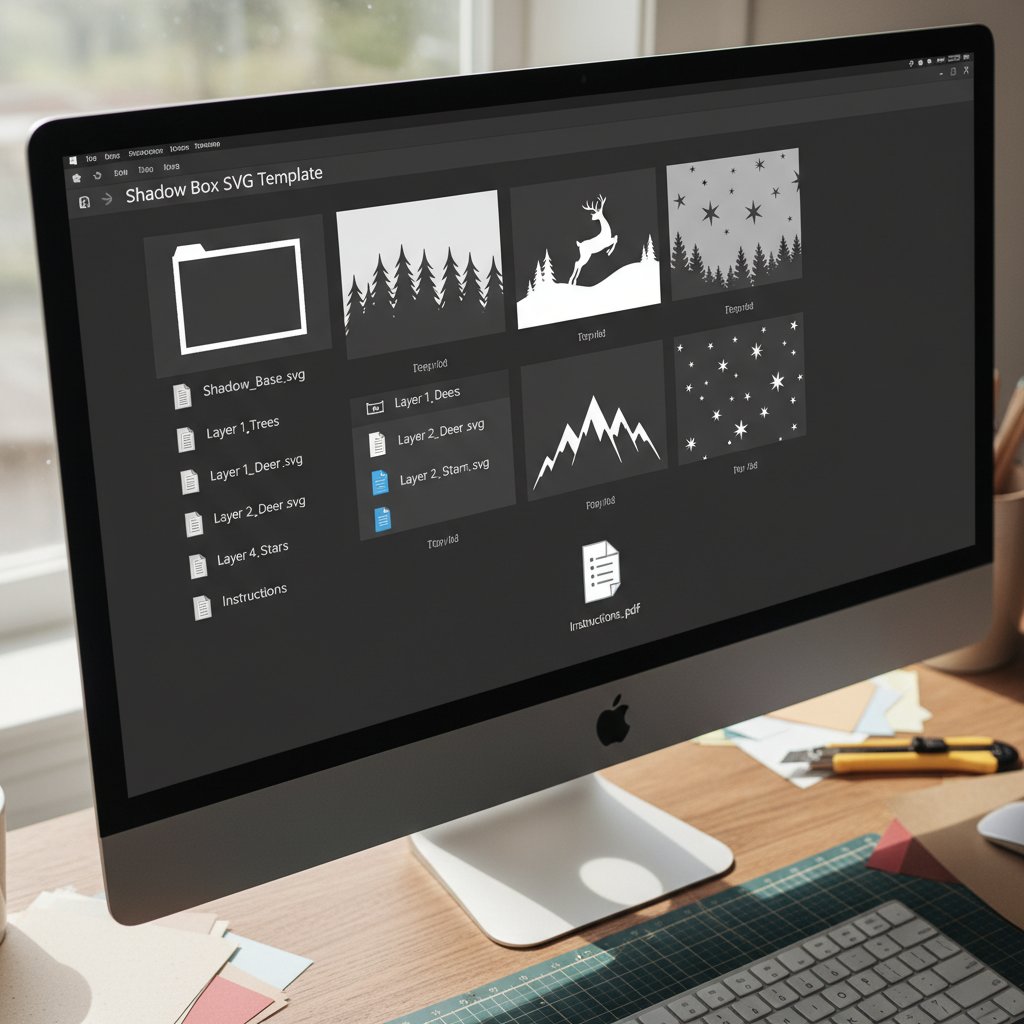
Computer desktop showing an unzipped shadow box SVG template folder with organized files

Folder structure

Keep one master Flower Templates folder, then subdivide by use, not by source:

  • Flower Templates/Wall Art/ — large multi-layer blooms, 6+ layers - Flower Templates/Cards/ — simple silhouettes, 1–3 layers, tested small - Flower Templates/Wreaths/ — medium flowers proven to release cleanly at volume - Flower Templates/Seasonal/ — further split into Spring, Summer, Fall, Winter - Flower Templates/_Incoming/ — new downloads, quarantined until they pass a test cut

That _Incoming folder is the secret. Nothing enters the main library until you've actually cut it once. Files that fail a test cut either get fixed or deleted — they never contaminate your proven collection.

Naming convention

Subject-LayerCount-Size_Source_License.svg. Example: Rose-5layer-8in_JenniferMaker_Personal.svg. In one filename you know what it is, how complex, how big, where it came from, and whether you can sell what you make. Match that name when you upload to Design Space so your local library and your Design Space library stay in sync.

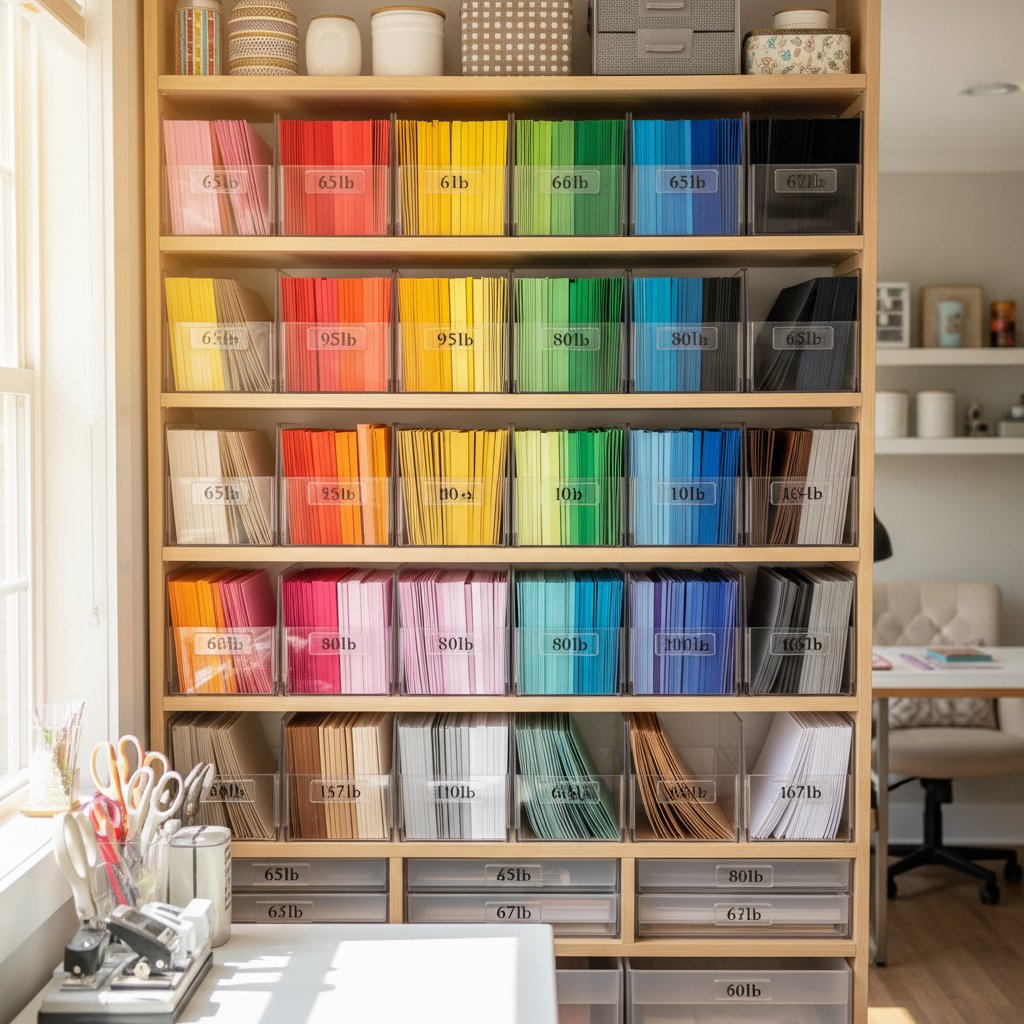
Organized cardstock storage showing a rainbow-ordered filing system with labeled dividers

Version control (the lazy way)

When you customize a free template — recolored, resized, layers removed — save the modified version as …_MYEDITS-v1.svg alongside the original. You'll often iterate on a flower three or four times before it's right, and versioned filenames stop you from overwriting the version that finally worked.

Build your library on templates that already passed the test
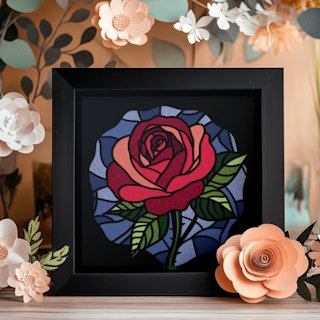
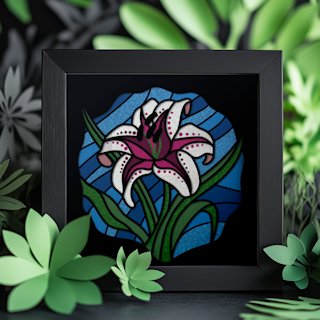
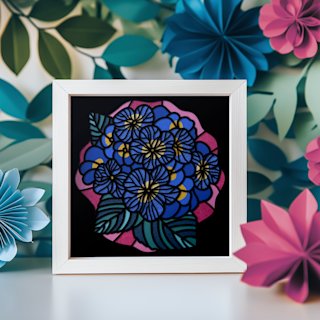
Your `_Incoming` folder is for testing; your main library is for proven cuts. These flower templates ship already test-cut and assembly-documented, so they skip quarantine and go straight into regular rotation — the rose, lily, and hydrangea that turn up in cards, wreaths, and framed pieces all year.

Free Templates Are a Starting Point, Not a Ceiling

The reason to get good at sourcing, screening, and customizing free Cricut paper flower templates isn't to avoid ever paying for a file — it's to make every file you do cut, free or paid, behave predictably. Once you can open an SVG and read its cut paths, layer structure, and sizing at a glance, a $0 download and a premium template both become the same thing: raw material for whatever bloom you want on your wall this weekend.

Start with the four-point screen, build your _Incoming quarantine habit, name files at upload, and let your library grow from proven cuts rather than blind downloads. The free template that shredded my cardstock on day one taught me more about cut paths than any tutorial did — mostly because I had to figure out, afterward, exactly why it failed. Run the same diagnosis on every file you bring in, and your hit rate climbs fast. Then browse the full flower SVG templates category when you want a bloom that's guaranteed cut-ready, and keep exploring free SVG downloads for the rest of your library.

1.Can I sell items made from free paper flower templates?
It depends entirely on the license, and "free to download" does not mean "free to sell what you make." Most free templates are licensed for personal use only. Some designers allow limited commercial use (e.g., up to 100 finished items) with attribution. A few are fully public domain. Read the license file inside the download — if there isn't one, assume personal use only and contact the designer before selling. Selling finished crafts made from a personal-use-only file is copyright infringement, even if you resized or recolored it.
2.What file format should I use for paper flower templates in Cricut?
SVG. It's the format Design Space reads natively, it preserves your layer colors and grouping, and it scales without quality loss. DXF also works but loses color information, so every layer imports as one color and you must recolor manually. Avoid PNG and JPG for machine cutting — they're raster images that Design Space would have to auto-trace into cut paths, which is exactly how the fuzzy, overlapping, paper-shredding templates get made.
3.How do I know if a free template is good quality?
Run the four-point screen: open the SVG in Design Space, click a petal and confirm it's one clean continuous curve (not a fuzzy doubled line), check the Layers panel shows distinct color-separated layers (not one flat blob), confirm the file states a recommended cut size, and check the groups are logical. Two of three passing is usually cuttable. If it fails all three, it was auto-traced and will likely shred your cardstock.
4.Can I modify free templates to create my own designs?
Yes for personal use — you can resize, recolor, remove layers, and recombine elements on your canvas freely. The line is redistribution: you cannot take a free template you modified and resell or give away the SVG file itself, even redesigned, unless the original license explicitly permits it. Modifying for your own finished projects is fine; modifying and then distributing the file (free or paid) usually is not.
5.Where can I find seasonal paper flower templates?
Community craft blogs and Cricut Facebook groups are the fastest source for seasonal flowers, because crafters share themed freebies (spring daffodils, summer sunflowers, autumn marigolds, winter poinsettias) on a rolling cycle timed to the holidays. Designer lead-magnet emails also go seasonal, since designers release a free sample to promote their matching paid seasonal collections. Check both, screen with the four-point quality test, and quarantine every new download in an _Incoming folder until it passes a real test cut.