Articles13 min read

Cricut Paper Cutting for Beginners

Set up your machine, dial in the right cardstock and mat settings, and cut your first clean design without tearing — a field-tested walkthrough from your first test cut to a finished layered shadow box.

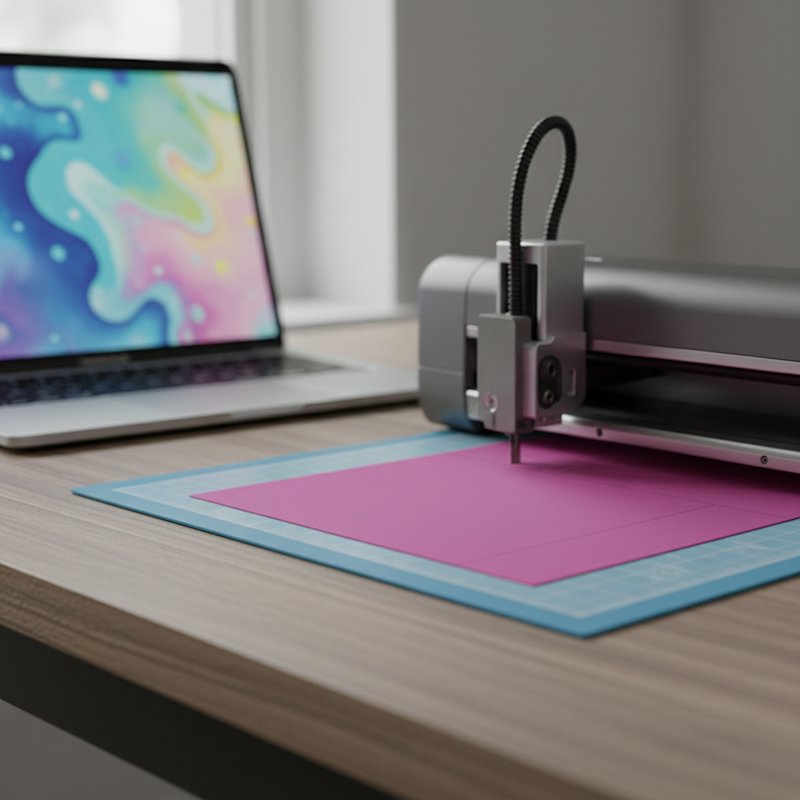
A cutting machine cutting a layer of colored cardstock on its mat with a laptop open beside it showing a blurred abstract design

The first time I tried to cut paper on a Cricut, I loaded a sheet of flimsy 20 lb printer paper onto a brand-new StandardGrip mat, hit Make It, and watched the blade drag the sheet into a wrinkled ball of confetti. I assumed the machine was broken. It wasn't — I'd just picked the wrong paper and skipped the one step that matters most: the test cut.

Cricut paper cutting is the craft of using a digital cutting machine (a Cricut Explore or Maker) to cut shapes, letters, and layered designs out of cardstock and specialty paper. Where a craft knife relies on your hand for precision, a Cricut relies on a sharp blade, a sticky mat that holds the paper still, and software settings that tell the machine how hard and how many times to cut. Get those three things right and the machine does the fiddly work for you. Get them wrong and you'll tear paper, waste material, and blame the machine.

This guide is the beginner walkthrough I wish I'd had on that first ruined sheet. We'll cover the paper types that actually cut cleanly, the one blade and one mat you need to start, how to set up a project in Design Space, a full step-by-step cut, and the troubleshooting fixes for when things go wrong. By the end you'll be able to cut a clean single-layer design and move on to layered shadow box projects.

If you're weighing whether you even need a machine versus cutting by hand, our paper cutting tools for beginners guide compares craft-knife and machine workflows so you can decide before you spend $200.

What Cricut Paper Cutting Actually Means

People hear "Cricut" and think vinyl decals. Paper cutting on a Cricut is a different beast. Vinyl is a thin, flexible film that peels off a backing; paper is a rigid fibrous sheet that tears if the blade catches an edge. The skill is matching the paper weight to the right mat grip and cut pressure, so the blade slices cleanly through instead of snagging.

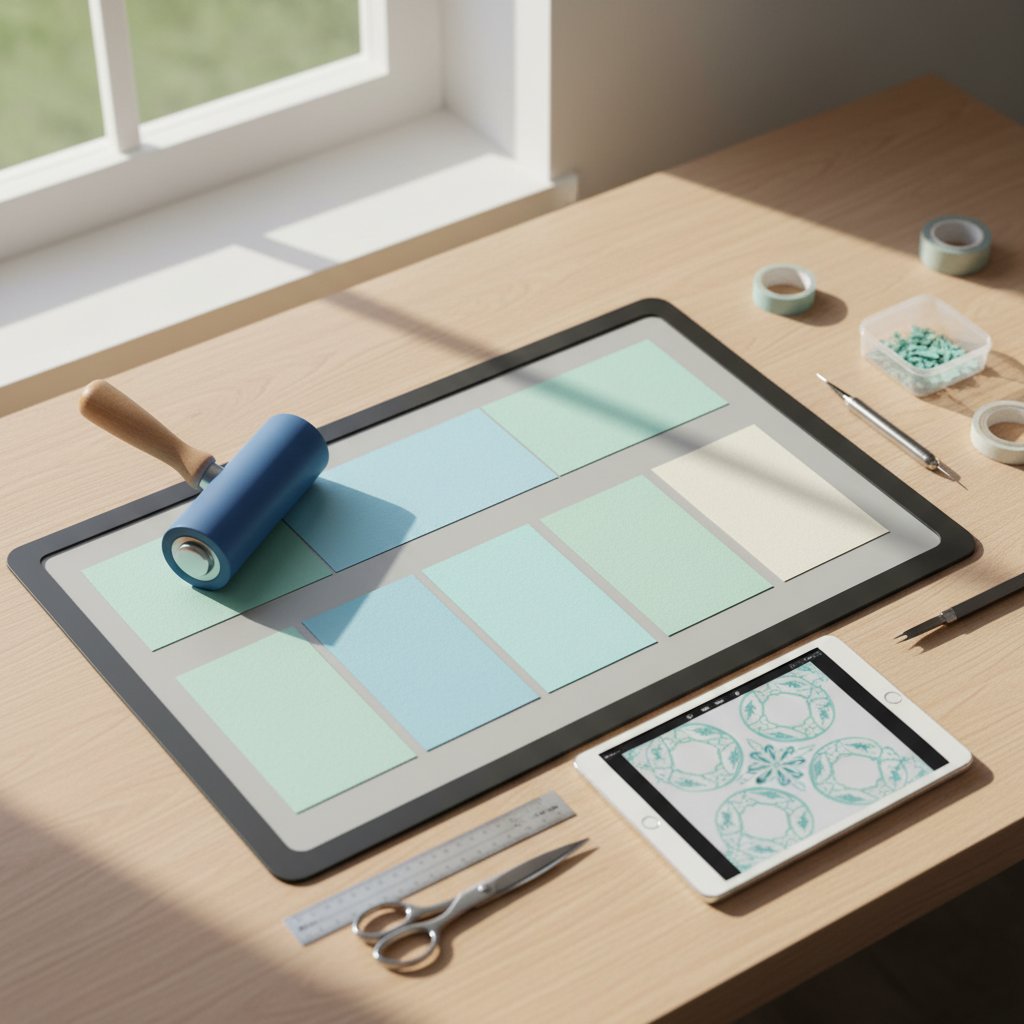
Overhead view of Cricut cutting mat preparation showing a clean StandardGrip mat with cardstock loaded and ready

Paper That Cuts Cleanly on a Cricut

| Paper | Weight | Best mat grip | Notes | |-------|--------|---------------|-------| | Light cardstock | 65 lb (176 gsm) | StandardGrip (green) | The sweet spot for beginners — cuts in one pass | | Medium cardstock | 80 lb (216 gsm) | StandardGrip (green) | May need the "More" pressure setting | | Heavy cardstock | 100–110 lb | StrongGrip (purple) + deep-point blade | Use multi-cut for clean edges | | Specialty (glitter, foil) | varies | StrongGrip (purple) | Always do a test cut first |

Start with 65 lb solid-core cardstock. It's cheap, holds a crisp edge, and forgives beginner settings mistakes. Printer paper (20 lb) is too light — the mat grip overpowers it and the blade drags it into a ball (ask me how I know). Construction paper is too fuzzy and sheds fibers into your blade housing. For a deep dive on every paper option, our Cricut cardstock types guide breaks down weights, finishes, and which brands cut best.

Why the Mat Matters as Much as the Blade

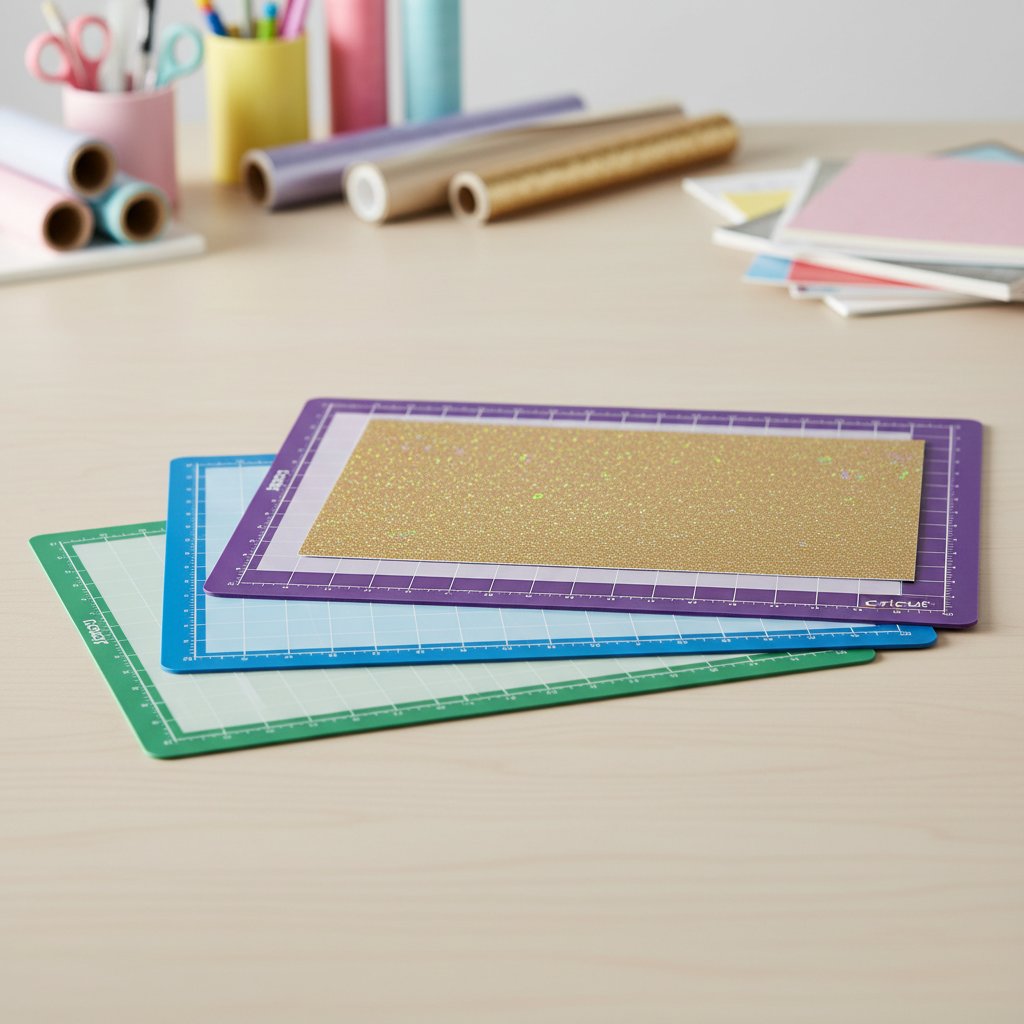
The mat is what stops your paper from shifting mid-cut. Cricut makes three grips — green StandardGrip for cardstock, blue LightGrip for delicates, purple StrongGrip for heavy and specialty materials. Using the wrong grip is the single most common beginner failure: a too-tacky StrongGrip mat will tear 65 lb cardstock when you peel it off, and a worn-out StandardGrip mat will let heavy cardstock lift and snag the blade.

Cut Your First Design on a Real Project
Don't burn cardstock on practice scraps. The Crazy Dog papercut SVG is a bold single-layer silhouette with forgiving curves — the ideal first cut for testing your blade, mat, and settings on a design you'll actually want to keep.

Essential Tools and Materials

You don't need the entire Cricut accessory wall. Here's the honest minimum to start cutting paper, ranked by how much each one actually matters.

The Non-Negotiables

  • Cricut machine — Explore Air 2, Explore 3, Maker, or Maker 3 all cut cardstock identically with the fine-point blade. Don't overthink the model for paper; the entry-level Explore is plenty. - Fine-point blade (the one that ships in the bag marked "Premium Fine-Point") — this is your everyday paper-cutting blade. One housing, replaceable blades. - StandardGrip mat (green) — your default mat for 65–80 lb cardstock. Buy two so one is always de-tackified and ready. - 65 lb cardstock — your cutting medium. A 50-sheet multipack in neutral colors covers your first 20+ projects. - A computer or phone with Cricut Design Space — the free software that drives the machine. Create an account before your first cut.

Tools That Save You Real Time

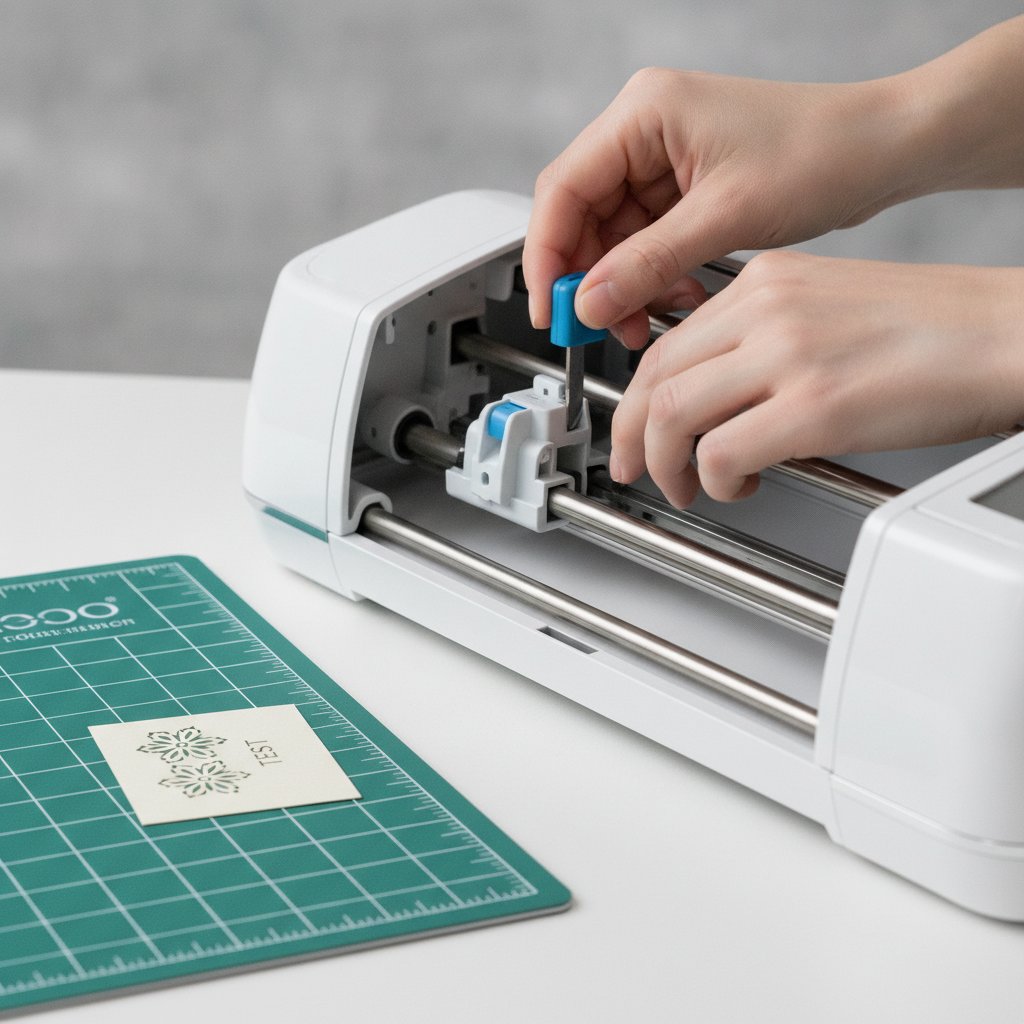
A fresh fine-point blade being installed into a cutting machine beside a clean cutting mat
  • Weeding tool (hook) — for lifting tiny cut-out pieces out of intricate designs. The cheap one in the basic tool set is fine. - Brayer — a rubber roller that presses cardstock flat onto the mat for even grip. It stops corners from lifting mid-cut on larger designs. - Scraper / spatula — for lifting finished cuts off the mat without curling them. - Scoring stylus or wheel — only if your projects involve fold lines (cards, boxes).

What to Skip as a Beginner

  • Deep-point blade — only needed for 110 lb+ cardstock and chipboard. Add it later. - Every pack of blades — one fresh fine-point blade cuts 30+ projects before it dulls. - The knife blade — for balsa and thicker materials, not paper.

Want the full buying breakdown across hand and machine cutting? See our paper cutting tools guide. For blade specifics — fine-point vs deep-cut vs bonded-fabric — our best Cricut blade for cardstock comparison tells you exactly which housing each job needs.

Setting Up Your Cricut for Paper Cutting

Setup is where most beginner frustration lives — but it's only three steps once you know the order. Do them in this sequence every session and you'll eliminate 80% of cutting problems before they start.

1. Install a Sharp Fine-Point Blade

Open the blade housing clamp (the small lever on the left side of the carriage), push the blade in until it clicks, and close the lever. A dull blade is the #1 cause of incomplete cuts — if your blade has done 25+ cardstock projects or has visible buildup on the tip, swap it before you start.

2. Prep and Load the Mat

Place your cardstock aligned to the top-left corner of the StandardGrip mat (lined up with the grid, not hanging off). Run a brayer over it once, or press firmly with your palm from the center outward to eliminate air pockets. Load the mat by feeding it under the guide rollers and pressing the load arrow button.

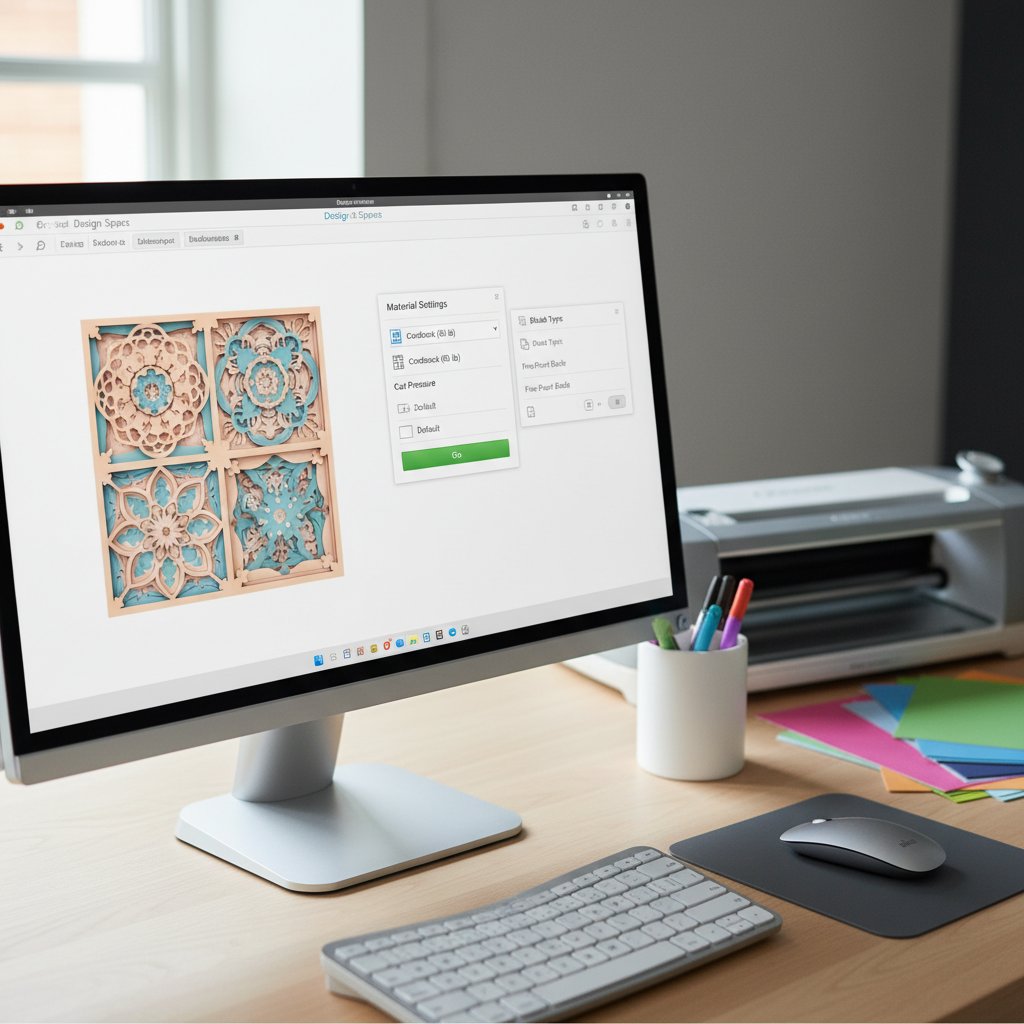
Close-up of Cricut Design Space software interface showing the material settings panel for cardstock with pressure and multi-cut options

3. Choose the Right Material Setting in Design Space

In Design Space, when you click Make It, you select a material from the menu. These are the settings that work for paper:

| Material setting | Use for | Default pressure | |-------------------|---------|------------------| | Light Cardstock | 60–65 lb | Default | | Cardstock | 65–80 lb | Default | | Cardstock (for intricate cuts) | Detailed designs on 65 lb | More | | Heavy Cardstock | 100–110 lb | More + multi-cut 2× | | Glitter Cardstock | Glitter-finish sheets | More + multi-cut 2× |

The golden rule: when a cut isn't going all the way through, bump the setting to More before you reach for a different blade. Pressure fixes 90% of incomplete-cut problems.

Step-by-Step Paper Cutting Tutorial

Here's the full cut workflow, the exact sequence I run for every paper project. Follow it once and it becomes muscle memory.

1. Open Your Design in Design Space

Upload your SVG or open a ready-made project. For your first cut, pick a simple single-layer silhouette — a name, a shape, or a bold animal outline. Resize it to fit your cardstock with at least a half-inch border. Select all, click Attach so the machine cuts the design as one piece in one place on the mat.

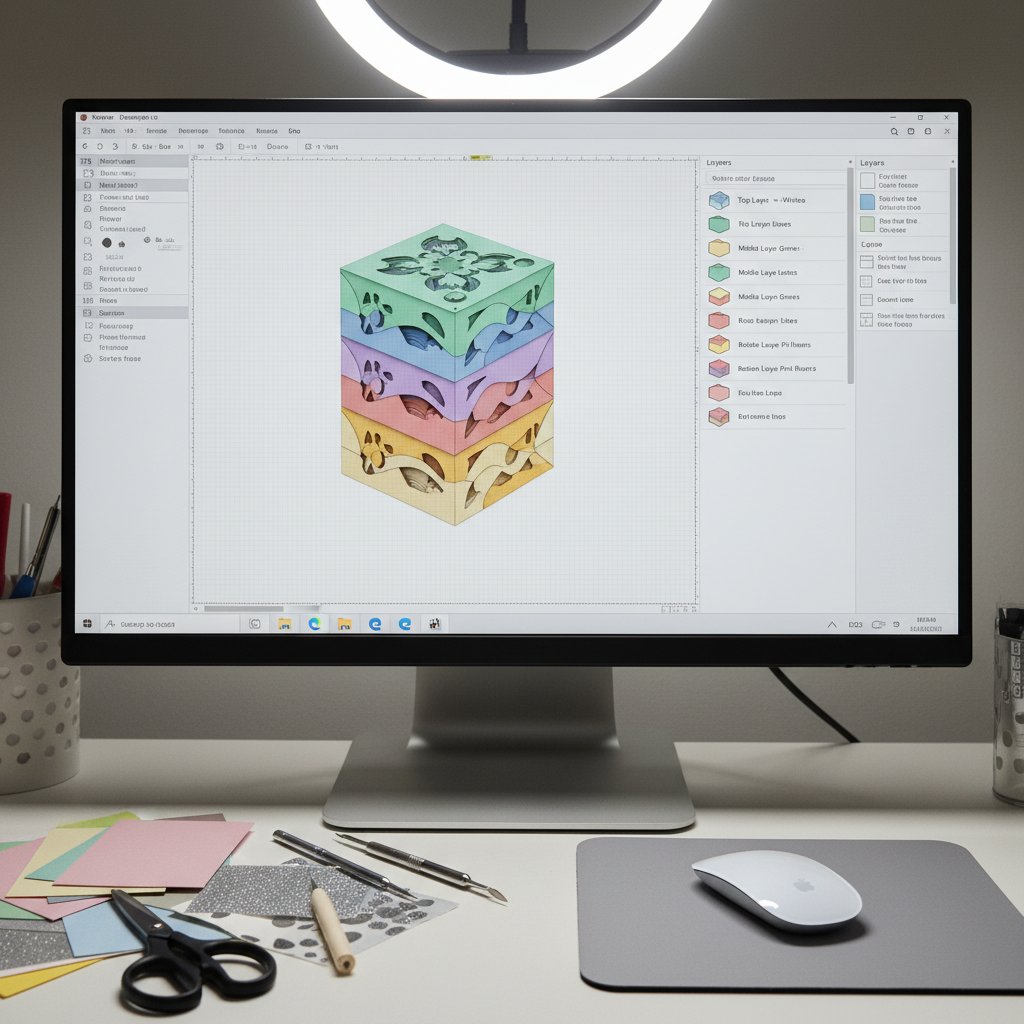
Cricut Design Space interface showing the Layers panel with multiple color-coded shadow box layers ready to attach and cut

2. Do a Test Cut First

Before committing a full sheet, run a test cut on a corner scrap. Design Space's test cut runs a small triangle and square. If both cut cleanly and lift off the mat without tearing, your settings are right. If the cut doesn't go through, choose More pressure and retest. A 30-second test cut saves a $0.50 sheet every time.

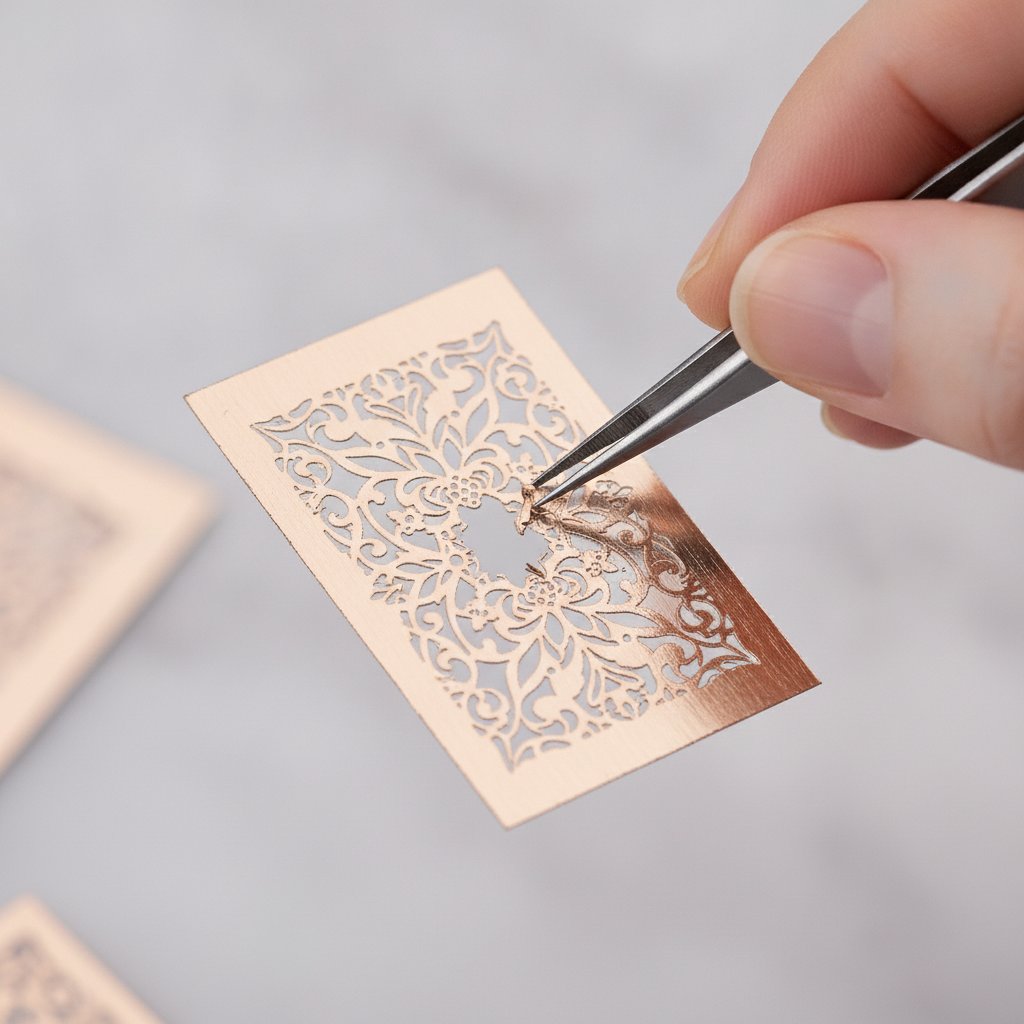
A small intricate test cut design on a scrap of rose gold metallic cardstock being weeded with a hook tool

3. Cut the Full Design

Click Make It, confirm the material setting, and watch the first 30 seconds. If the paper lifts, shifts, or the blade leaves score marks instead of cuts, pause the job (the pause button on the machine) and fix the cause before ruining the sheet.

4. Remove the Paper from the Mat Correctly

This is where beginners tear their finished work. Never rip the paper straight up off a tacky mat. Flip the mat upside-down (paper facing down) and slowly curl the mat back and away from the paper, letting the cardstock peel off by its own weight. For stubborn spots, slide a spatula tool between paper and mat to release the grip.

5. Weed the Excess

Use the weeding hook to lift out the small interior pieces (the negative space inside letters, the holes inside a flower center). Start from one edge and work inward, pulling pieces up and away so you don't catch a bridge and tear it. Need the full assembly path from cut layers to a finished framed piece? Our how to make a layered paper shadow box with Cricut walks through stacking, spacing, and framing.

Try a Layered Floral Design
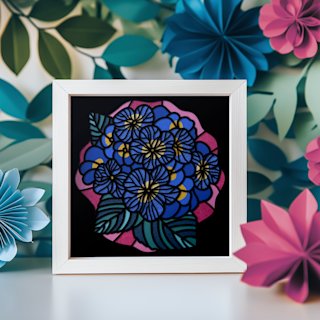
Once your single-layer cuts are clean, the Hydrangea shadow box SVG lets you practice a multi-layer cut on a forgiving flower design — five layers, color-coded, and easy to align because the petal shapes are bold and continuous.

Tips for Clean, Precise Cuts

Once the basics work, these adjustments separate "it cut" from "it cut cleanly."

Match Pressure to Paper, Not the Other Way Around

If you're fighting the paper — forcing settings, adding extra passes — you've got the wrong paper-to-setting match. 65 lb cardstock on the Cardstock setting should cut through in a single pass with no tearing. If it doesn't, the blade is dull or the setting is wrong, not the paper stubborn. For the master reference on every paper type and its exact setting, our Cricut cardstock settings mastery guide lists tested pressure, multi-cut, and blade combos.

Use Multi-Cut for Thick and Specialty Cardstock

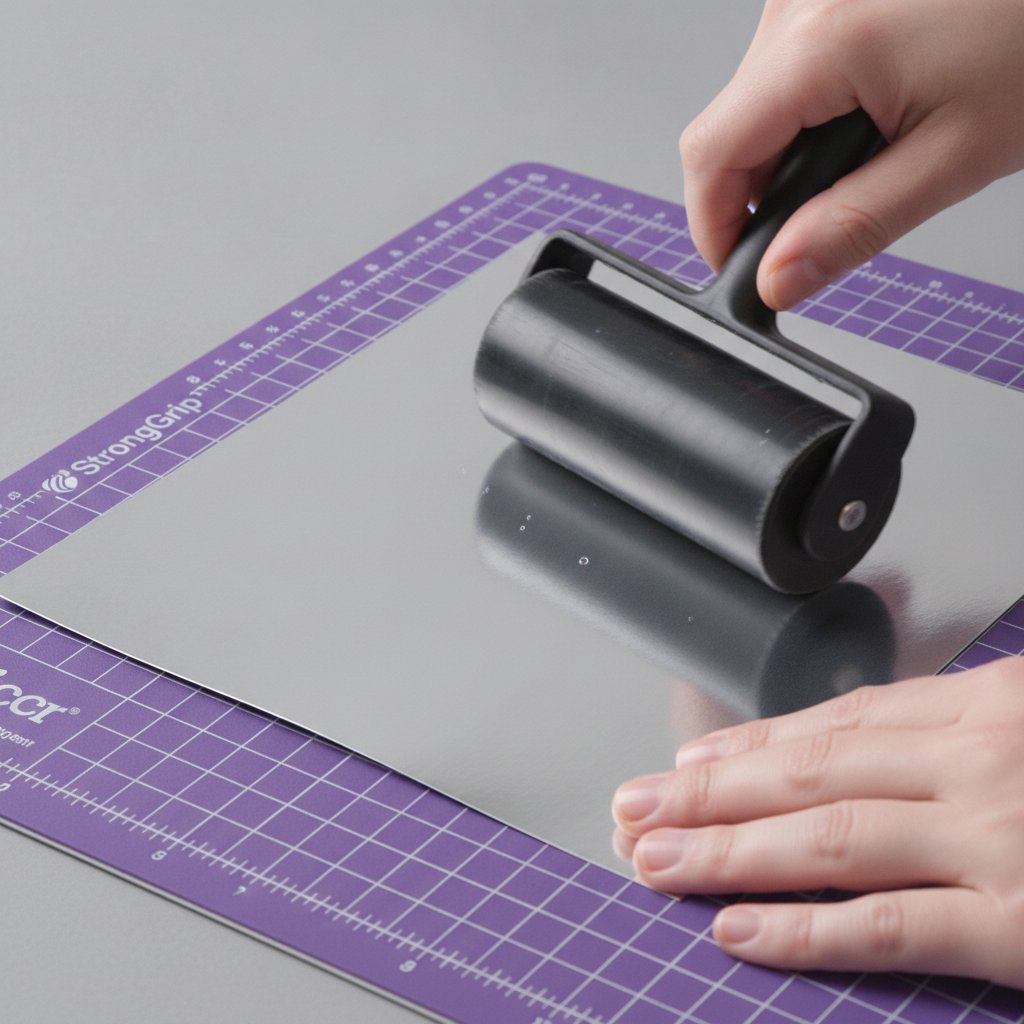
A sheet of silver metallic cardstock smoothed onto a purple StrongGrip cutting mat with a brayer roller for even adhesion

Heavy and metallic cardstock (100 lb+, glitter, foil) rarely cuts cleanly in one pass. Set Multi-Cut to 2× in Design Space — the blade traces the design twice along the same path. Use the StrongGrip (purple) mat for these so the heavier sheet stays put. Always brayer these down; air pockets under metallic cardstock cause skipped cuts.

Keep Your Mat at the Right Tackiness

Three Cricut cutting mats in purple blue and green grip strengths fanned on a craft table

A brand-new StandardGrip mat is almost too sticky for 65 lb cardstock and will tear it on removal. "De-tackify" a new mat by pressing a clean cotton t-shirt to it once — the fabric fibers reduce the grip to paper-friendly. A mat that's lost its grip can be re-stickied; see our Cricut mat restoration guide before you throw one out. For matching grip to paper weight in detail, the Cricut mat guide maps every weight to a mat.

Store Cardstock Flat and Dry

Curled or damp cardstock lifts off the mat mid-cut. Store sheets flat under a book, away from humidity. Humidity warps paper and dulls cuts faster than you'd expect — our humidity and Cricut cutting guide explains why a rainy-day cut behaves differently.

Troubleshooting Common Paper Cutting Problems

Every problem below has one primary fix. Try that first.

Paper Tears When You Peel It Off the Mat

Cause: mat is too tacky, or you're pulling up instead of rolling back. Fix: flip the mat over and curl it back slowly; de-tackify a new mat with a cotton shirt press. Heavy tears on a brand-new mat with 65 lb cardstock are almost always a tackiness problem, not a settings problem.

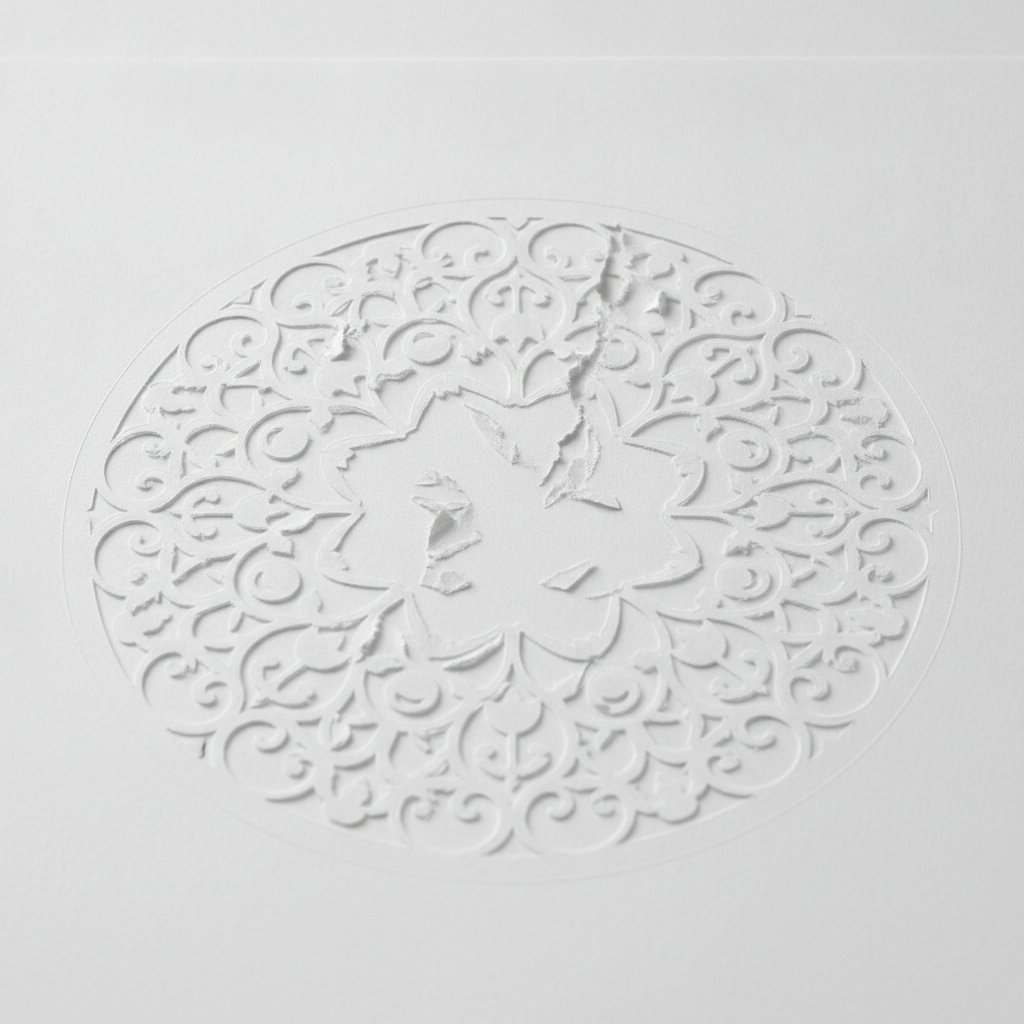
An overly intricate paper cut design on white cardstock torn during weeding with delicate broken bridges

Cuts Don't Go All the Way Through

Cause: dull blade, or pressure too low. Fix: bump the material setting to More and retest. If it still doesn't cut through, replace the fine-point blade — a dull blade can't be fixed with more pressure, it just tears. For every other "it didn't cut right" scenario, our Cricut cardstock troubleshooting bible has the full diagnostic flowchart.

Blade Scores Instead of Cuts (Drag Marks)

Cause: blade housing is dirty or the blade is chipped. Fix: remove the blade, blow out the housing, check the tip under a light for a chip, and reinstall. Paper dust buildup inside the housing is a silent killer of clean cuts — clean it monthly.

Mat Won't Grip the Paper

Cause: mat is exhausted. Fix: wash with dish soap and warm water, let it air dry sticky-side-up, and test. If grip doesn't return, it's time for a new mat or a restick treatment.

Intricate Design Tears During the Cut Itself

Cause: bridges are too thin for the paper, or settings are too aggressive for the detail. Fix: use the Cardstock (for intricate cuts) setting, or simplify the design by removing the thinnest bridges. Very intricate designs cut better on 80 lb than 65 lb because the heavier paper holds finer bridges.

Ready for a Full Multi-Layer Build?
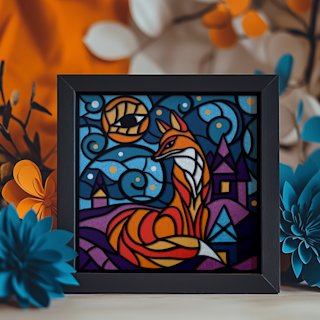
The Magical Fox shadow box SVG is the project I send every beginner to after their first clean single-layer cut. It's a multi-layer woodland scene with bold continuous shapes that cut reliably and assemble into a finished, frameable piece.

Beginner-Friendly Project Ideas

Once your cuts are clean, these projects build skills in a sensible order — each one adds exactly one new technique.

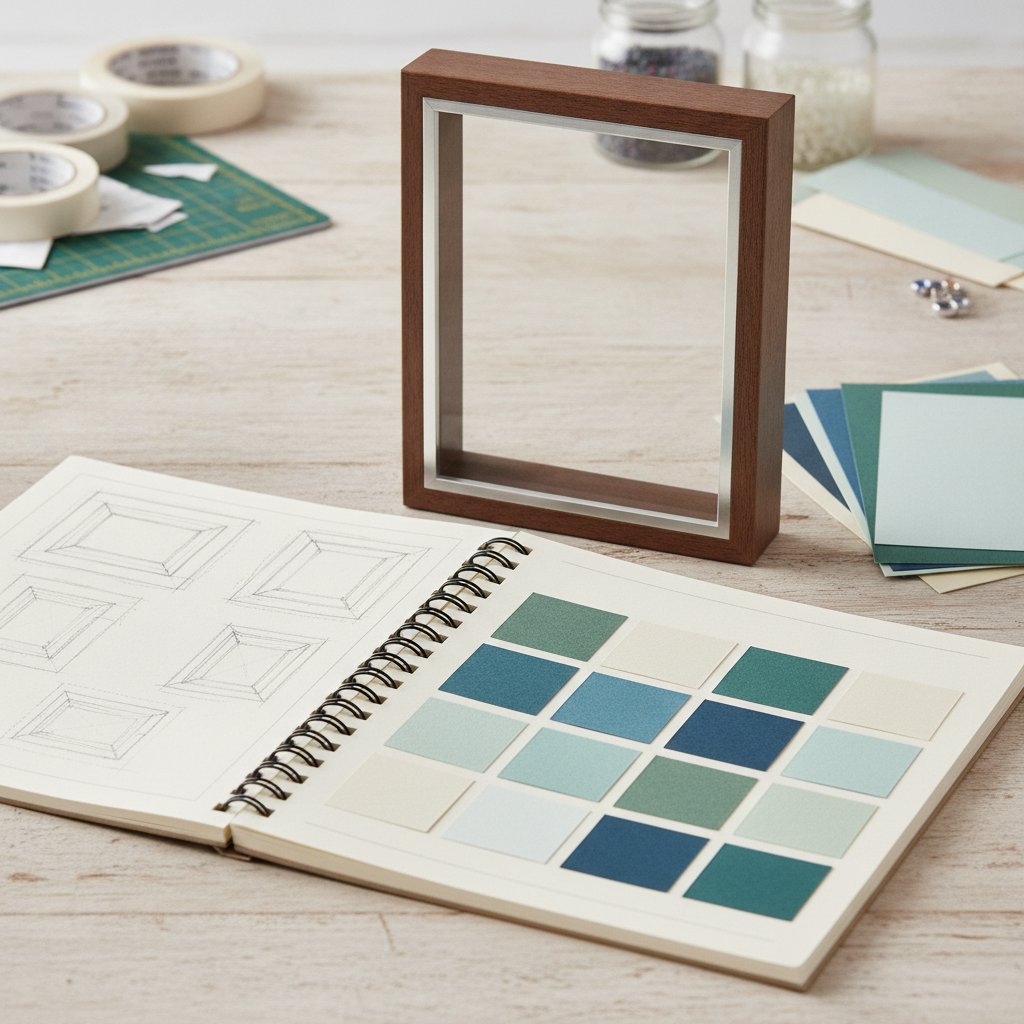
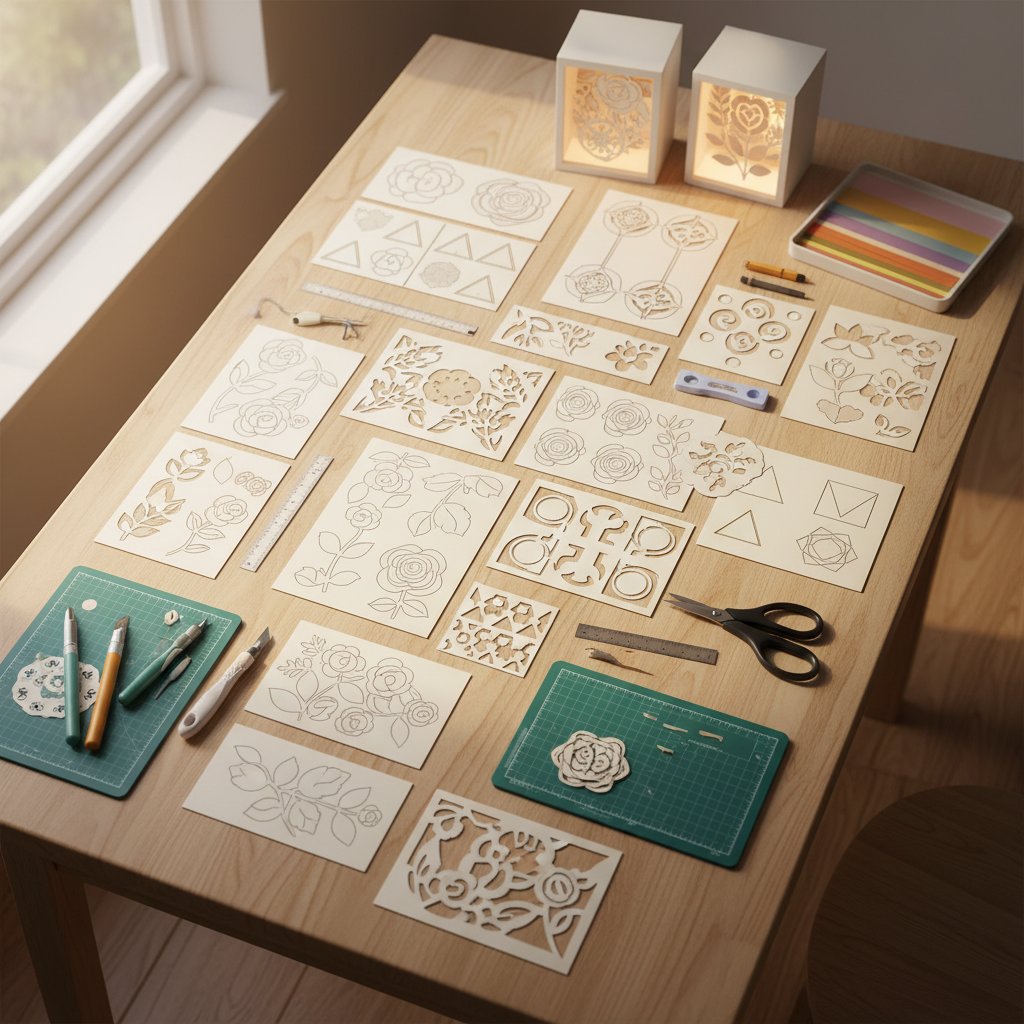
Various beginner-friendly paper cut shadow box design templates displayed on a craft table with color samples
  1. Single-layer monogram or name — one cut, one mat, one piece. Tests blade sharpness and the Cardstock setting. Frame it as a first finished piece. 2. Bold silhouette (animal or shape) — one layer with interior cutouts to practice weeding negative space. 3. Simple 3–5 layer shadow box — your first multi-layer build. Teaches mat-to-mat color changes, alignment, and spacer stacking. Start with a floral or animal design with continuous shapes. 4. Greeting card with a cut front panel — adds a score line (fold) to a cut design. Introduces the scoring stylus or wheel. 5. Geometric wall art — repeating cut shapes arranged in a grid. Great for using up cardstock scraps and practicing consistent settings across colors.

For 25 tested ideas ranked by difficulty, our Cricut shadow box ideas guide lists projects you can actually cut as a beginner, and the five easy paper cut shadow box projects article walks through the five simplest first builds step by step.

Next Steps: Advanced Paper Cutting Techniques

Once single and multi-layer cuts feel routine, these techniques open up more ambitious projects.

Multi-Layer Depth and Spacing

Layered shadow boxes get their 3D look from foam spacers between each cut layer, not from thick paper. The deeper the frame and the more spacers, the more dramatic the depth. Our how to assemble layered shadow boxes guide covers spacer materials, glue choice, and alignment tricks.

Resizing and Importing SVGs

Most templates need resizing to fit a specific frame. Learn to scale an SVG proportionally in Design Space and to split a large design across multiple mats. The import multi-layer SVG in Design Space walkthrough shows the exact attach/group workflow.

Combining Materials

Advanced projects mix cardstock with vellum for diffused light, or layer metallic and matte papers for contrast. These need per-layer settings and careful mat swaps — start with one mixed-material project before committing to a complex build.

The path forward is simple: cut one new project a week, test-cut every unfamiliar paper, and keep a notebook of the settings that worked for each cardstock brand. In a month you'll have a personal settings library that makes every new design a known quantity instead of a guess.

1.Can I cut regular printer paper with a Cricut?
Technically yes, but it's a bad idea for beginners. 20 lb printer paper is too light for the StandardGrip mat — the adhesive overpowers the sheet and the blade drags it into a ball. Start with 65 lb cardstock instead. If you must cut light paper, use a LightGrip (blue) mat and the "Copy Paper" setting, and expect some tearing.
2.What setting do I use for 65 lb cardstock on a Cricut?
Use the fine-point blade with the "Cardstock" material setting in Design Space. That default cuts most 65 lb cardstock cleanly in a single pass. If the cut doesn't go all the way through on a particular brand, switch to "Cardstock (for intricate cuts)" which applies more pressure, or bump pressure to "More" and retest.
3.How do I keep paper from tearing when I remove it from the Cricut mat?
Never pull the paper straight up off a tacky mat. Flip the mat upside down (paper facing down) and slowly curl the mat back and away from the paper, letting the cardstock release by its own weight. Slide a spatula tool under stubborn spots. For a brand-new mat that's too sticky, press a clean cotton t-shirt to it once to reduce the grip to paper-friendly.
4.Can I reuse a Cricut mat for paper cutting?
Yes — a StandardGrip mat lasts for 25–40 cardstock projects before it loses tack. Paper fibers build up on the surface; clean them off with a lint roller or a slightly damp cloth. When grip fades, wash the mat with dish soap and warm water, let it air dry sticky-side-up, or use a restick treatment. Replace it when cardstock starts lifting during cuts.
5.Do I need the deep-point blade to cut cardstock?
No. The fine-point blade (the one that ships with the machine) cuts all cardstock up to about 80 lb cleanly. You only need the deep-point blade for heavy 100–110 lb cardstock, glitter cardstock, and thicker specialty materials. For everyday paper cutting, a sharp fine-point blade is the right and cheaper choice.
6.Why is my Cricut not cutting all the way through the cardstock?
The two causes are a dull blade or pressure that's too low, in that order. First, bump the material setting to "More" pressure and run a test cut. If it still doesn't cut through, replace the fine-point blade — a dull blade can't be rescued with more pressure and will only tear the paper. Also confirm you selected the right material setting for your cardstock weight.