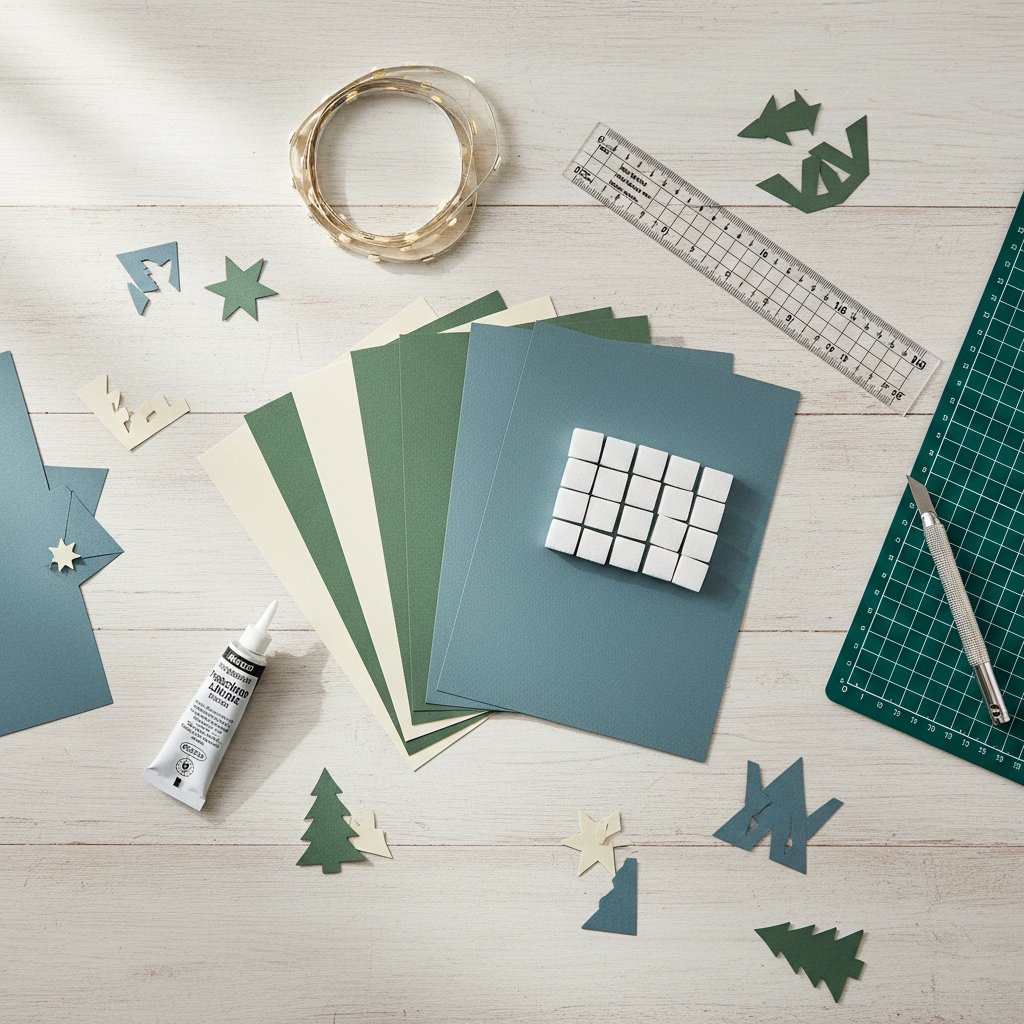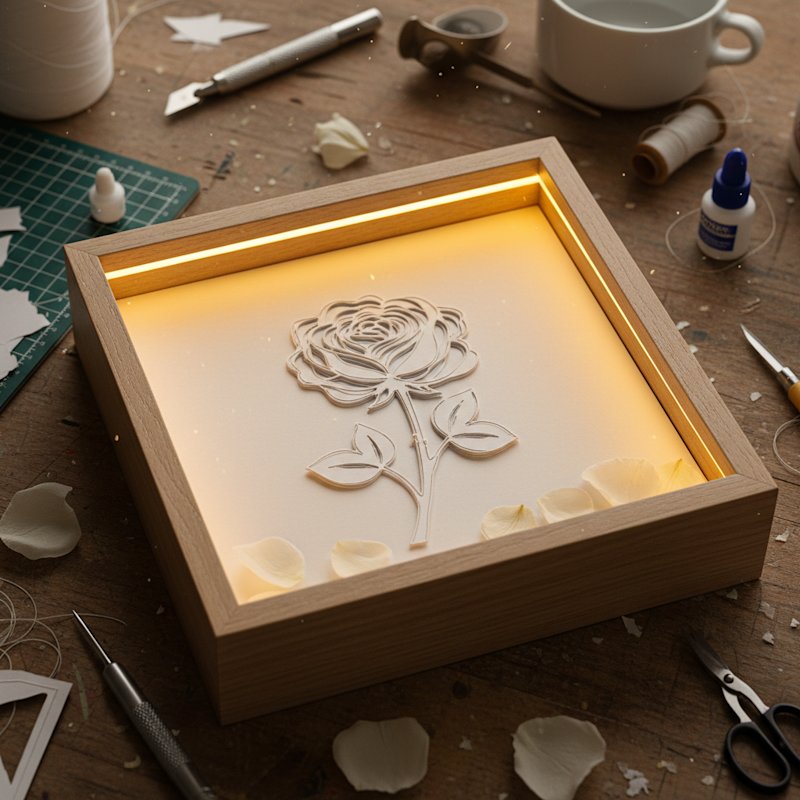
When I started paper cutting, I used a dull kitchen knife on a magazine as a cutting surface. The result was exactly what you'd expect — torn edges, ragged lines, and frustration that almost made me quit before I began. The right tools don't just make better cuts; they make the process enjoyable instead of painful.
Paper cutting is a tool-driven craft in a way that drawing or painting isn't. A pencil draws whether it costs $1 or $20. But a cheap knife with a loose blade will tear 65 lb cardstock on curves, while a quality craft knife with a fresh #11 blade glides through it. The gap between frustrating and satisfying is often a $5 blade replacement.
This guide covers every tool a beginner needs, organized by priority. Start with the essentials, add specialty tools as your projects demand them, and skip anything a marketing department told you was "must-have" that actually isn't.
Already have your tools and want to learn the craft itself? See our complete paper cut art guide for beginners, which covers techniques from your first cut to finished wall art.
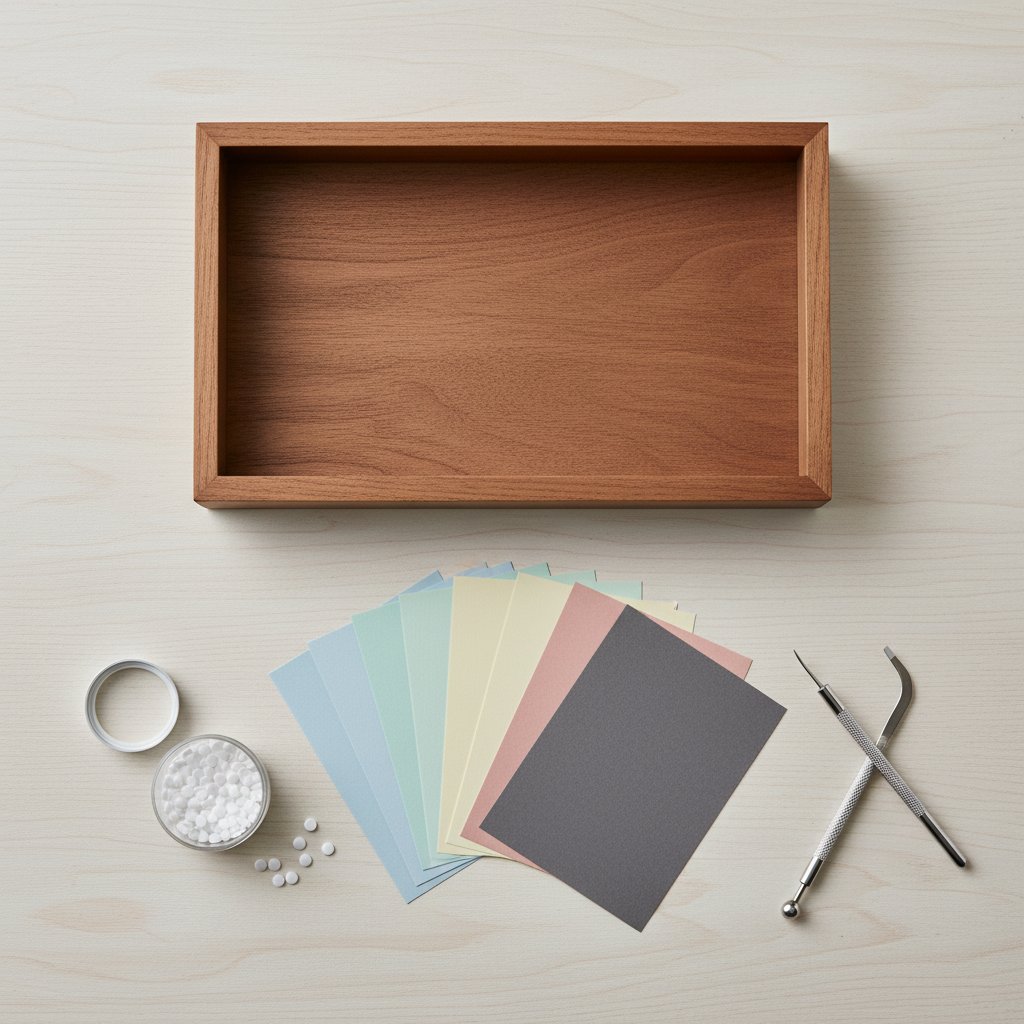

 , but excellent for: - Lifting tiny cut pieces away from the sheet - Removing internal shapes without damaging bridges - Picking out debris from tight corners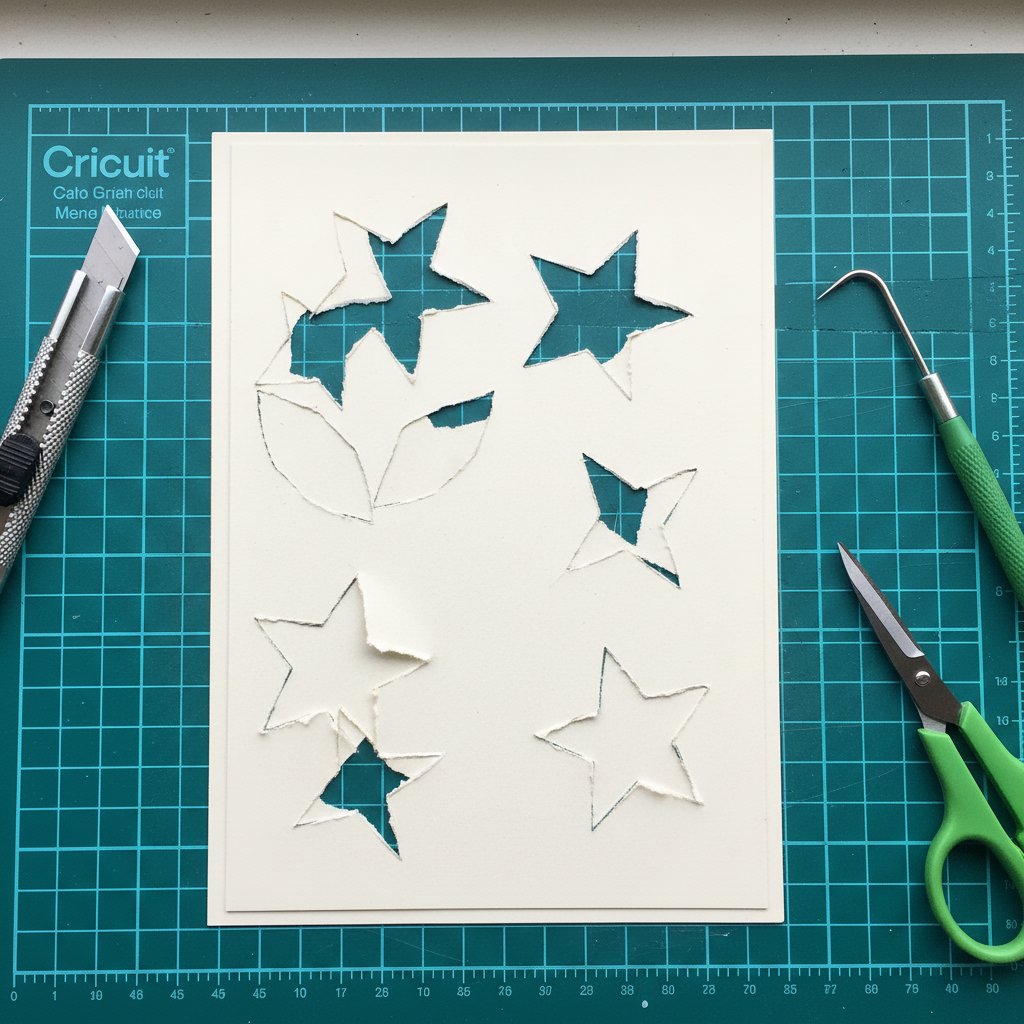
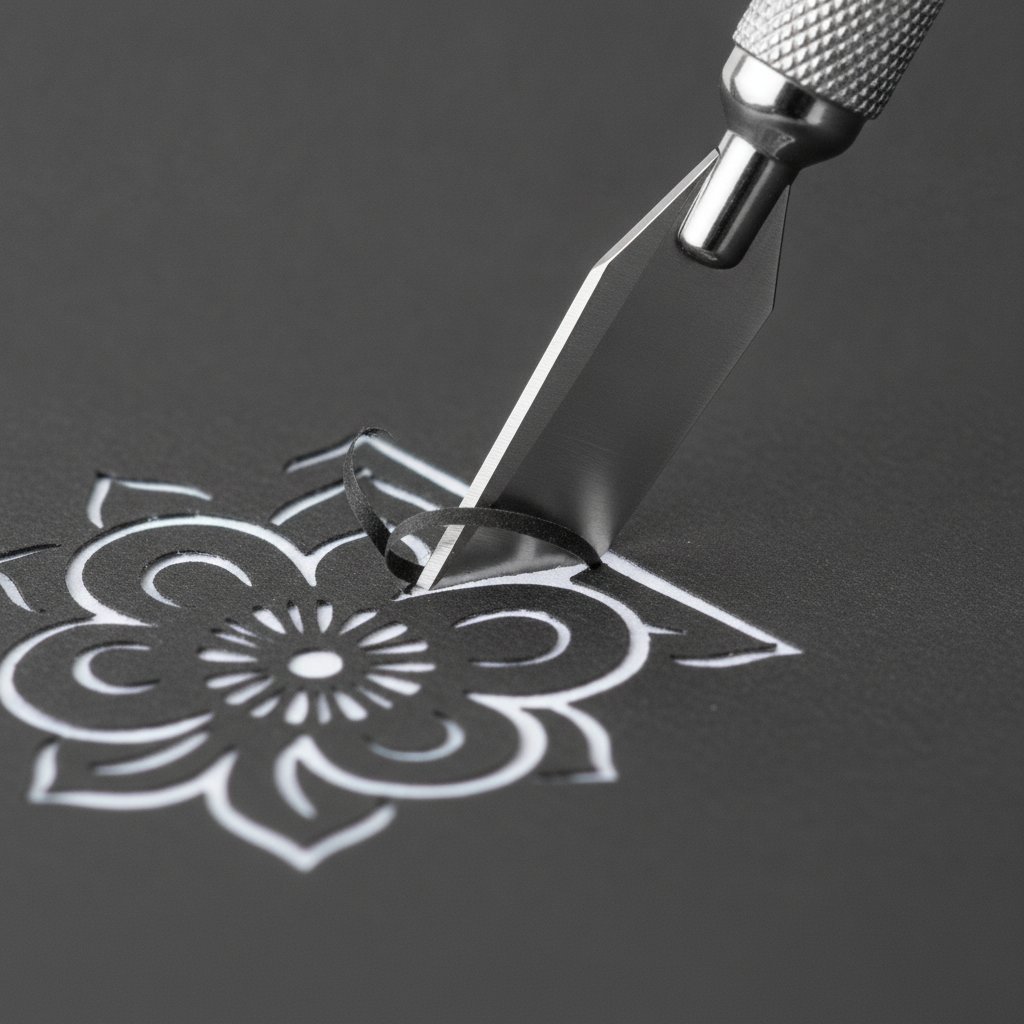
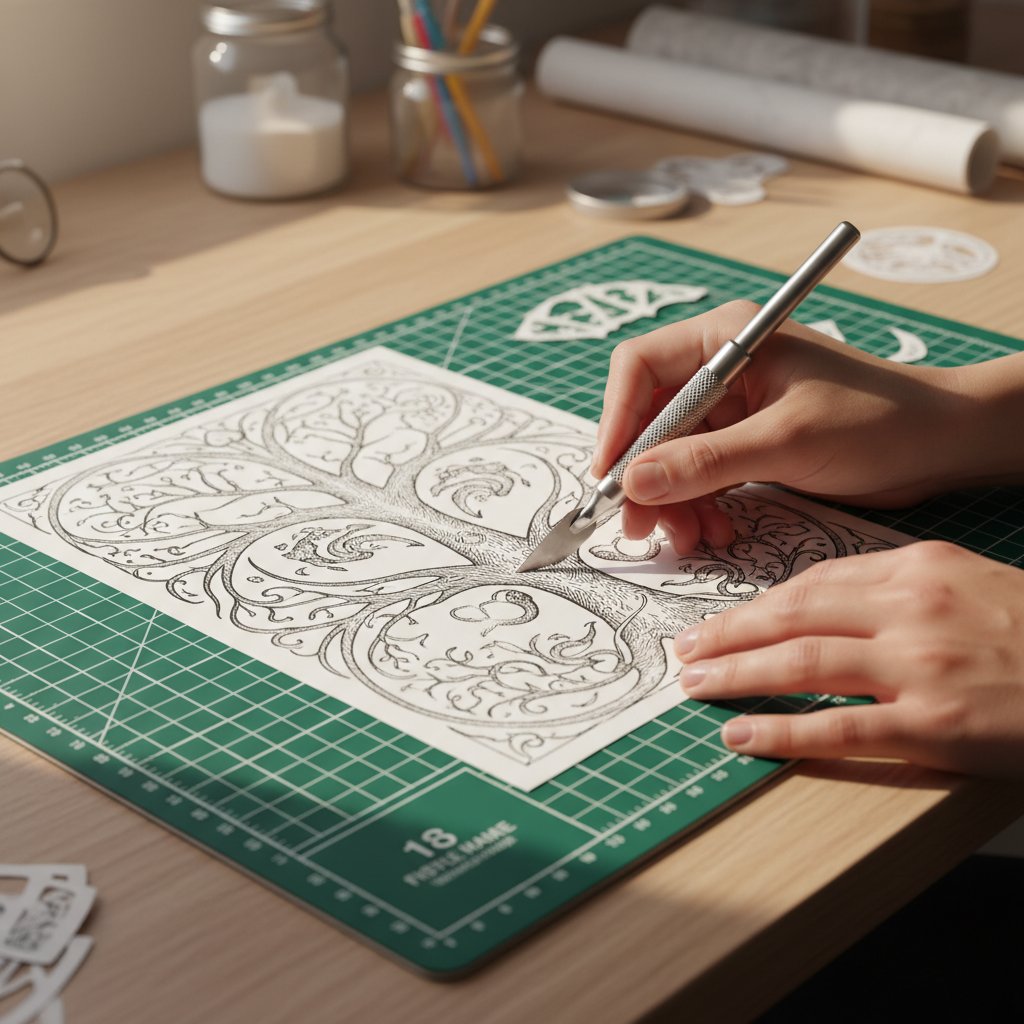
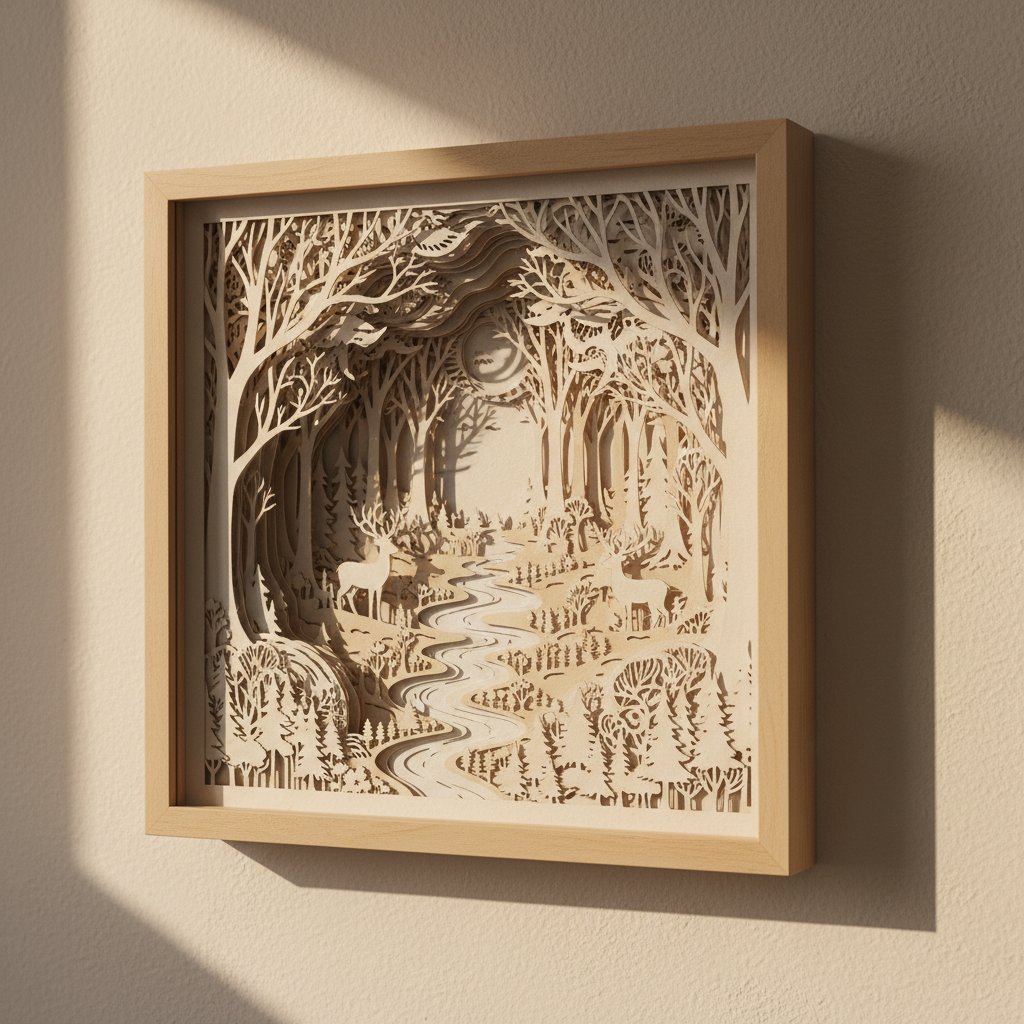 (holes inside the design) are what make paper cutting unique and can't be done with scissors: 1. Pierce the blade through the paper at a point on the cut line 2. Cut along the line, maintaining steady pressure 3. Work in small sections — don't try to cut the whole shape in one stroke 4. Use your weeding tool or tweezers to remove the cut piece