Articles10 min read

How to Make Paper Cut Art — Beginner's Guide

Everything you need to start making paper cut art today — from a craft knife and cutting mat to your first finished piece, with real results and the mistakes I made along the way.

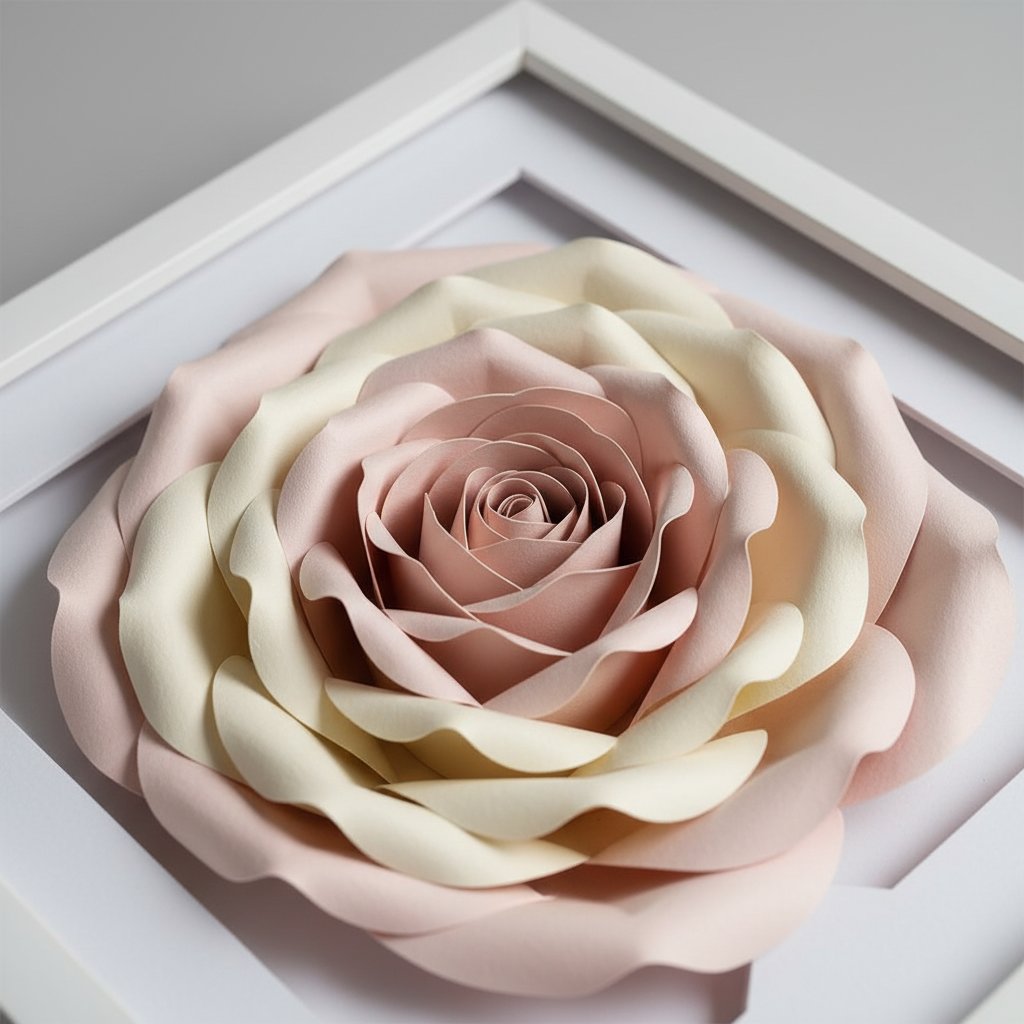
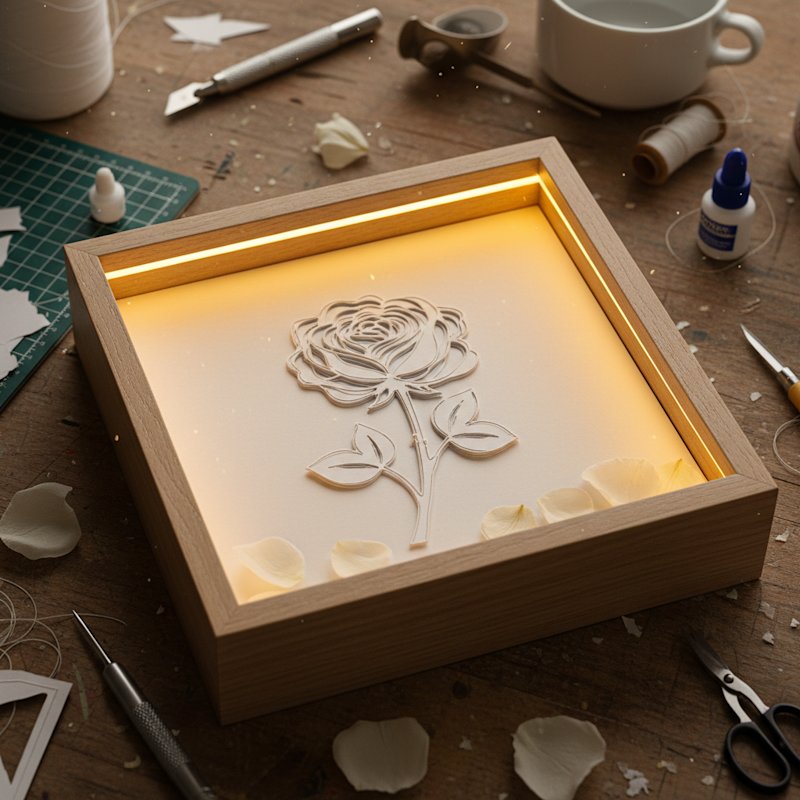
Simple floral silhouette shadow box with layered rose petals creating depth through backlighting

Paper cut art is one of the most accessible crafts you can pick up. You need a blade, some paper, and patience. No expensive equipment, no electricity, no drying time. Just your hands, a sharp knife, and the satisfaction of watching a design emerge from a blank sheet.

I started paper cutting two years ago with a cheap craft knife and printer paper. My first attempt was a mess — torn edges, uneven lines, a design that fell apart when I picked it up. But the second attempt was better. By the fifth, I had something worth framing. That's the learning curve with paper cutting: steep at first, then it clicks.

This guide covers two paths:

  • Hand cutting — the traditional craft knife method, great for single-layer art and learning the fundamentals

  • Machine cutting — using a Cricut or Silhouette for multi-layer designs and reproducible projects

Both paths teach the same core skill: understanding positive and negative space. Once you grasp that, everything else is technique and practice.

If you already know the basics and want to move into layered shadow box projects, see our how to make a layered shadow box guide. This article is for the absolute beginning — your first finished piece of paper cut art.
Tools and Supplies You Need

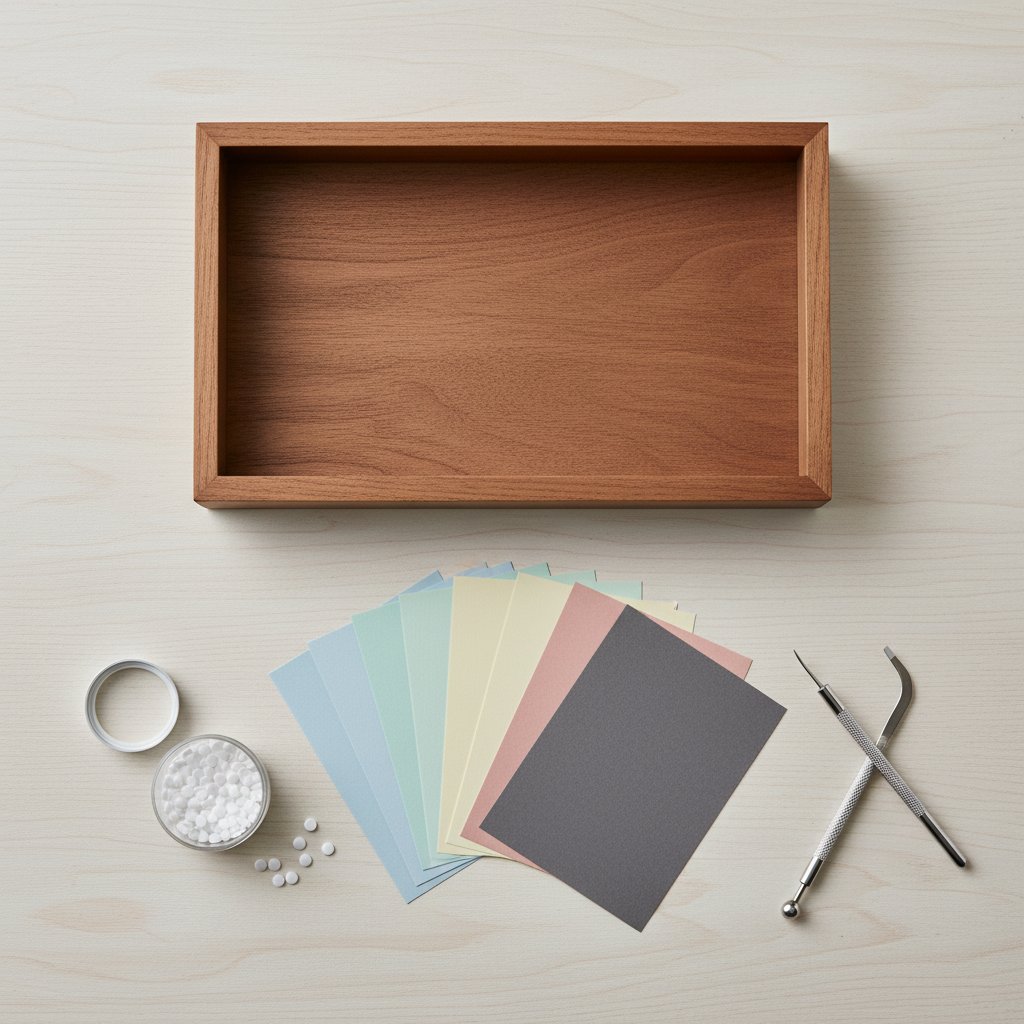
Overhead flat lay of shadow box supplies including a frame colored cardstock foam dots and craft tools

The barrier to entry for paper cut art is deliberately low. Here's what you actually need (and what you can skip).

Essential (Under $20 Total)

| Tool | Why You Need It | Budget Option | |------|-----------------|---------------| | Craft knife (X-Acto #1) | Precision cutting | Any craft knife with #11 blade | | Cutting mat (A4/A3) | Protects your surface, self-healing | Any self-healing cutting mat | | Paper (65 lb cardstock) | The medium you cut | Standard cardstock from any craft store | | Pencil + eraser | Sketch your design | Any pencil | | Ruler | Straight lines, measuring | Any metal ruler |

Nice to Have (Add Later)

  • Swivel knife — for tight curves, a swivel blade rotates as you cut. Not essential but makes organic shapes much easier after you learn the basic straight-knife technique. - Light pad / light box — placed under your paper to illuminate the template lines. Makes it much easier to follow a traced design. - WasHi tape — holds your paper to the cutting mat without leaving residue.

Machine Cutting Setup (If Going the Cricut Route)

If you plan to use a Cricut machine (recommended for multi-layer designs), you'll also need:

  • Cricut Maker or Explore Air 2 — the Maker handles more materials; the Explore is fine for cardstock - Fine-point blade + housing — included with all Cricut machines - StandardGrip mat (12×12) — holds cardstock during cutting - SVG design file — the digital pattern your machine cuts

For a full breakdown of cardstock types and weights, see our best cardstock for shadow boxes guide — the same paper principles apply to all paper cut art.

Understanding Paper Cut Design Principles

Before you make your first cut, you need to understand the fundamental rule of paper cutting: everything must stay connected.

Positive and Negative Space

In paper cut art, you're working with two types of space:

  • Positive space (paper that stays) — the solid areas of your design - Negative space (paper that's removed) — the holes you cut out

The challenge is that every piece of negative space must be surrounded by positive space that connects to the rest of the paper. If you cut a complete circle in the middle of your paper, that circle falls out — it's no longer part of the artwork. This is the biggest concept beginners struggle with.

Bridges — The Key to Paper Cutting

Bridges are thin strips of uncut paper that connect "islands" (enclosed shapes) to the surrounding design. They're what keep your art in one piece.

When I started, I kept forgetting bridges and watching pieces fall away as I cut. Now I plan bridges first, cuts second. Every enclosed shape needs at least one bridge — ideally placed where it blends with the design (along edges, shadows, or structural lines).

Bridge width matters too. For hand cutting, bridges need to be at least 2-3mm wide at your finished size. For machine cutting, 1-2mm is usually sufficient because the blade is more precise. If you're designing SVG files, our free shadow box SVG guide covers bridge placement and template sources in detail.

Choosing Your First Design

For your first paper cut, choose a design with:

  1. Large, simple shapes — no tiny details or thin lines 2. Few bridges needed — tree silhouettes, mountain ranges, and lettering work well 3. Single layer — save multi-layer designs for when you're comfortable
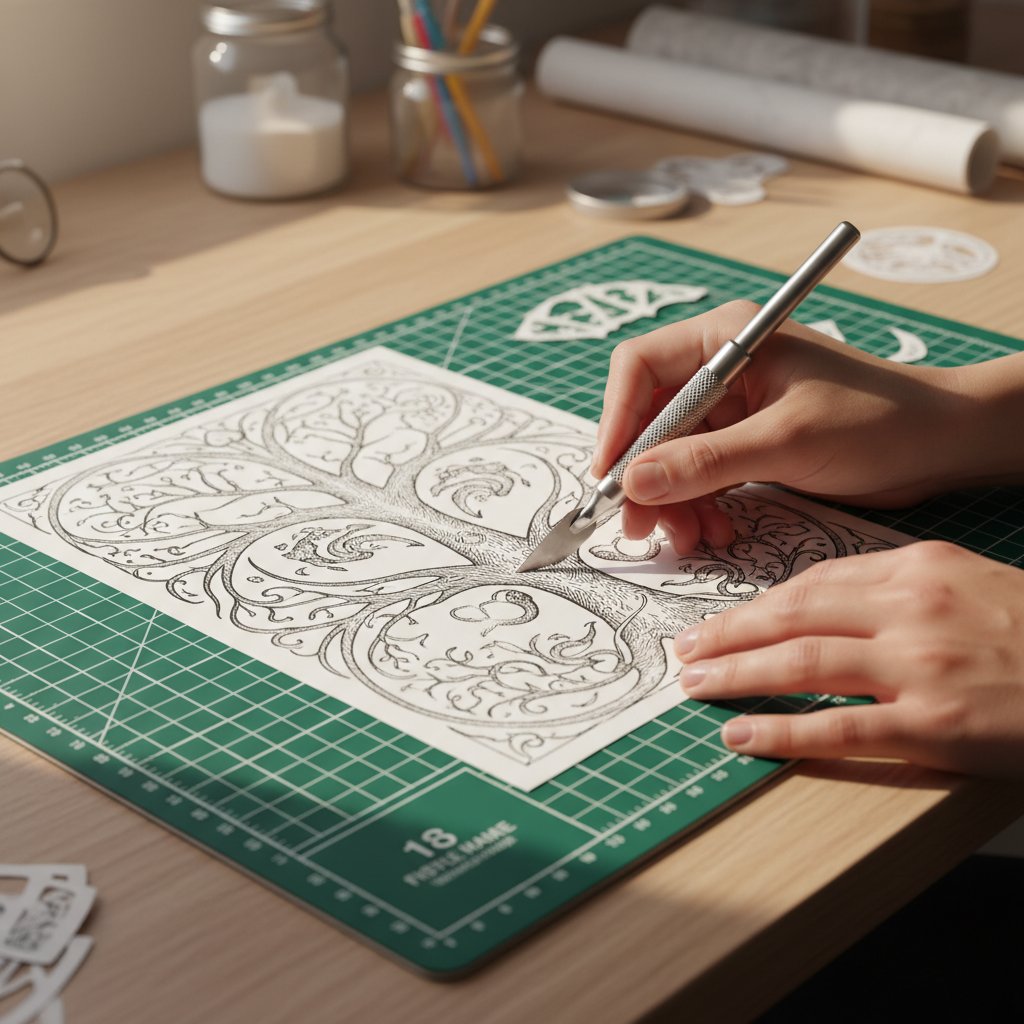
Printed papercut shadow box template being cut by hand with a craft knife

Free silhouette designs work perfectly for first projects. You can find them on stock photo sites (search "silhouette vector") or trace a simple shape from a photograph.

Hand Cutting Tutorial — Your First Paper Cut

Close-up of layered paper-cut flower shadow box showing depth between rose petal layers with soft shadows

This walkthrough takes you from blank paper to finished art using only a craft knife. I'm using a simple tree silhouette as the example because trees are forgiving — organic shapes hide small imperfections that geometric designs amplify.

Step 1: Prepare Your Template

Print or draw your design on the back of your cardstock (the side that won't show). If you're tracing from a screen, tape the paper to your monitor at full brightness and trace lightly with pencil. Alternatively, use a light pad underneath.

If drawing freehand, sketch the outline first, then mark where your bridges will go. For a tree silhouette, the trunk connects everything — you only need bridges for any enclosed shapes within the canopy (like holes between branches).

Step 2: Secure Your Paper

Tape your cardstock to the cutting mat using washi tape at all four corners. The paper must not shift during cutting — even a millimetre of movement can ruin a detail cut.

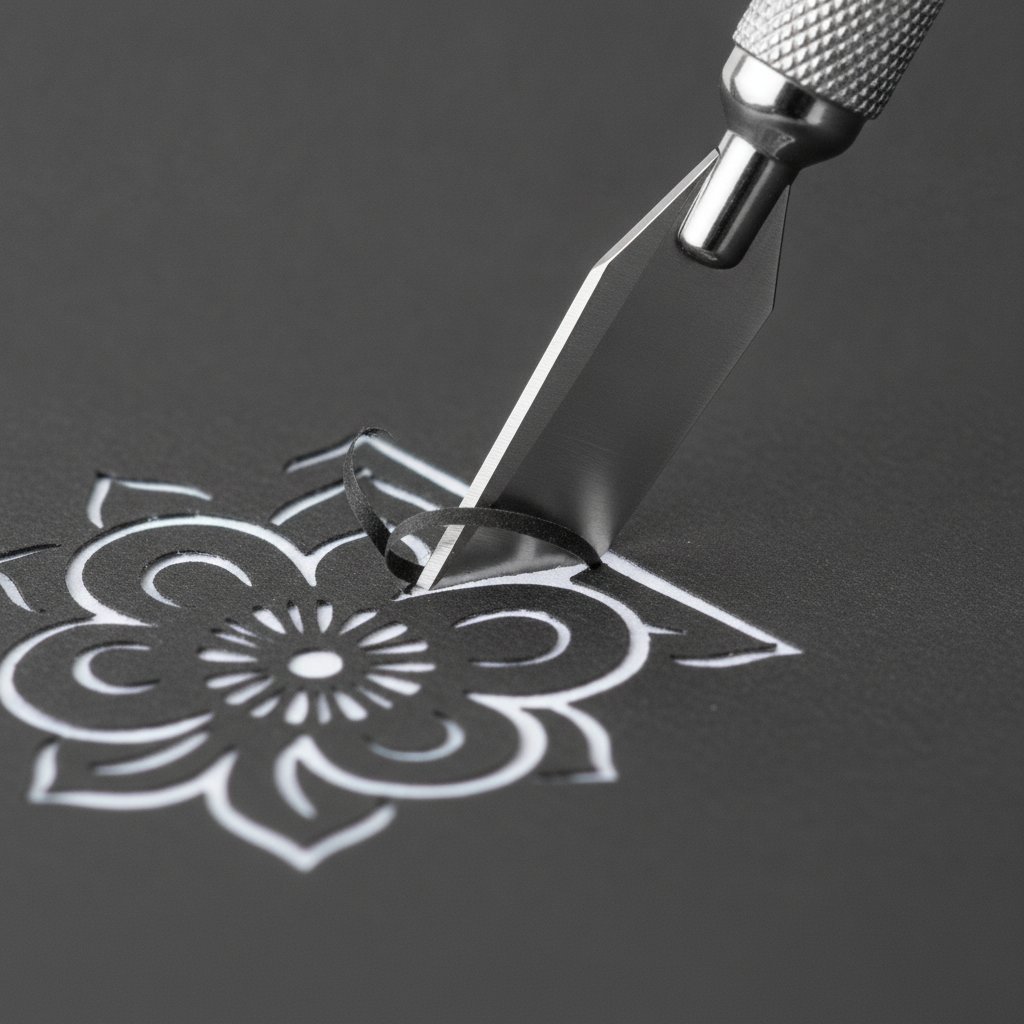
A fresh sharp craft knife making a clean precise cut through dark cardstock on an intricate floral papercut design

Step 3: Cut the Largest Areas First

Start with the biggest negative spaces. Hold the knife like a pen, at roughly a 45-degree angle to the paper. Pull the blade toward you in smooth, steady strokes. Don't try to cut through the paper in one pass — two or three light passes give cleaner results than one heavy cut.

Rotate the paper, not the knife. For curves, keep the knife relatively stationary and spin the cutting mat with your free hand. This gives smoother curves than trying to steer the blade around bends.

Step 4: Cut the Details

Move to the smaller shapes and fine details. Replace your blade if it starts dragging or tearing — a sharp blade is critical for detail work. Dull blades crush paper fibers instead of slicing them.

Step 5: Remove Cut Pieces

Use the tip of your knife to gently lift cut pieces away from the paper. If a piece resists, don't force it — there's probably an uncut section. Go back and complete the cut rather than pulling and risking a tear.

Step 6: Mount and Display

Mount your finished cut on a contrasting background. White paper cuts look stunning on black or dark blue cardstock. Use spray adhesive for a smooth, bubble-free mount. Frame with or without glass — see our guide on how to frame paper art without glass for display options.

Try a Ready-Made Single-Layer Design
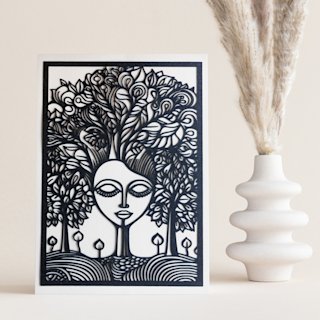
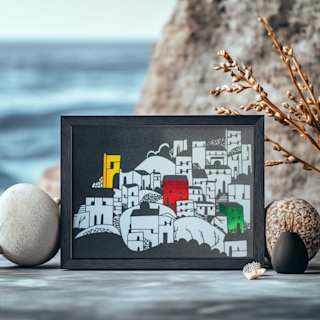
The Mind Tree papercut SVG is a perfect first machine-cut project — one layer, clean curves, and a dramatic result. Cut it by hand or with your Cricut.

Machine Cutting With Cricut — From Design to Finished Cut

Machine cutting opens up possibilities that hand cutting can't match: perfect reproducibility, intricate multi-layer designs, and the ability to work with files designed by professional artists. If you have a Cricut, here's how to go from SVG file to finished paper cut art.

Step 1: Get or Create an SVG File

You need an SVG (Scalable Vector Graphic) file — this is the format Cricut reads. Options:

Step 2: Import Into Cricut Design Space

Open Cricut Design Space. Click Upload → Upload Image → select your SVG file. The file appears on your canvas. For a detailed walkthrough, see our import multi-layer SVG guide.

Step 3: Set Material and Cut

Place your cardstock on a StandardGrip mat. Load the mat. Select "Medium Cardstock" as the material (or "Heavy Cardstock" for 80 lb+ paper). Press the Cut button.

Step 4: Weed and Assemble

After cutting, carefully peel away the negative space pieces (weeding). Use a weeding tool or the tip of your craft knife for small pieces. For multi-layer designs, stack the layers using foam adhesive dots between each layer — our assembly guide with spacers and glue shows the full process.

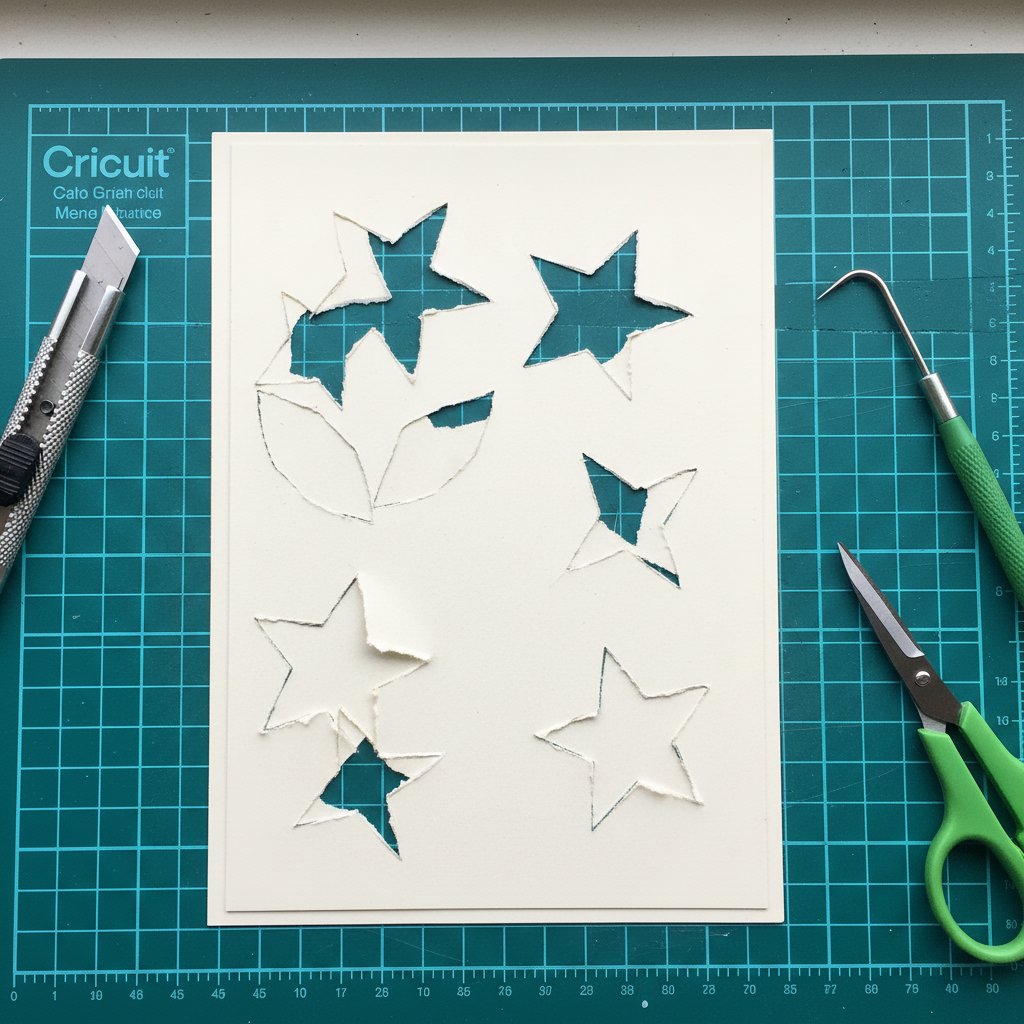
Close-up of paper cutting mistakes on cardstock showing torn edges and incomplete cuts from dull blade

Troubleshooting Common Issues

  • Torn edges — blade is dull, or pressure is too high. Replace blade, reduce pressure - Incomplete cuts — increase pressure or enable multi-cut. See our cardstock troubleshooting guide - Paper shifting on mat — mat lost its stickiness. Clean with lint roller or replace. See our mat restoration guide
Paper Cut Art SVG Templates
Skip the design phase — grab a machine-tested papercut SVG with clean paths and bridges already in place. Instant download, ready to cut.
Your First Paper Cut — Ready to Cut?
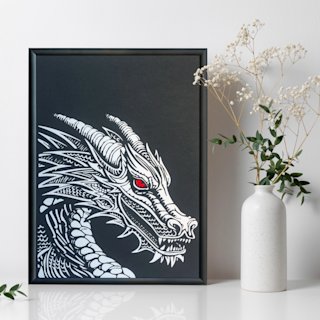
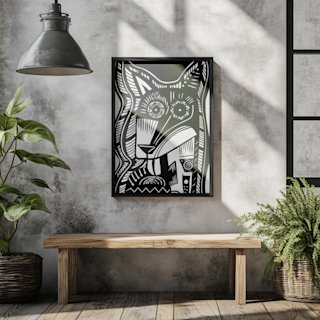
The Crazy Dog papercut SVG is a bold, single-layer design that looks great framed on its own. Perfect practice before moving to multi-layer shadow boxes.

Choosing the Right Paper for Paper Cut Art

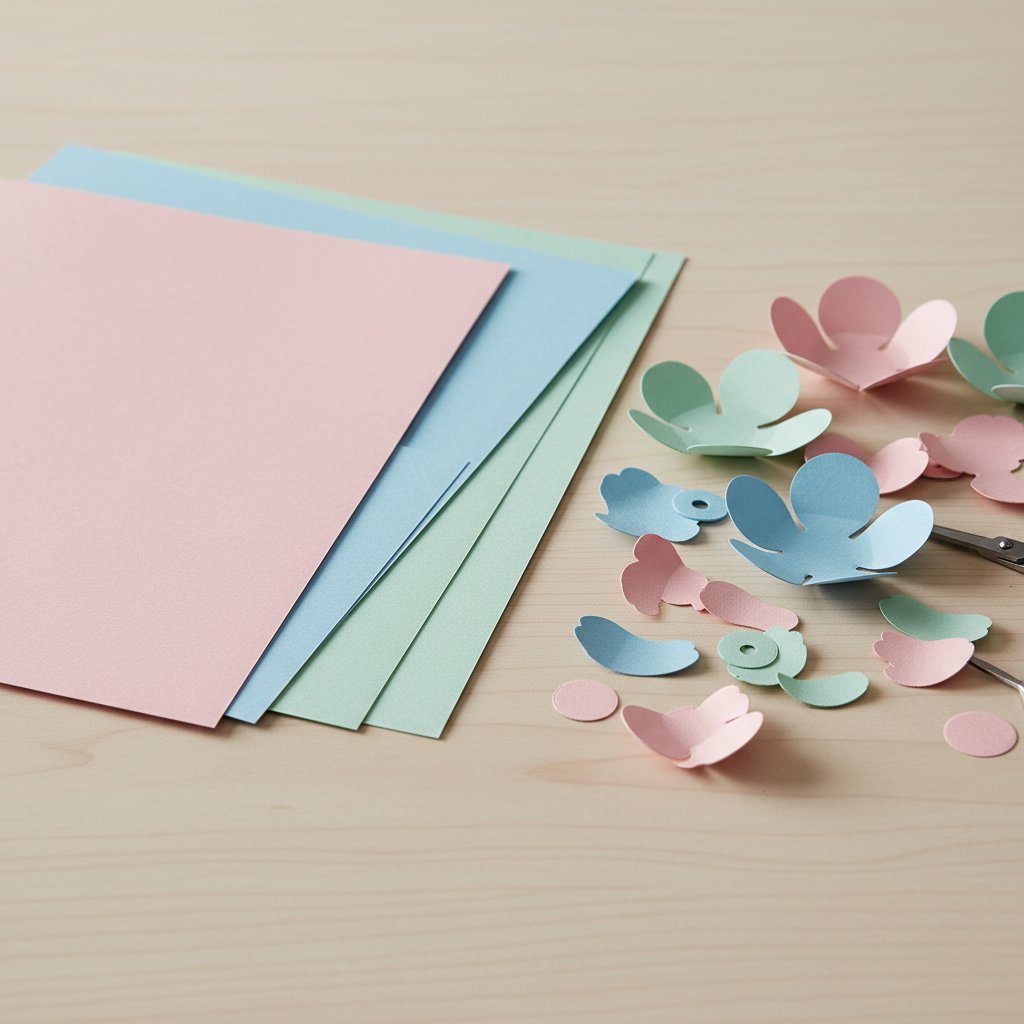
Fanned stack of colored cardstock sheets beside cut paper flower petals ready for layering

Paper choice affects both the cutting experience and the final result more than any other factor. Here's what I've learned from testing dozens of papers.

Paper Weight

| Weight | Best For | Hand Cut | Machine Cut | |--------|----------|----------|-------------| | 20-24 lb (copy paper) | Practice only | Cuts easily but tears, curls | Too thin for clean cuts | | 65 lb (light cardstock) | Single-layer art | Good balance of cut and hold | Excellent | | 80 lb (medium cardstock) | Multi-layer art | Requires more pressure | Very good | | 110 lb (heavy cardstock) | Structured pieces | Difficult by hand | Good, may need deep-cut blade |

For beginners, 65 lb cardstock is the sweet spot. It's thick enough to hold bridges and maintain shape, but thin enough to cut cleanly with a standard craft knife or fine-point Cricut blade.

Paper Colour and Finish

Solid colours work best for paper cut art. White, black, navy, and dark grey produce the most dramatic results because the contrast between positive and negative space is immediately visible.

Textured cardstock adds visual interest but can be harder to cut — the blade may catch on the texture. If using textured paper, use a fresh blade and cut slowly.

Metallic and glitter cardstock look stunning but require special settings. See our metallic cardstock cutting guide and glitter cardstock guide for specific settings.

Paper Storage

Cardstock warps when exposed to humidity. Store your paper flat in a dry place. If paper does warp, you can flatten it by placing it under heavy books for 24 hours. Our paper storage guide covers long-term storage solutions.

Where to Go From Here

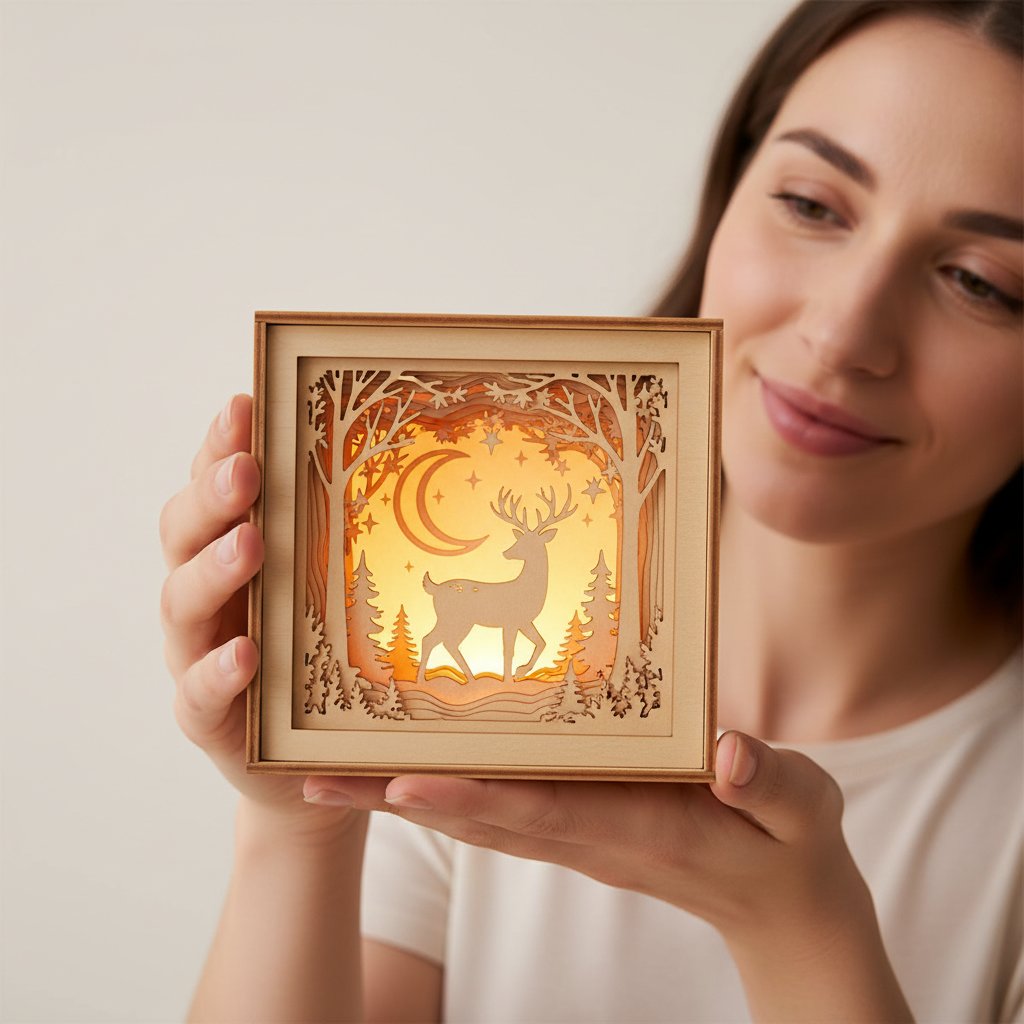
Crafter holding and admiring a finished glowing layered papercut shadow box in warm light

Once you've completed your first paper cut art piece, here are the natural next steps based on what excites you:

Move to multi-layer designs. Stack 5-9 layers of paper cut art with foam spacers to create depth. This is the shadow box technique — start with our beginner shadow box projects.

Explore different subjects. Animals, flowers, landscapes, and abstract geometric designs each have different challenges. Our animal papercut SVG guide and flower shadow box ideas cover popular categories.

Design your own SVGs. Learn to create original papercut files in Inkscape or Illustrator. Our free shadow box SVG guide lists verified sources and template workflows to get you started.

Preserve and display your art. Paper art fades in sunlight and warps in humidity. Our guides on preserving paper art from fading and framing without glass keep your pieces looking fresh.

Paper cut art rewards practice more than expensive tools. Start with whatever paper and blade you have, make your cuts, learn from the tears, and frame the results that work. The craft has been around for centuries because the basics — a blade, paper, and patience — haven't changed.

1.Do I need a cutting machine to make paper cut art?
No. Hand cutting with a craft knife is the traditional method and works perfectly for single-layer designs. A cutting machine (Cricut, Silhouette) is useful for multi-layer projects and complex designs but is not required to start.
2.What kind of paper is best for beginners?
65 lb cardstock in a solid colour. It's thick enough to hold bridges and maintain shape but thin enough to cut cleanly. Avoid copy paper (too thin, tears easily) and heavy cardstock over 110 lb (difficult to cut by hand).
3.How do I keep my paper cut art from falling apart?
Plan bridges before you cut. Every enclosed shape needs at least one thin strip of uncut paper connecting it to the surrounding design. Bridges should be 2-3mm wide for hand cutting, 1-2mm for machine cutting.
4.Can I use scissors instead of a craft knife?
For very simple shapes, yes. But scissors can't cut interior shapes (holes inside the paper) — you'd need to pierce the paper first. A craft knife handles both outline and interior cuts, which is why it's the standard tool for paper cutting.
5.How long does it take to learn paper cutting?
Most people produce a clean, framable piece within 3-5 attempts. The fundamental concepts (positive/negative space, bridges) click quickly. Fine motor control and blade technique improve over weeks of practice.
6.Can I sell paper cut art I make?
Yes, if you're using your own original designs or templates with a commercial licence. If you bought an SVG template, check the seller's licence terms — some allow commercial use, others are personal-use only. Our [pricing paper crafts guide](/articles/pricing-paper-crafts-sell-etsy-guide/) covers pricing and selling.
7.What's the difference between paper cutting and paper quilling?
Paper cutting (papercut) removes paper to create a design — you cut shapes out of a flat sheet. Paper quilling builds up paper — you roll thin strips into shapes and glue them together. They're different crafts. See our [paper quilling beginner guide](/articles/paper-quilling-art-beginners-guide/) for that technique.