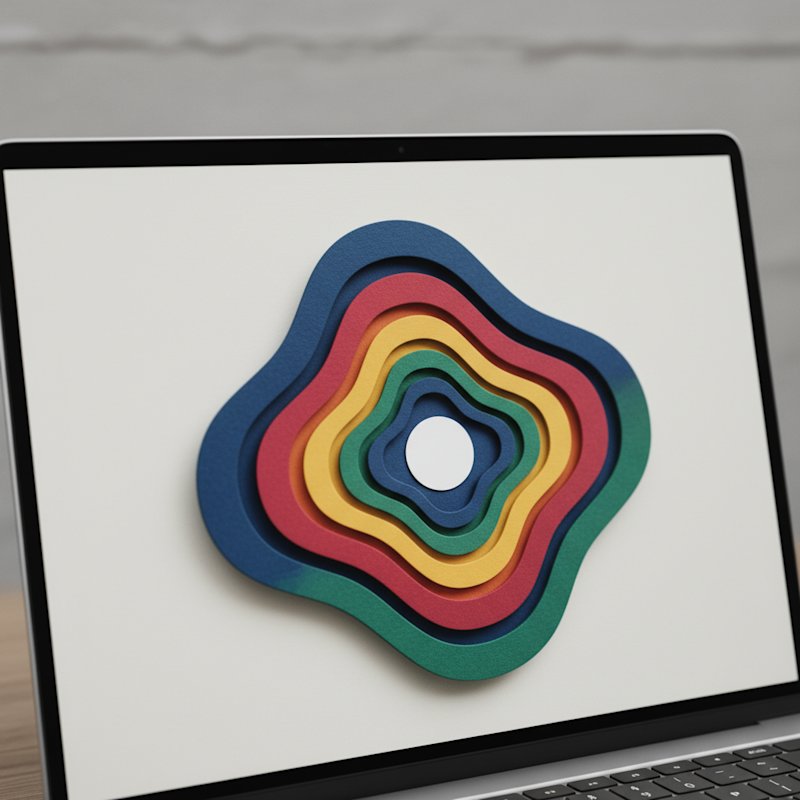
Why Geometric Paper Cutting Is the Best Place to Start
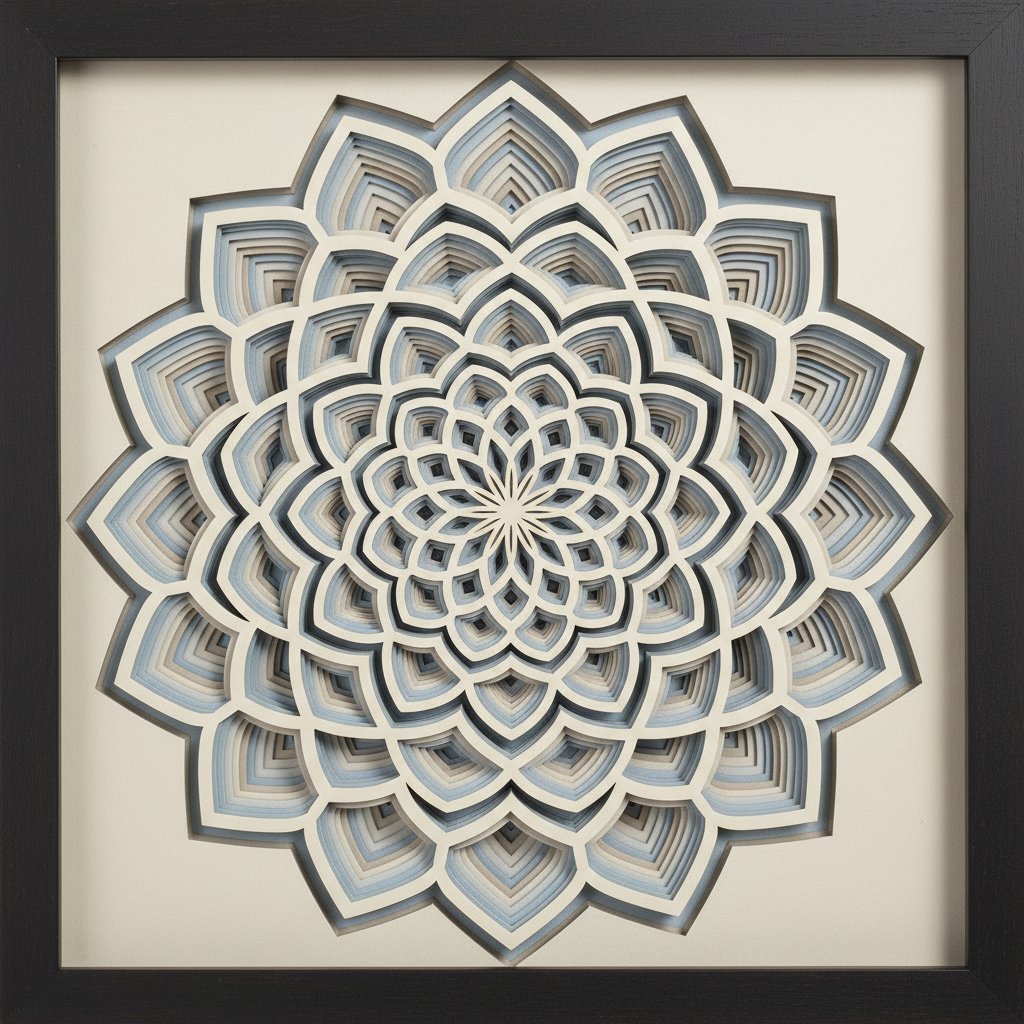
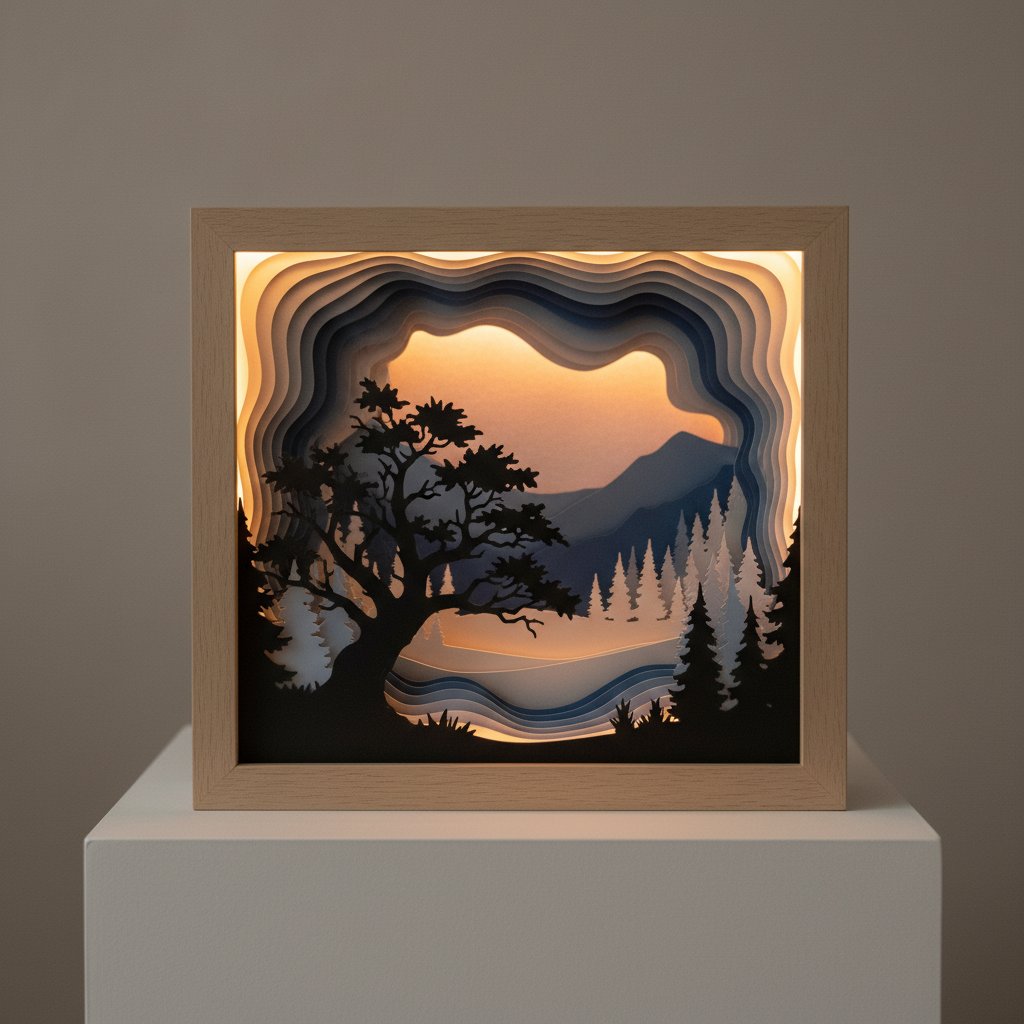
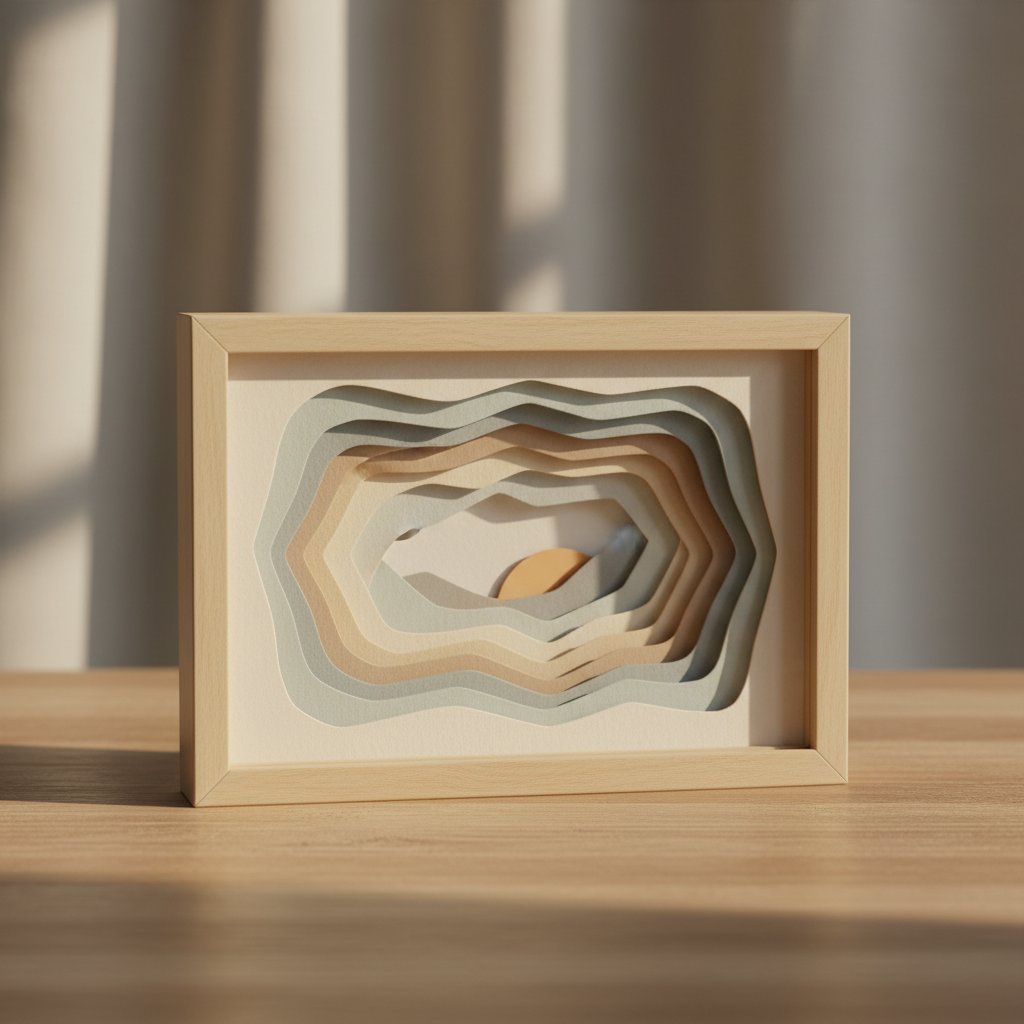
The first abstract piece I finished was a seven-layer geometric mandala in five "contrasting" colors I thought would look energetic. It looked like a confetti explosion. I rebuilt it in an analogous blue-to-teal palette with a single gold accent layer, and suddenly the depth read cleanly — the layers stacked into real space instead of fighting each other. That rebuild taught me the core lesson of geometric paper cutting: the geometry is the easy half. Color and layer spacing are what make a flat stack of cardstock read as a three-dimensional piece of art.
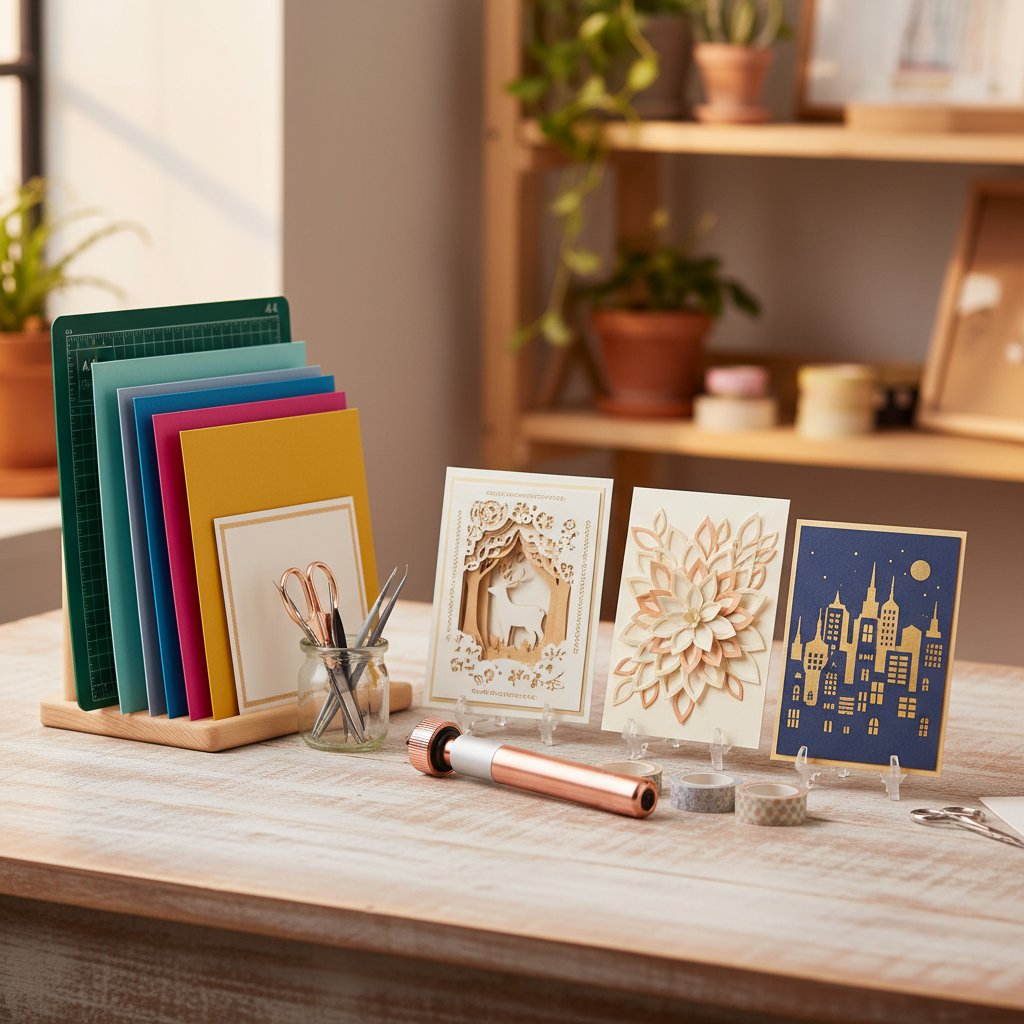
This guide covers geometric and abstract paper cutting end to end, the way we approach it at MuralMoods Art: the shape progression from beginner to advanced, Cricut-specific settings for crisp geometric cuts, the color theory that makes layers work, layering and adhesive technique, framing for home decor, and three full projects (3-layer, 5-layer, and 7-layer). If you are new to paper cutting generally, pair this with our paper cutting tools guide for the supply basics.
What Makes Geometric Cutting Different
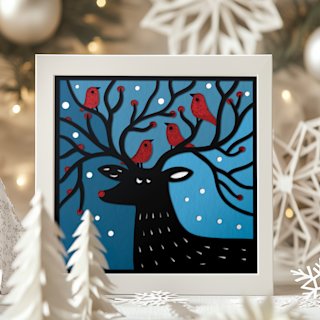
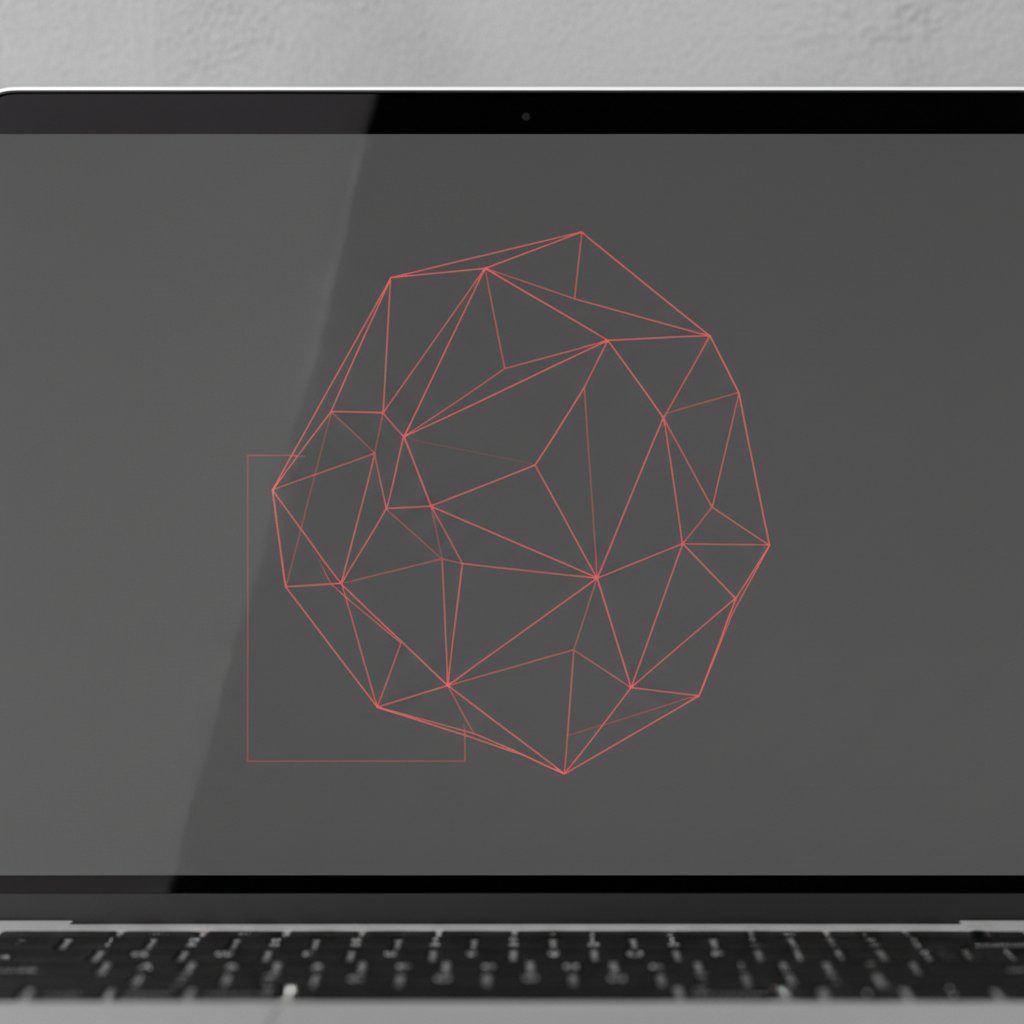
Geometric designs are precision-dependent in a way figurative cutting is not. A deer's antler can be a little rough and still read as organic; a hexagon with a nicked edge reads as a mistake. That precision is exactly why the Cricut is the right tool — a machine-cut geometric line is cleaner than all but the most practiced hand-cut one. The trade-off is that your file prep and material settings have to be dialed in, because the machine will faithfully reproduce every flaw in the SVG.