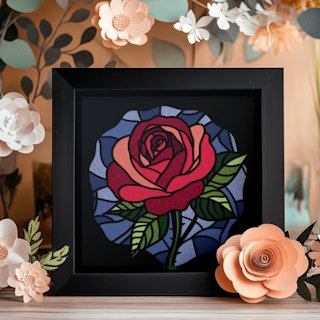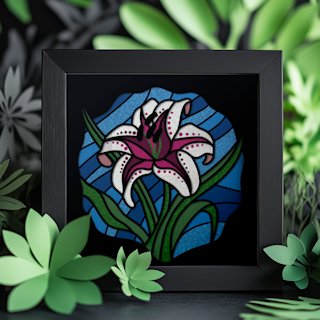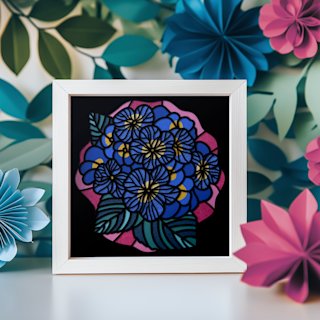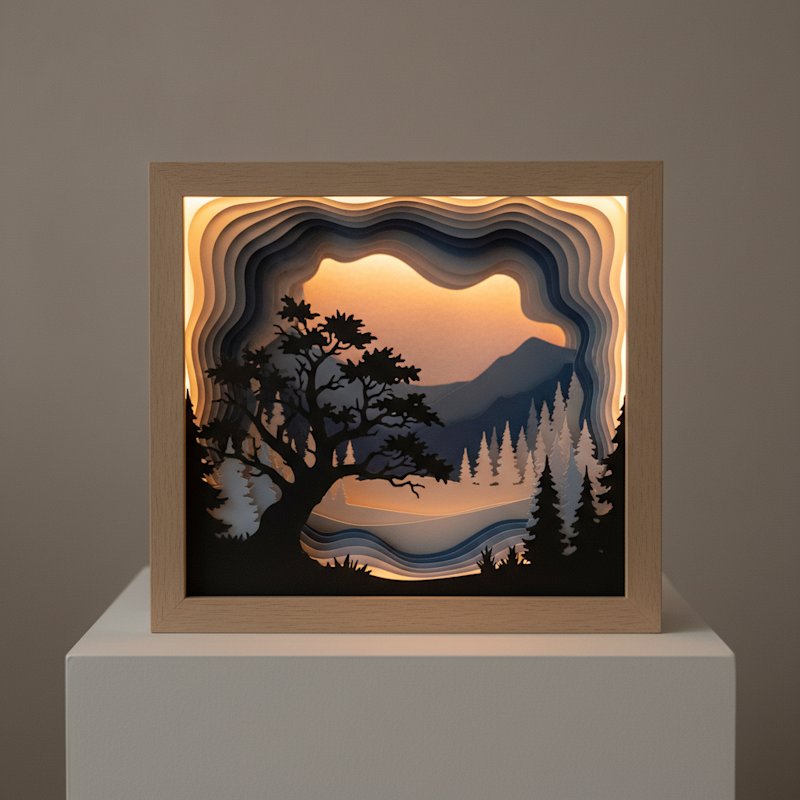
Looking for a free shadow box SVG that actually works when you load it into your cutting machine? You're in the right place. Most free SVG files floating around the internet are untested — they open fine, but when your Cricut or Silhouette starts cutting, the layers tear, the details close up, and the assembly turns into guesswork.
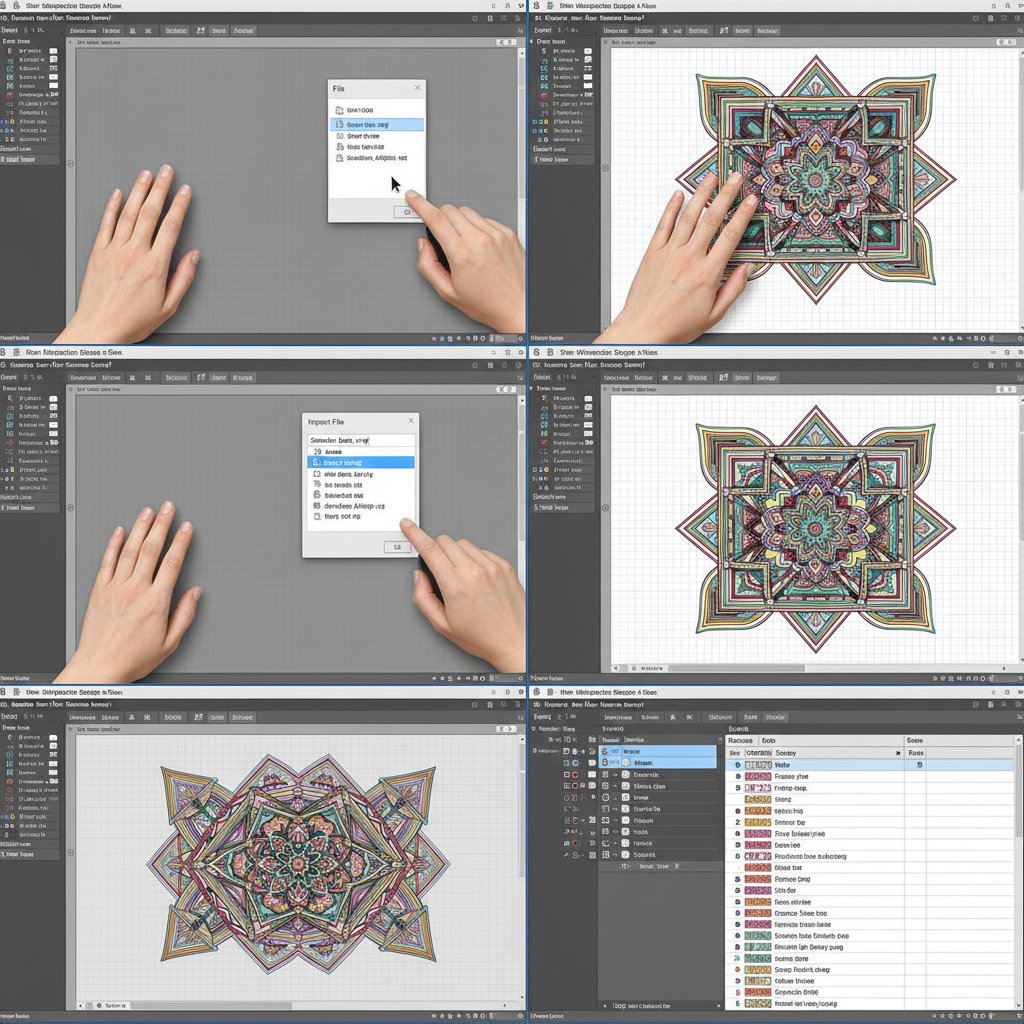
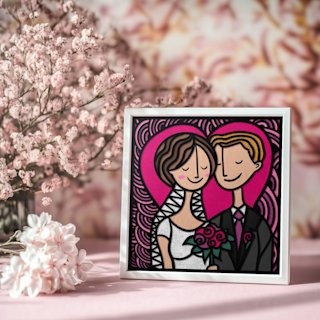
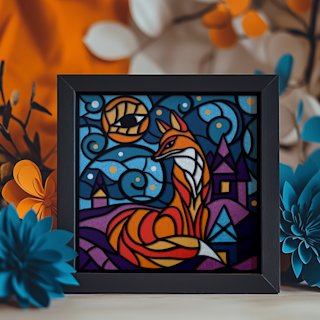
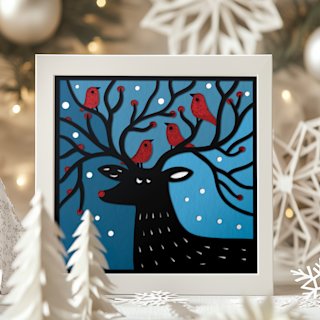
We took a different approach. This article includes a genuinely free layered shadow box SVG template that we cut on both a Cricut Maker 3 and a Silhouette Cameo 5, photographed every step, and recorded the exact settings that produced clean, crisp results. You'll walk away with the file and the instructions to make it look like the photo — no surprises.
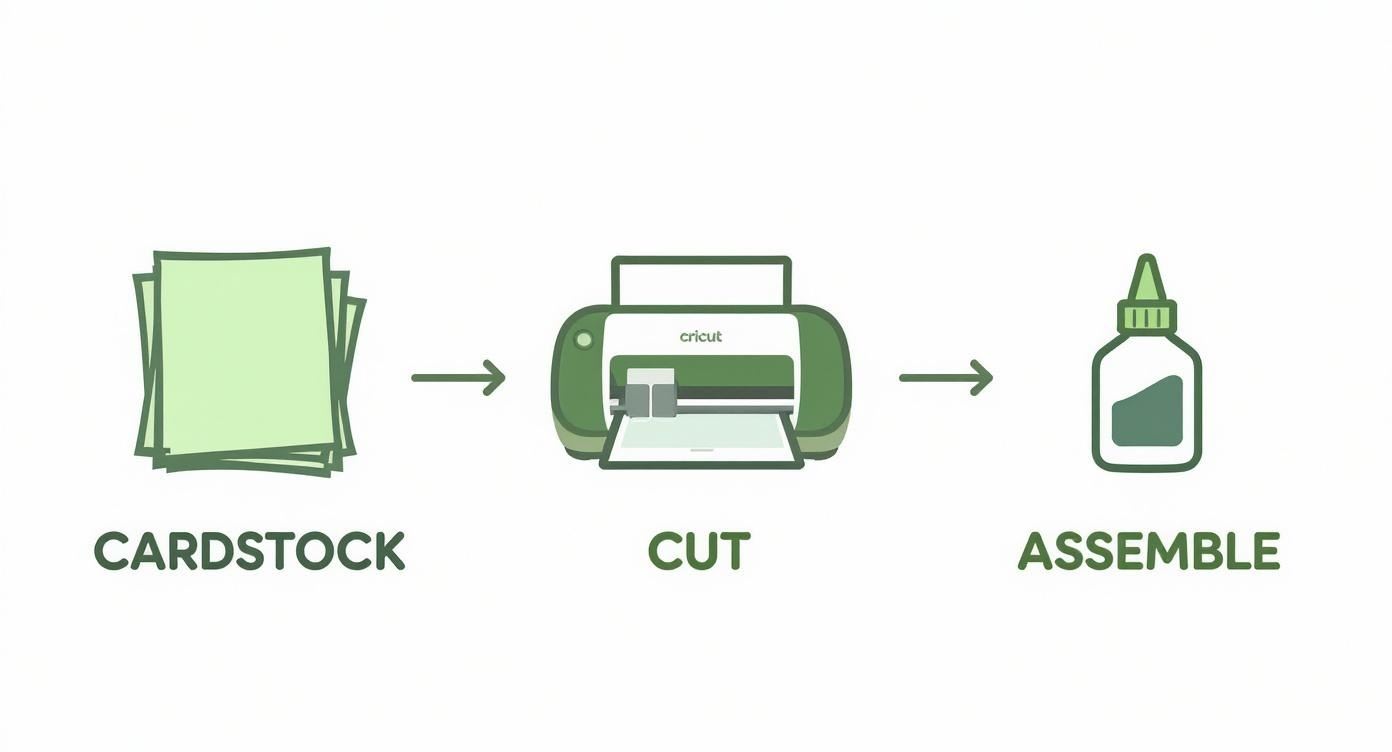
What's Inside Our Free Shadow Box SVG
Here's exactly what you get when you download our free template:
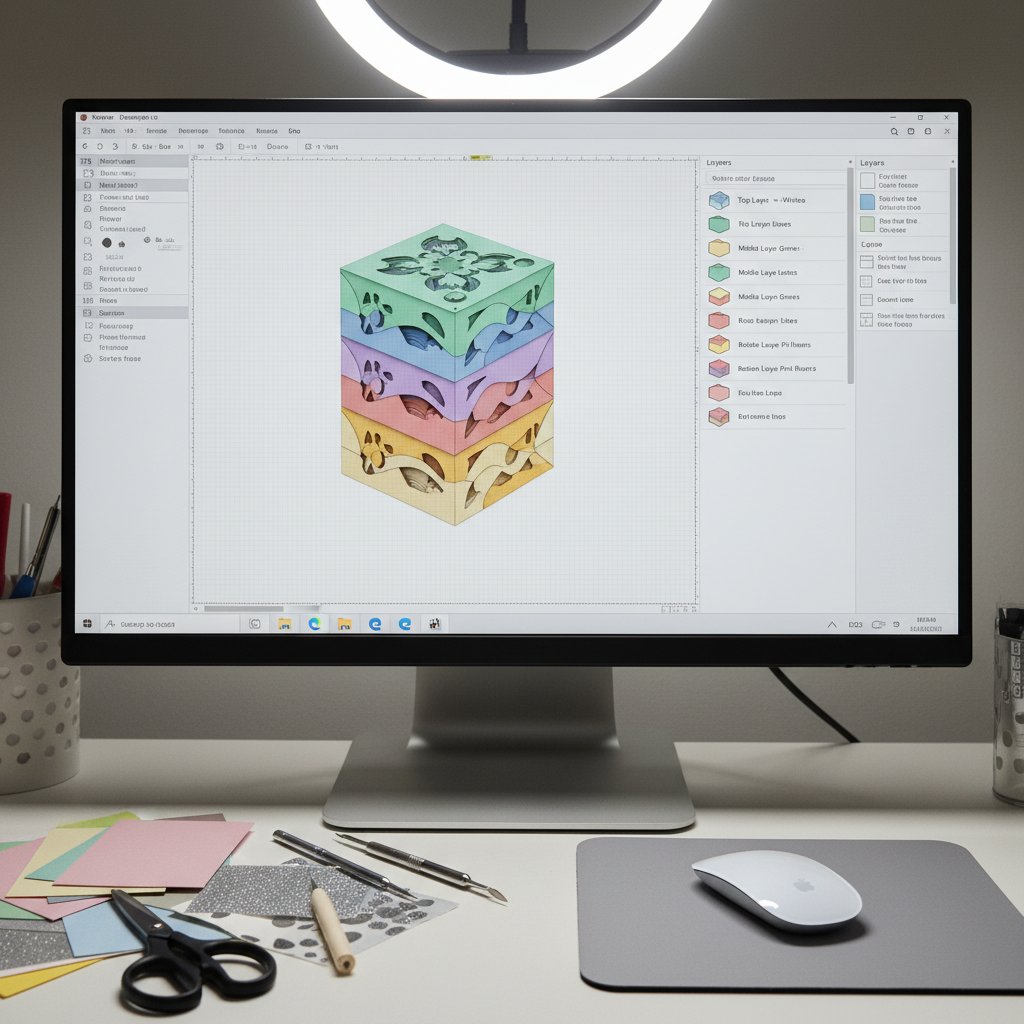
- SVG, PDF, and DXF files — compatible with Cricut Design Space, Silhouette Studio (Designer Edition and above for SVG; all editions for DXF), and any other vector software - 5 layered pieces designed for a standard 8×8 inch shadow box frame — beginner-friendly complexity with a stunning finished result - A nature-inspired woodland scene — evergreen, non-seasonal, and perfect as home décor or a handmade gift - Personal and small-business commercial use — sell up to 200 finished physical pieces. No redistributing or reselling the digital file itself. Full plain-English terms included in the download - Printed assembly guide — layer order diagram, spacer placement map, and frame recommendation right in the ZIP
We designed this file specifically so that a first-time Cricut or Silhouette user could cut and assemble it in under 90 minutes from download to framed piece.