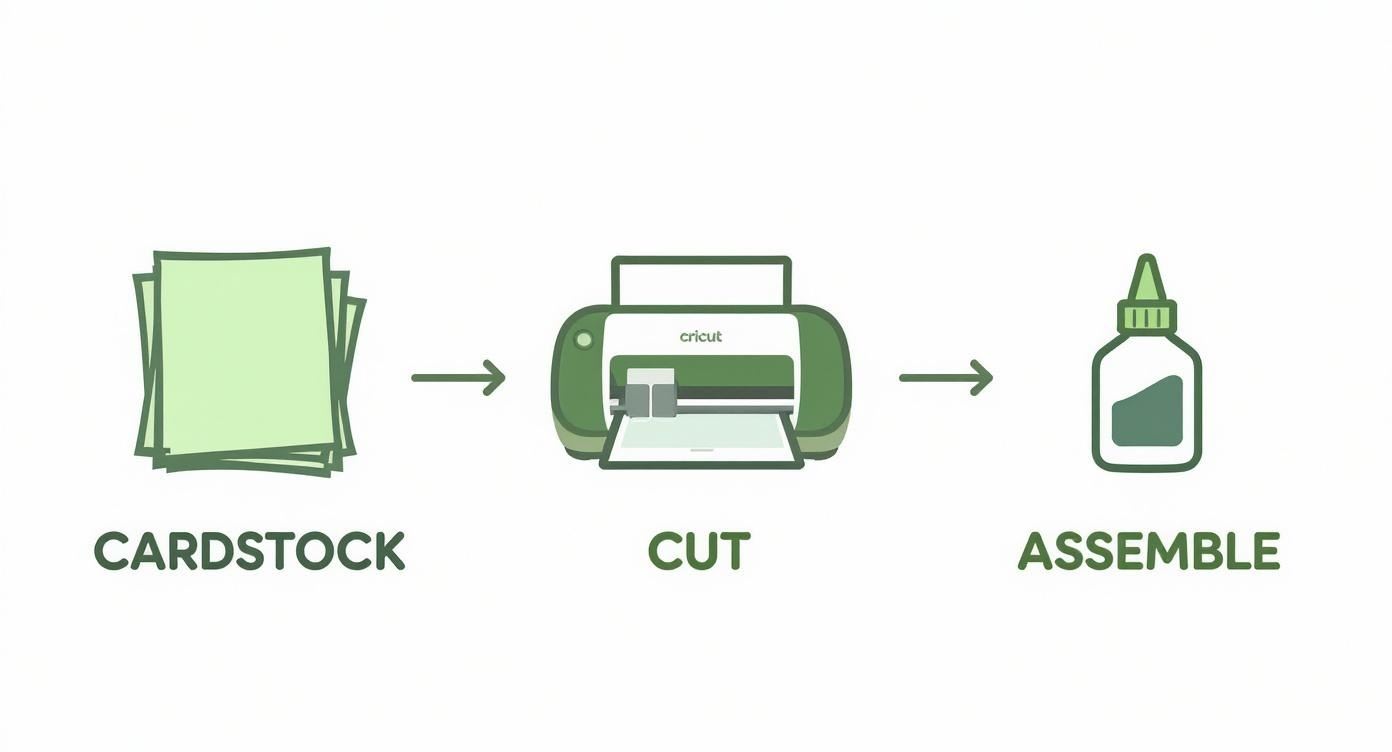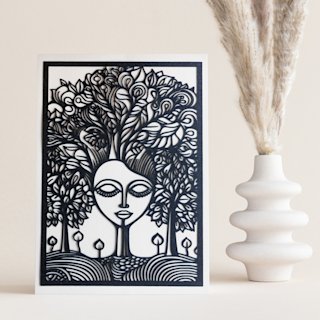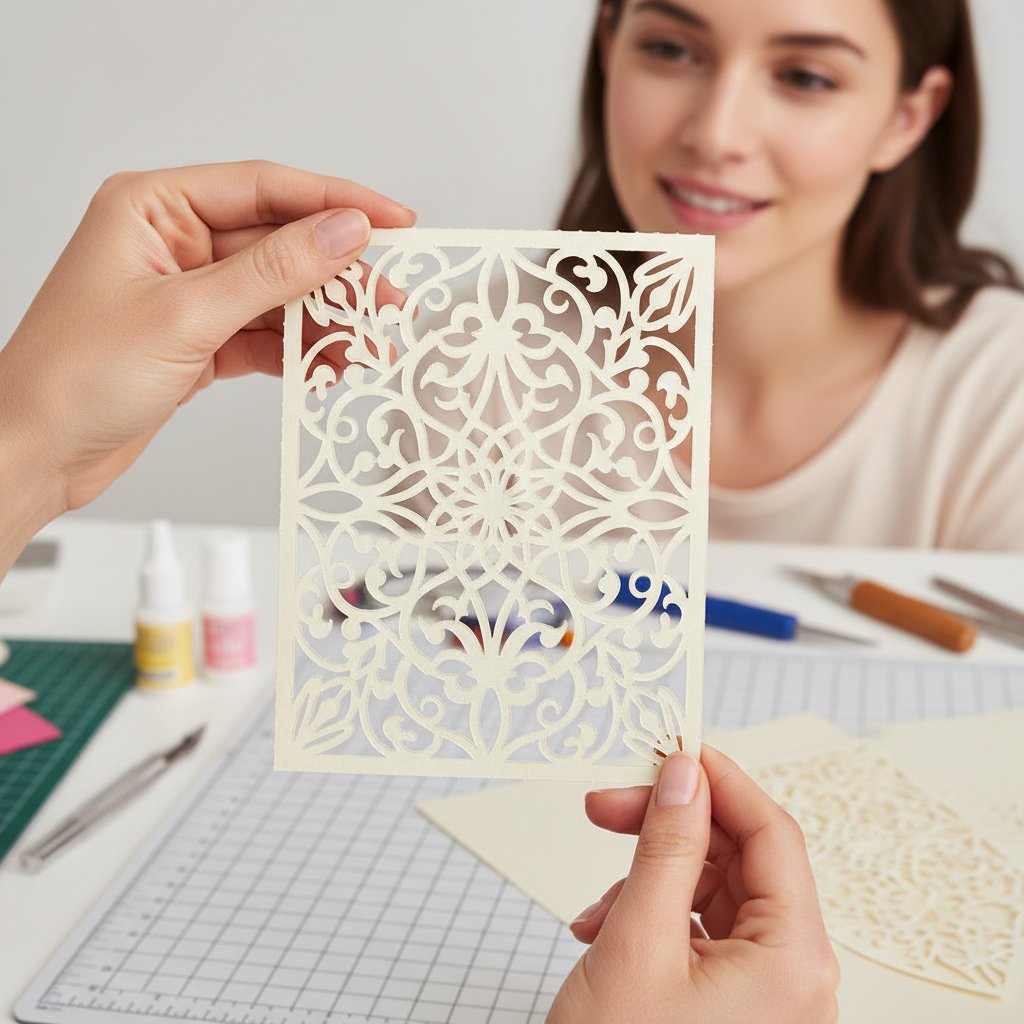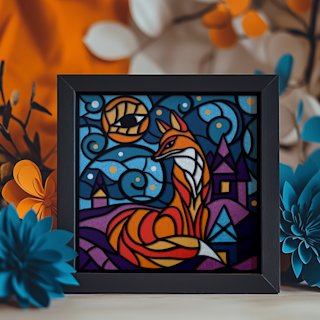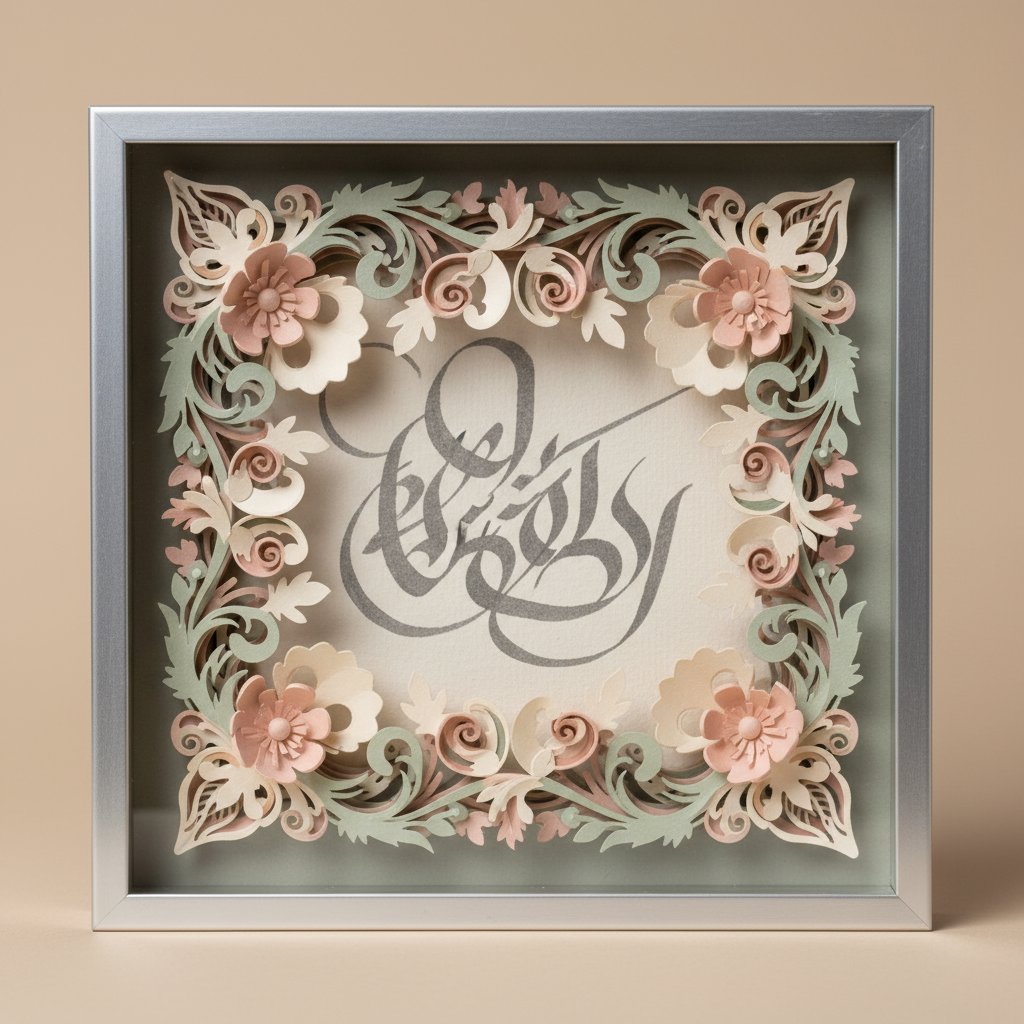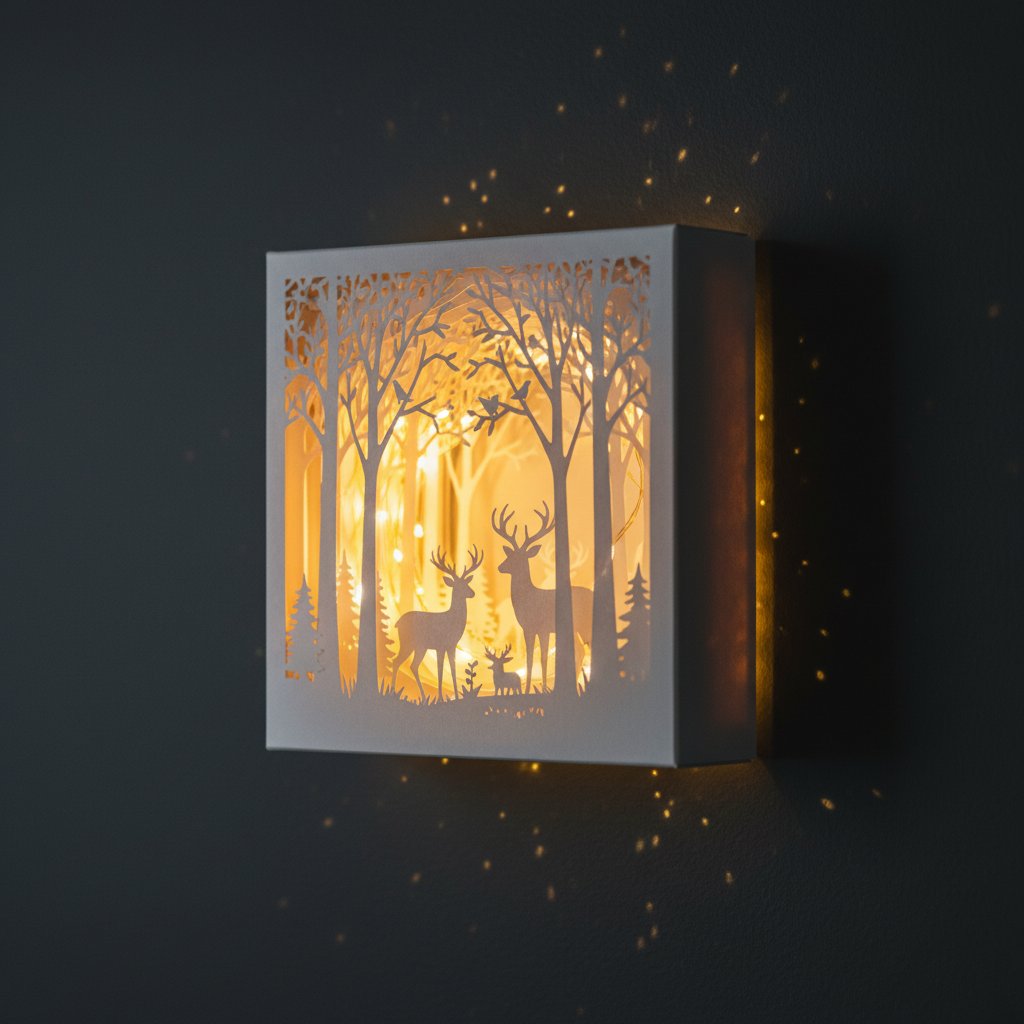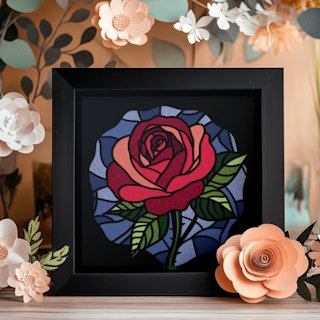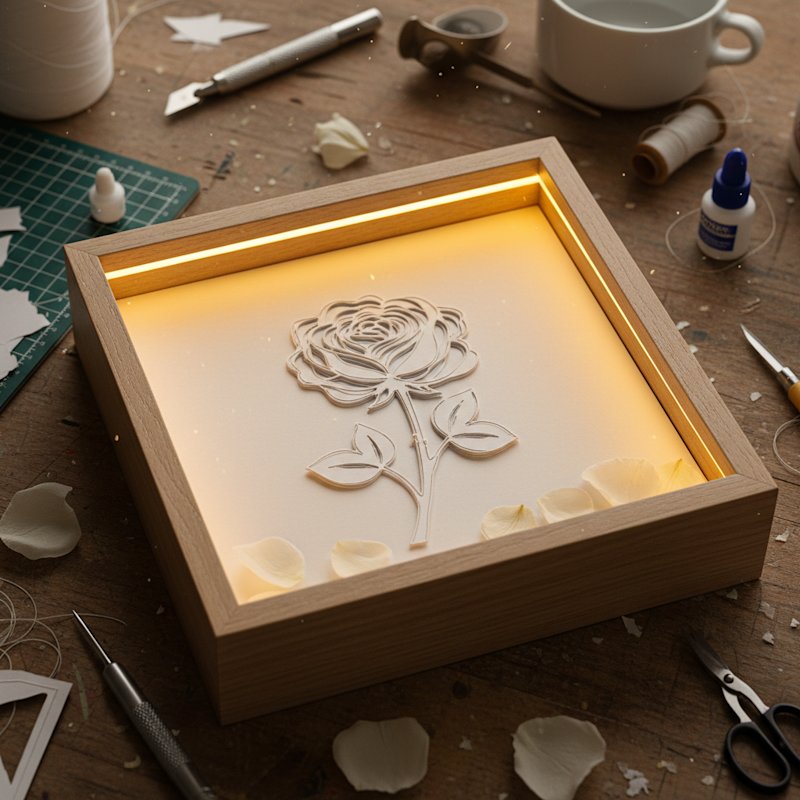
Making a layered paper shadow box with a Cricut is one of those projects that looks impossibly complex when you see the finished result — glowing layers of paper creating depth and dimension — but breaks down into straightforward steps once you know the workflow.
I made my first shadow box in 2024 using a 5-layer floral template and my Cricut Maker. It took me 90 minutes from opening Design Space to hanging the finished piece on the wall. My second one took 45 minutes. The learning curve is real but short, and this tutorial covers every step so you can skip the mistakes I made.
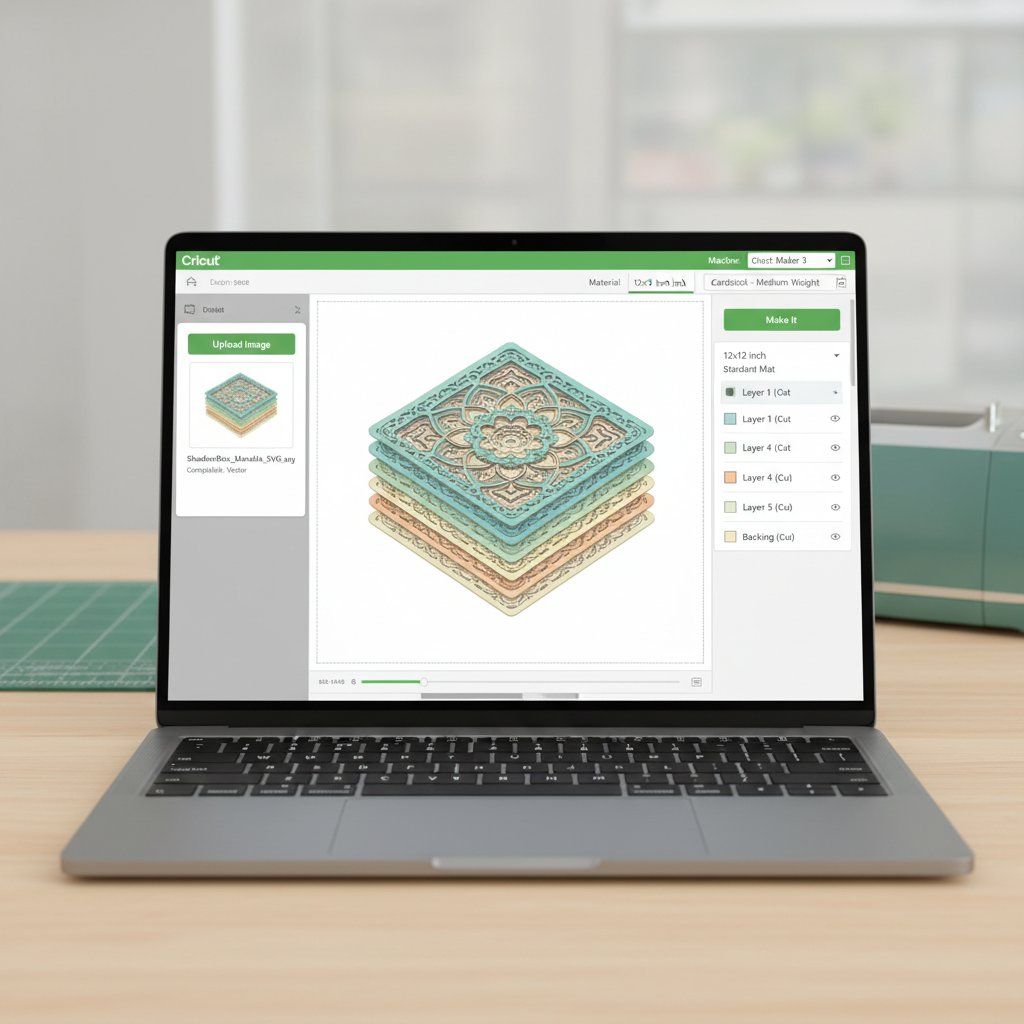
This guide follows the complete Cricut-specific workflow: importing a layered SVG into Design Space, organising and colour-coding layers, sizing to your frame, selecting the right cut settings, cutting in the correct order, and assembling everything into a finished shadow box with optional LED lighting.
What You Need Before You Start
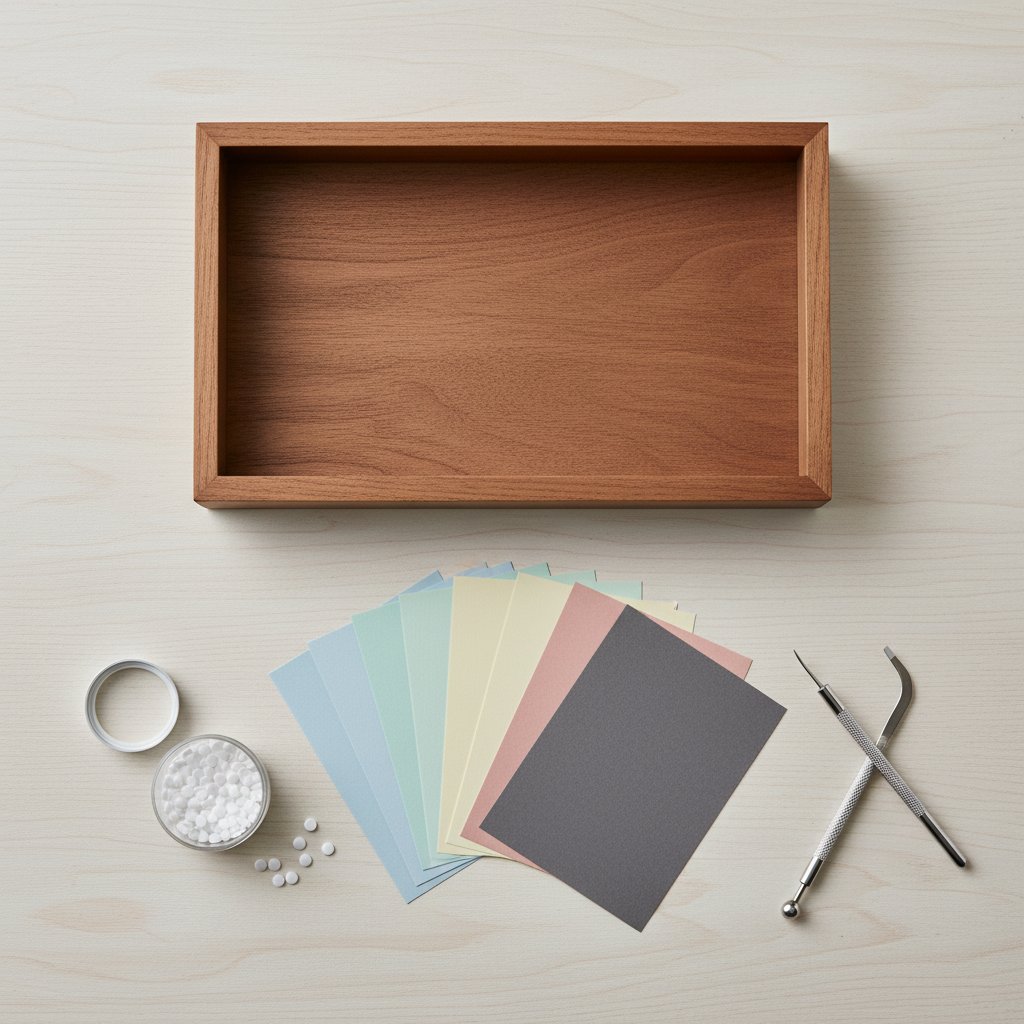
Gather these supplies before you begin. Nothing here is expensive or hard to find:
Materials: - A layered shadow box SVG template (I'm using a 5-layer design for this tutorial) - Cardstock in 4-5 colours (200-230 gsm — I cover exact recommendations below) - A shadow box frame, 8×8 inch or larger, with at least 1.5 inch depth - Foam adhesive squares or dots (3mm thick) - LED fairy lights (warm white, battery-powered)
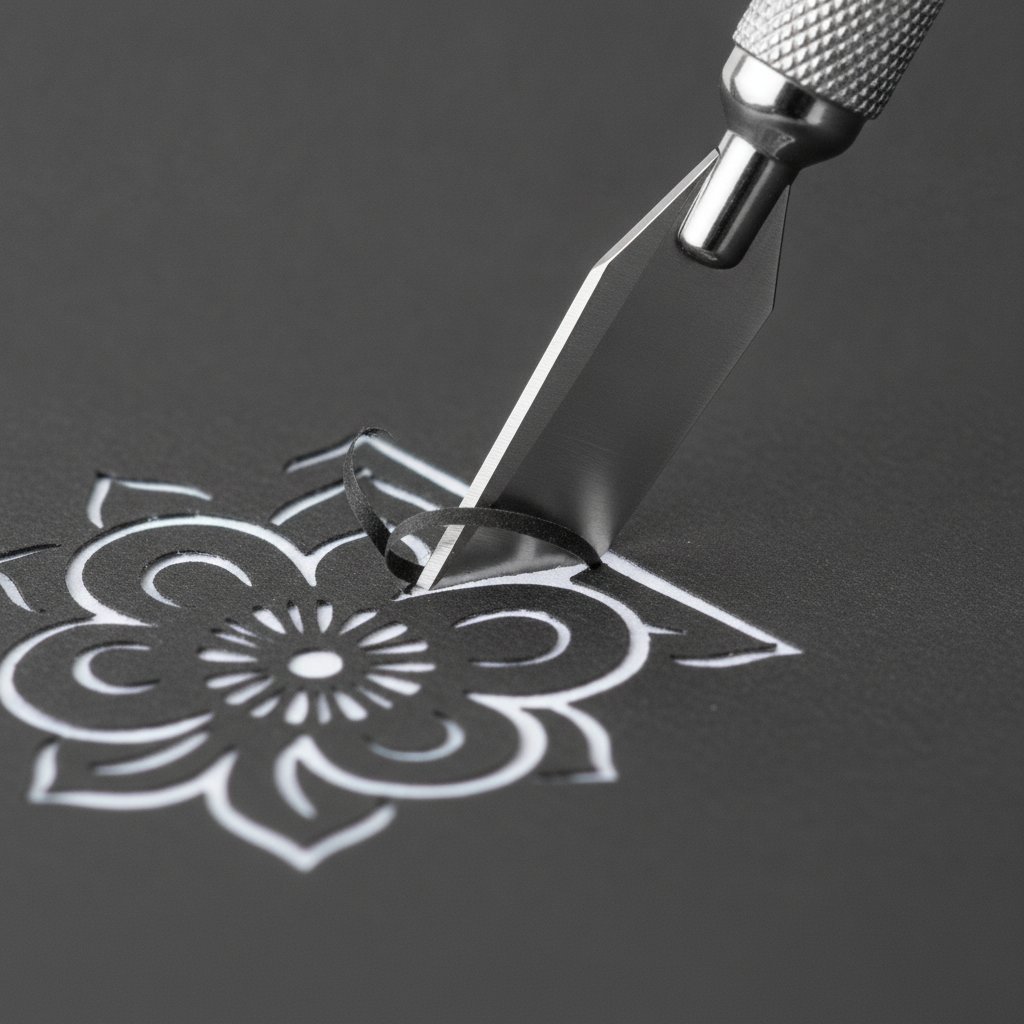
Tools: - Cricut Maker, Maker 3, Explore Air 3, or Explore 3 - StandardGrip or LightGrip mat (depending on cardstock weight) - Fine-Point blade (or Deep-Point blade for 250+ gsm) - Spatula tool for removing cuts from the mat - Tweezers for small detail pieces
For detailed supply comparisons, see my Cricut cardstock settings mastery guide and my cardstock buying guide.